79
Start-Up
25. BASIC SETTING OF THE PROCESS
CONTROLLER
25.1. P.CONTROL – Setting up and parameterization of
the process controller
To start up the process controller, you must make the following settings in the P.CONTROL menu:
1.
SETUP
Set up the process controller (configuration)
2.
PID.PARAMETER
Parameterize process controller
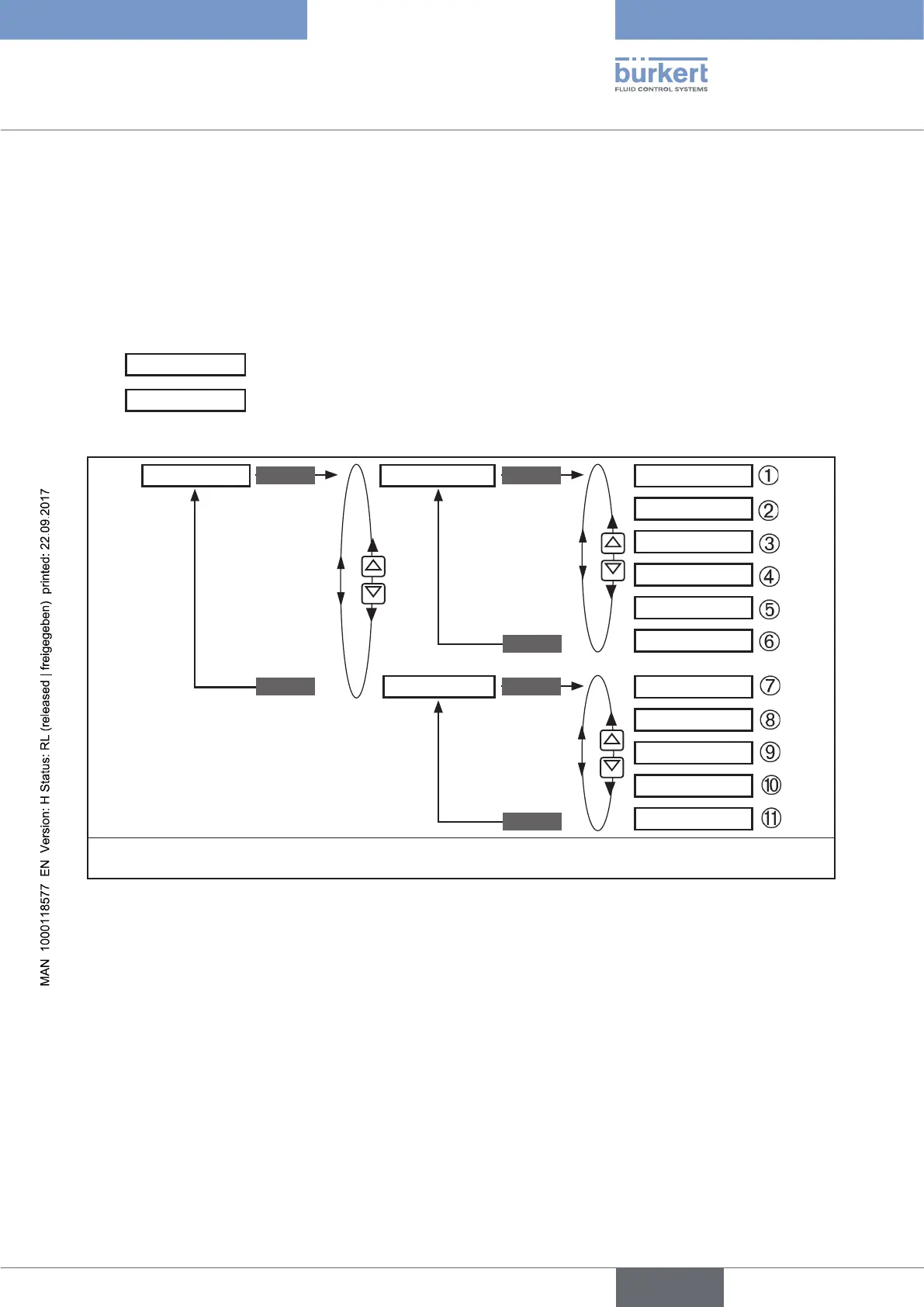
Operating structure:
EXIT
EXIT
PID.PARAMETER
SETUP
DBND 0.1 %
PV-INPUT
KP 0.00
PV SCALE
TN 0.5
SP-INPUT
TV 0.0
SP-SCALE*
X0 0.0 %
P.CO-INIT
FILTER 0
P.CONTROL
ENTER ENTER
ENTER
EXIT
* The SP SCALE function is indicated only if the external set-point value default (external) menu option is activated under
SP INPUT.
Figure 34: Operating structure P.CONTROL
Key:
① Insensitivity range (dead band) of the PID process controller
② Amplification factor of the process controller
③ Reset time
④ Hold-back time
⑤ Operating point
⑥ Filtering of the process actual value input
⑦ Indication of the signal type for process actual value (4 - 20 mA, frequency input, Pt 100 input)
⑧ Specification of the physical unit and scaling of the process actual value
⑨ Type of set-point value default (intern or extern)
⑩ Scaling of the process set-point value (only for external set-point value default)
⑪ Enables a smooth switchover between AUTOMATIC and MANUAL mode



 To Next Page