80
Start-Up
Procedure:
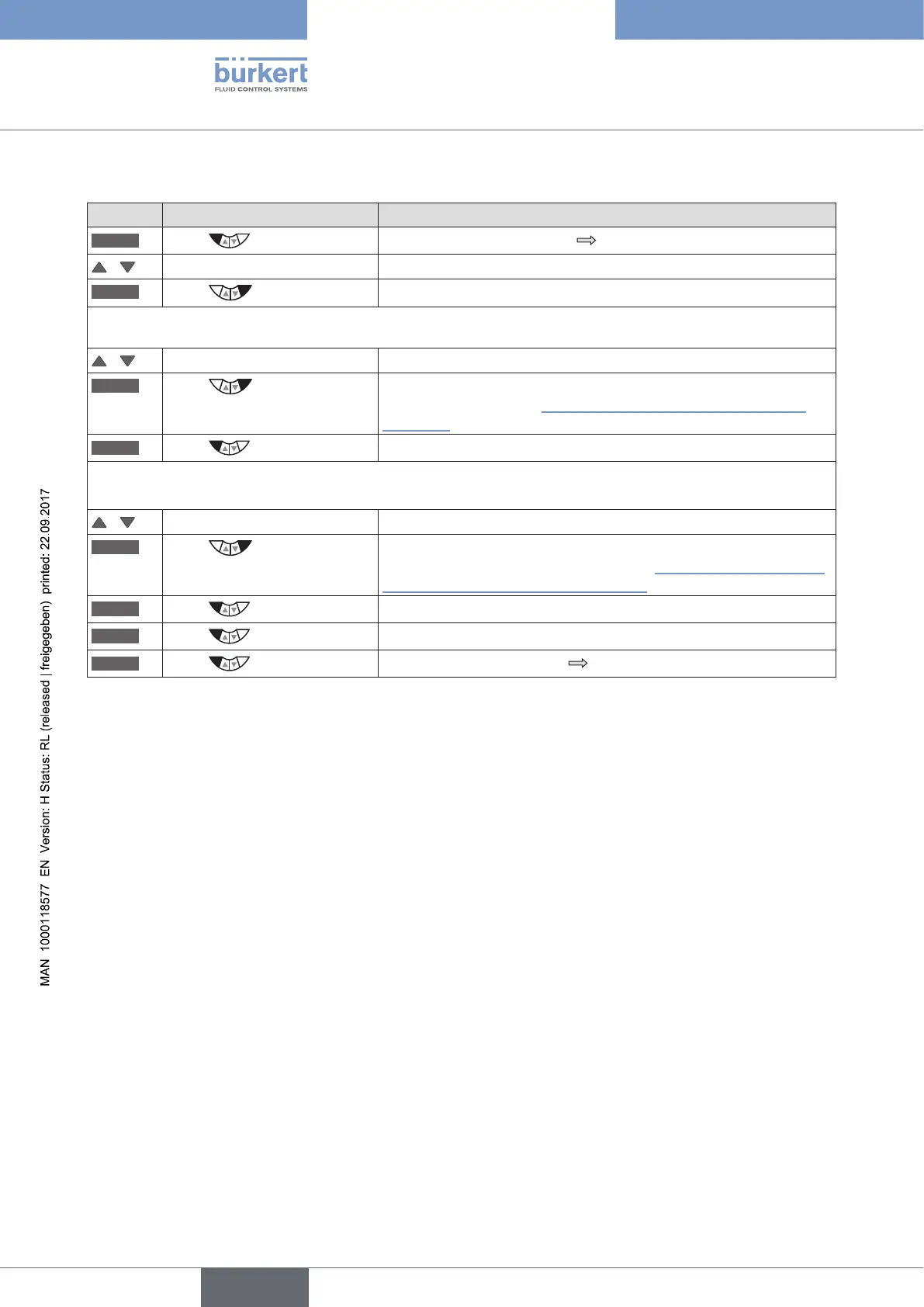
Key Action Description
MENU
Press for approx. 3 s
Switching from process level setting level.
/ Select P.CONTROL Selection in the main menu (MAIN).
ENTER
Press
The submenu options for basic settings can now be selected.
1. Set up process controller (configuration)
/ Select SETUP
ENTER
Press
The menu for setting up the process controller is displayed. Set up
is described in Chapter "25.2. SETUP – Setting up the process
controller".
EXIT
Press
Return to P.CONTROL.
2. Parameterize process controller
/ Select PID.PARAMETER
ENTER
Press
The menu for parameterizing the process controller is displayed.
Parameterization is described in Chapter "25.3. PID.PARAMETER
– Parameterizing the process controller".
EXIT
Press
Return to P.CONTROL.
EXIT
Press
Return to the main menu (MAIN).
EXIT
Press
Switching from setting level process level.
Table 38: P.CONTROL; basic settings of the process controller



 To Next Page