143
Auxiliary functions
26.2.22. DIAGNOSE – Menu for monitoring valves (option)
The optional function DIAGNOSE can be used to monitor the state of the valve. If there are deviations from the
set-point state, messages are output according to NE 107.
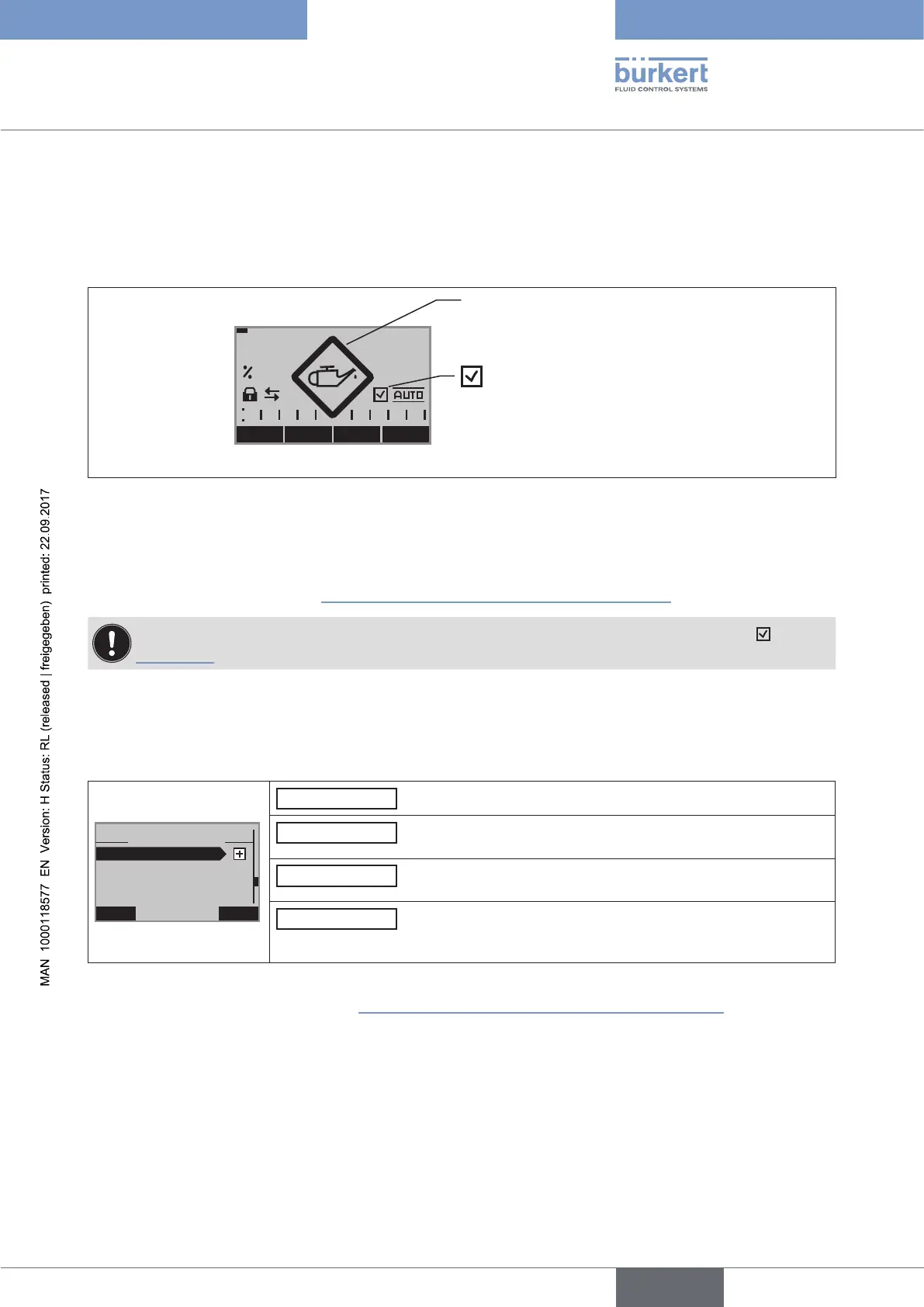
Example of the output of a diagnosis message:
Symbol for:
Diagnosis active
MENU CMD POS MANU
POS
0.0
Status signal
Figure 83: Example of a diagnosis message
26.2.22.1. Activation of the DIAGNOSE menu
To ensure that the DIAGNOSE menu can be set, it must first be activated in the main menu of the setting level (MAIN)
via ADD.FUNCTION. See Chapter “26.1. Activating and deactivating auxiliary functions”.
The active diagnosis is indicated on the display of the process level with a check mark symbol . See
“Figure 83”.
26.2.22.2. The DIAGNOSE main menu
The DIAGNOSE main menu consists of the following submenus.
EXIT ENTER
29-1
DIAGNOSE
>> D.MSG <<
ADD.DIAGNOSE
RESET.HISTORY
CONFIG.MSG
D.MSG
(Diagnosis messages) list of all diagnosis messages.
CONFIG.MSG
Assignment of status signals for different diagnosis messages
according to NE 107 (NE = NAMUR recommendation).
ADD.DIAGNOSE
Activation of diagnosis functions by incorporation into the
DIAGNOSE main menu.
RESET.HISTORY
Deletion of the history entries of all diagnosis functions.
The menu is only displayed if the CLOCK function has been
selected on the process level.
Table 75: DIAGNOSE; main menu
The description can be found in Chapter “26.2.22.5. Description of the DIAGNOSE main menu”.



 To Next Page