144
Auxiliary functions
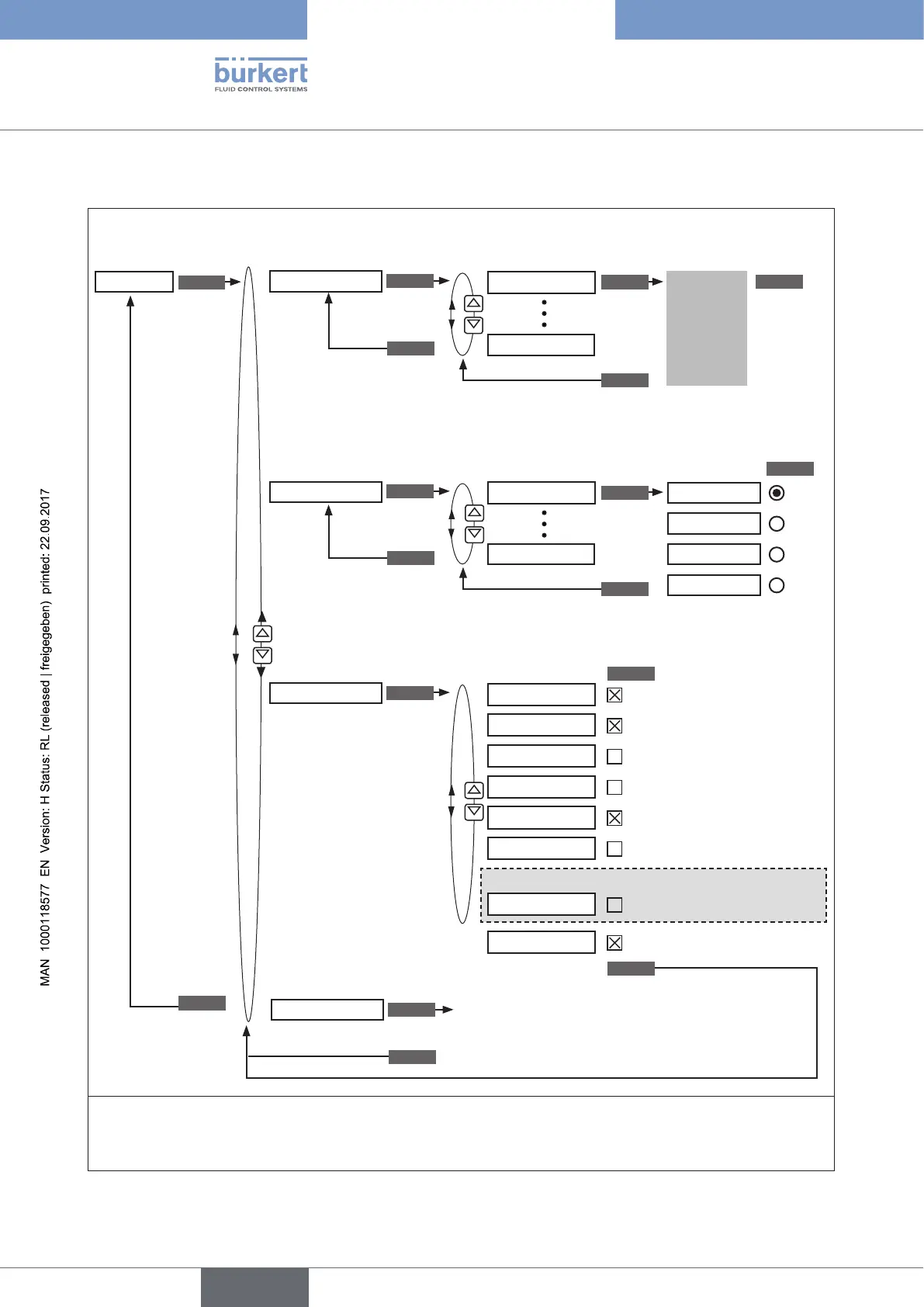
26.2.22.3. DIAGNOSE – Operating structure
SELEC
D. MSG
CONFIG. MSG
ADD.DIAGNOSE
RESET.HISTORY
SERVICE.TIME
SERVICE.TIME
HISTOGRAM
SERVICE.TIME
TRAVEL.ACCU
CYCLE.COUNTER
TEMP.CHECK
STROKE.CHECK
PV.MONITOR
POS.MONITOR
POS.MONITOR
POS.MONITOR
ENTER
RUN
EXIT
EXIT
EXIT
EXIT
DIAGNOSE
Delete history entries of all diagnosis functions
EXIT
Diagnosis
message
is
displayed
ENTER
ENTER
ENTER
ENTER
ENTER
Select a diagnosis
message
Assignment of status signals
according to NE 107**
Display all generated
diagnosis messages
Display the diagnosis
functions*
Display the activatable
DIAGNOSE functions
EXIT
EXIT
CLEAR
Delete
message
SELEC
FAILURE
FUNC.CHECK
OUT SPEC.
MAINTENANCE
Prio 1
Prio 2
Prio 3
Prio 4
Histogram
Operating-hours counter
Path accumulator
Direction reversal counter
Temperature monitor
End position monitor
Process actual value monitoring
Position monitoring
Return without change
For Type 8793 only (process control):
* Only the diagnosis functions are displayed which have been activated in the ADD.DIAGNOSE menu.
** If several diagnosis messages are available simultaneously, the status signal with the highest priority is shown on the
display.
Figure 84: Operating structure DIAGNOSE



 To Next Page