134
Auxiliary functions
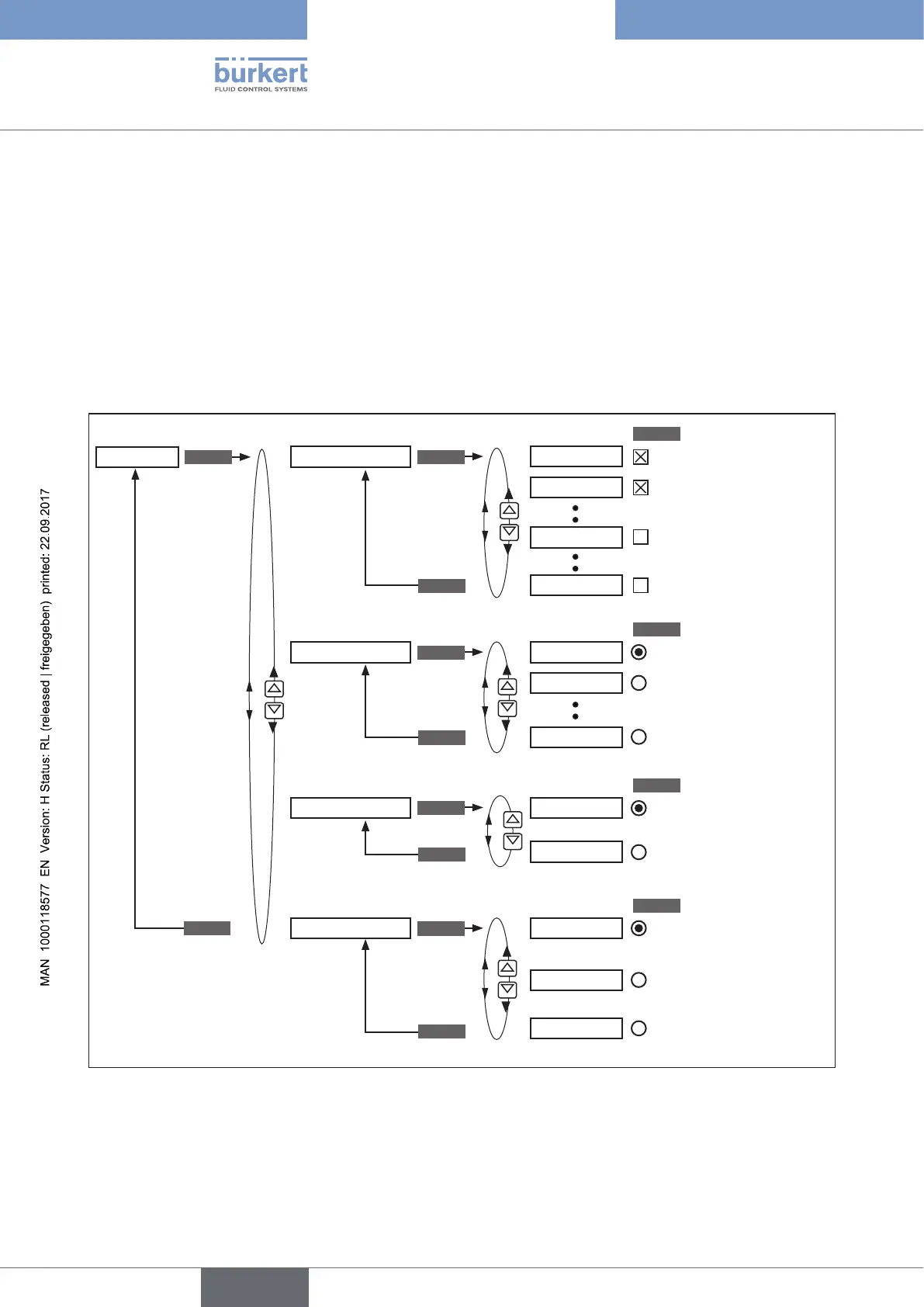
26.2.18. EXTRAS – Setting the display
This function can be used to individually set the display.
• In DISP.ITEMS the display of the process level can be individually set.
To do this, further menu options can be activated for the display of the process level. POS and CMD are acti-
vated in the as-delivered state.
• In START-UP.ITEM one of the activated menu options is specified as a start display after a restart.
• The type of display is selected via DISP.MODE.
normal = black font on light background.
inverse = white font on dark background.
SELEC
SELEC
SELEC
SELEC
DISP.ITEMS
START-UP.ITEM
DISP.LIGHT
DISP.MODE
POS
on
POS
normal
invers
CLOCK
CMD
off
CMD
X.TUNE
X.TUNE
user active
ENTER
ENTER
ENTER
ENTER
ENTER
EXIT
EXIT
EXIT
EXIT
EXTRAS
Black font on light
background
White font on dark
background
Activate menu options
to be indicated on the
display
Select start display
• Background lighting
on
• Background lighting
off
Background lighting
switches off after 10 sec
EXIT
Figure 79: Operating structure EXTRAS



 To Next Page