75
Start-Up
23.2. X.TUNE – Automatic adjustment of the positioner
WARNING!
Danger due to the valve position changing when the X.TUNE function is run.
When the X.TUNE function is run under operating pressure, there is an acute risk of injury.
▶ Never run X.TUNE while the process is running.
▶ Secure system against unintentional activation.
NOTE!
An incorrect supply pressure or incorrectly connected operating medium pressure may cause the
controller to be wrongly adjusted.
▶ Run X.TUNE in each case at the supply pressure available in subsequent operation (= pneumatic auxiliary
power).
• Run the X.TUNE function preferably without operating medium pressure to exclude interference due to flow
forces.
The following functions are actuated automatically:
• Adjustment of the sensor signal to the (physical) stroke of the actuator used.
• Determination of parameters of the PWM signals to control the solenoid valves integrated in type 8792/8793.
• Adjustment of the controller parameters for the positioner. Optimization occurs according to the criteria of the
shortest possible transient time without overshoots.
Procedure:
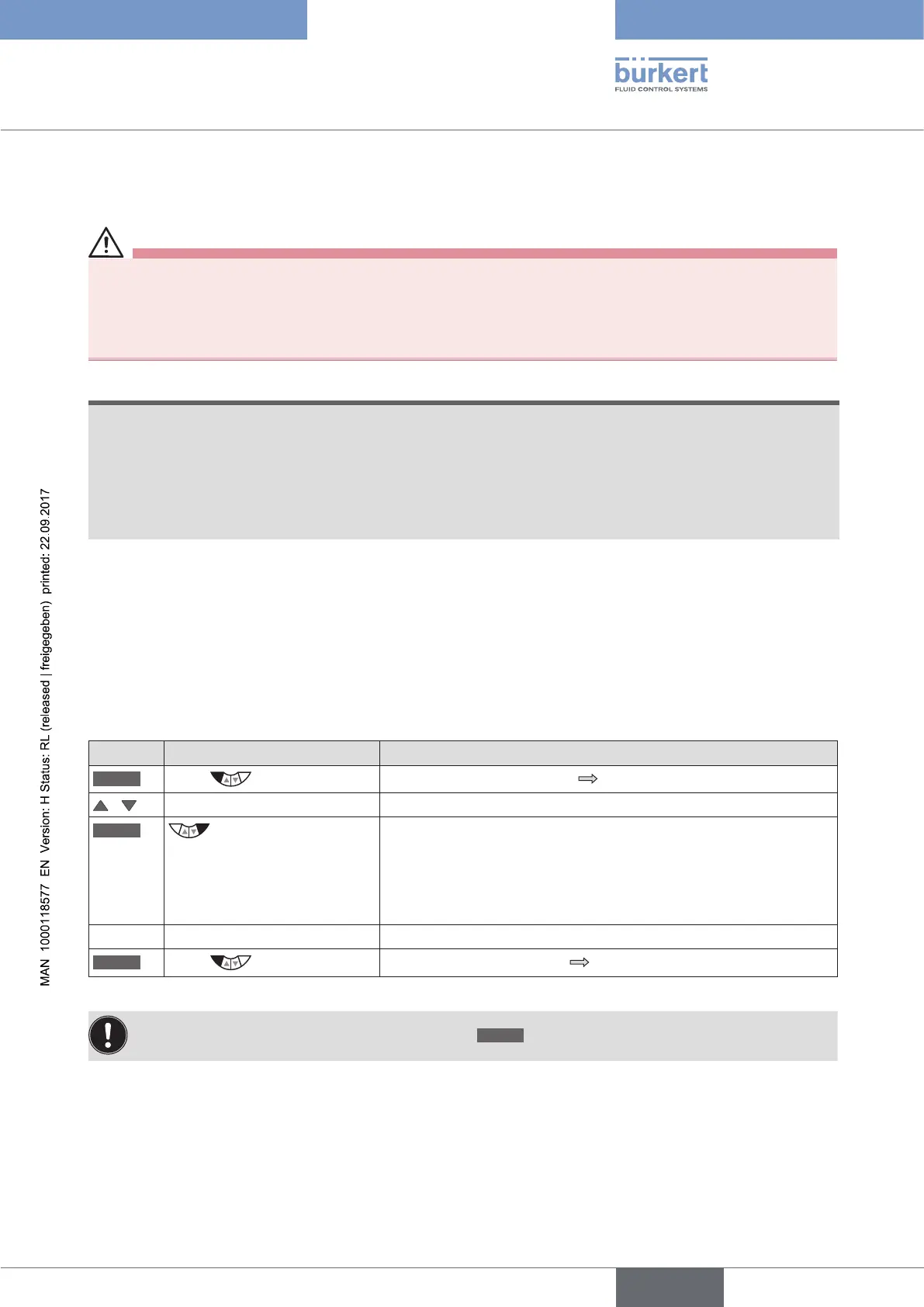
Key Action Description
MENU
Press for approx. 3 s
Switching from process level setting level.
/ Select X.TUNE
RUN
Hold down
as long as countdown (5 ...) is
running
While the automatic adjustment is running, messages on the
progress of the X.TUNE
(e.g. "TUNE #1....") are indicated on the display.
When the automatic adjustment ends, the message "X.TUNE READY"
is indicated.
Press any key Return to the main menu (MAIN).
EXIT
Press
Switching from setting level process level.
Table 35: Automatic adjustment of X.TUNE
To stop X.TUNE, press the left or right selection key
STOP
.



 To Next Page