61
Operation
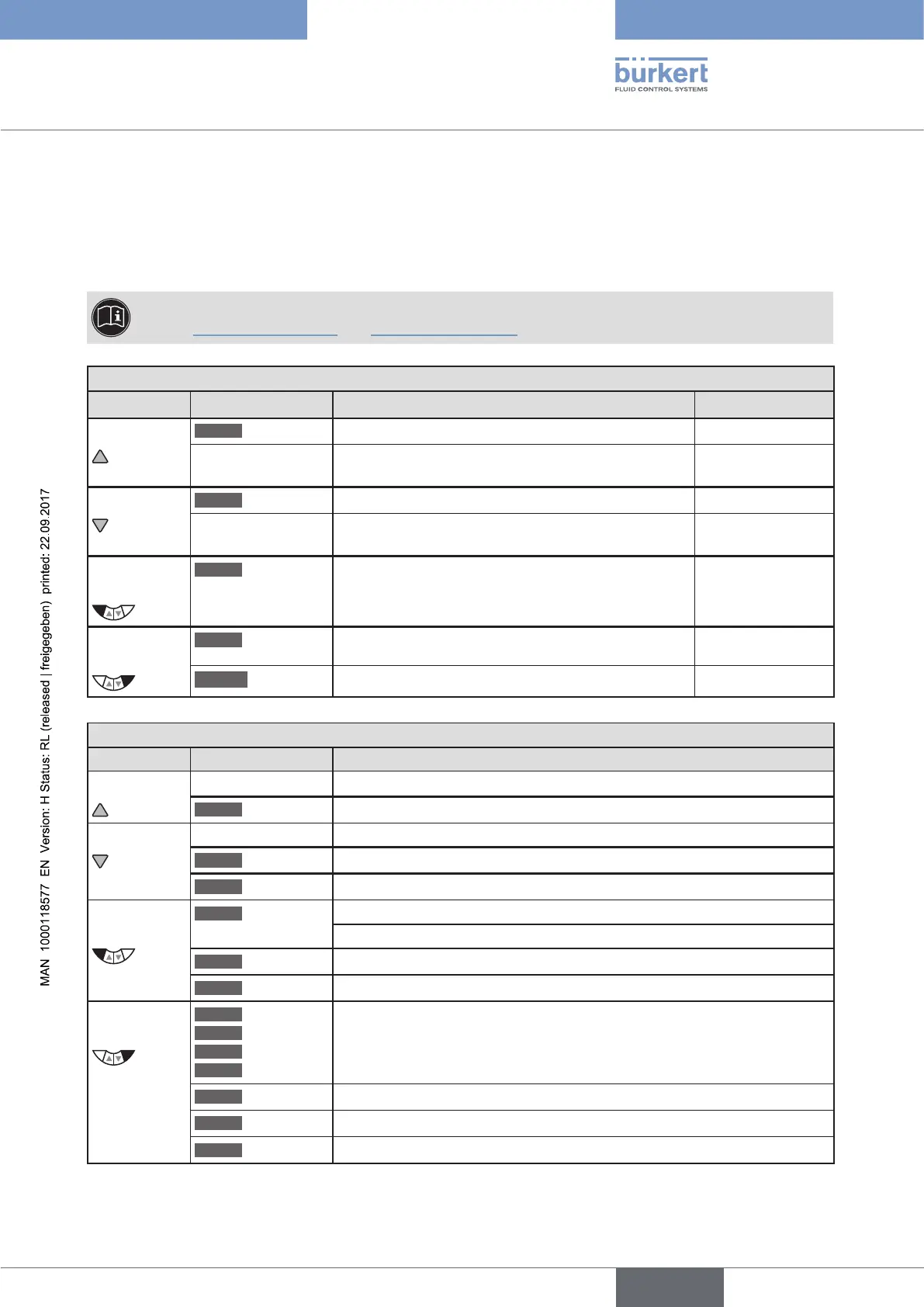
17.2. Function of the keys
The functions of the 4 operating keys differ depending on the operating state (AUTOMATIC or MANUAL) and
operating level (process level or setting level).
The key function which is active is displayed in the gray text field which is above the key.
The description of the operating levels and operating states can be found in
Chapter "16. Operating levels" and "18. Operating states".
Key function on the process level:
Key Key function Description of the function Operating state
Arrow key
OPN
(OPEN)
Manual opening of the actuator.
MANUAL
Change the displayed value
(e.g. POS-CMD-TEMP-...).
AUTOMATIC
Arrow key
CLS
(CLOSE)
Manual closing of the actuator.
MANUAL
Change the displayed value
(e.g. POS-CMD-TEMP-...).
AUTOMATIC
Left
selection key
MENU
Change to the setting level.
Note: Press key for approx. 3 s.
AUTOMATIC or
MANUAL
Right
selection key
AUTO
Return to AUTOMATIC operating state.
MANUAL
MANUAL
Change to MANUAL operating state.
AUTOMATIC
Key function on the setting level:
Key Key function Description of the function
Arrow key Scroll up in the menus.
+
Increase numerical values.
Arrow key
Scroll down in the menus.
–
Decrease numerical values.
< –
Change by one digit to the left; when entering numerical values.
Left
selection key
EXIT
(BACK)
Return to the process level.
Gradually return from a submenu option.
ESC
Leave a menu.
STOP
Stop a sequence.
Right
selection key
ENTER
SELEC
OK
INPUT
Select, activate or deactivate a menu option.
EXIT
(BACK)
Gradually return from a submenu option.
RUN
Start a sequence.
STOP
Stop a sequence.
Table 24: Function of the keys



 To Next Page