117
Auxiliary functions
26.2.11. SAFEPOS – Input the safety position
This function specifies the actuator safety position which is started at defined signals.
The set safety position is only started
• if there is a corresponding signal on the binary input
(Configuration see chapter “26.2.13. BINARY.IN – Activation of the binary input”) or
• if a signal fault occurs
(Configuration see chapter “26.2.12. SIG.ERROR – Configuration of signal level fault detection”).
In the case of the bus version (PROFIBUS / DeviceNet) the safety position is also started with
• corresponding parameter telegram
• BUS ERROR (adjustable)
If the mechanical stroke range is limited with the X.LIMIT function, only safety positions within these limits
can be started.
This function is executed in AUTOMATIC mode only.
Factory setting: 0 %
*
OK
Enter
value
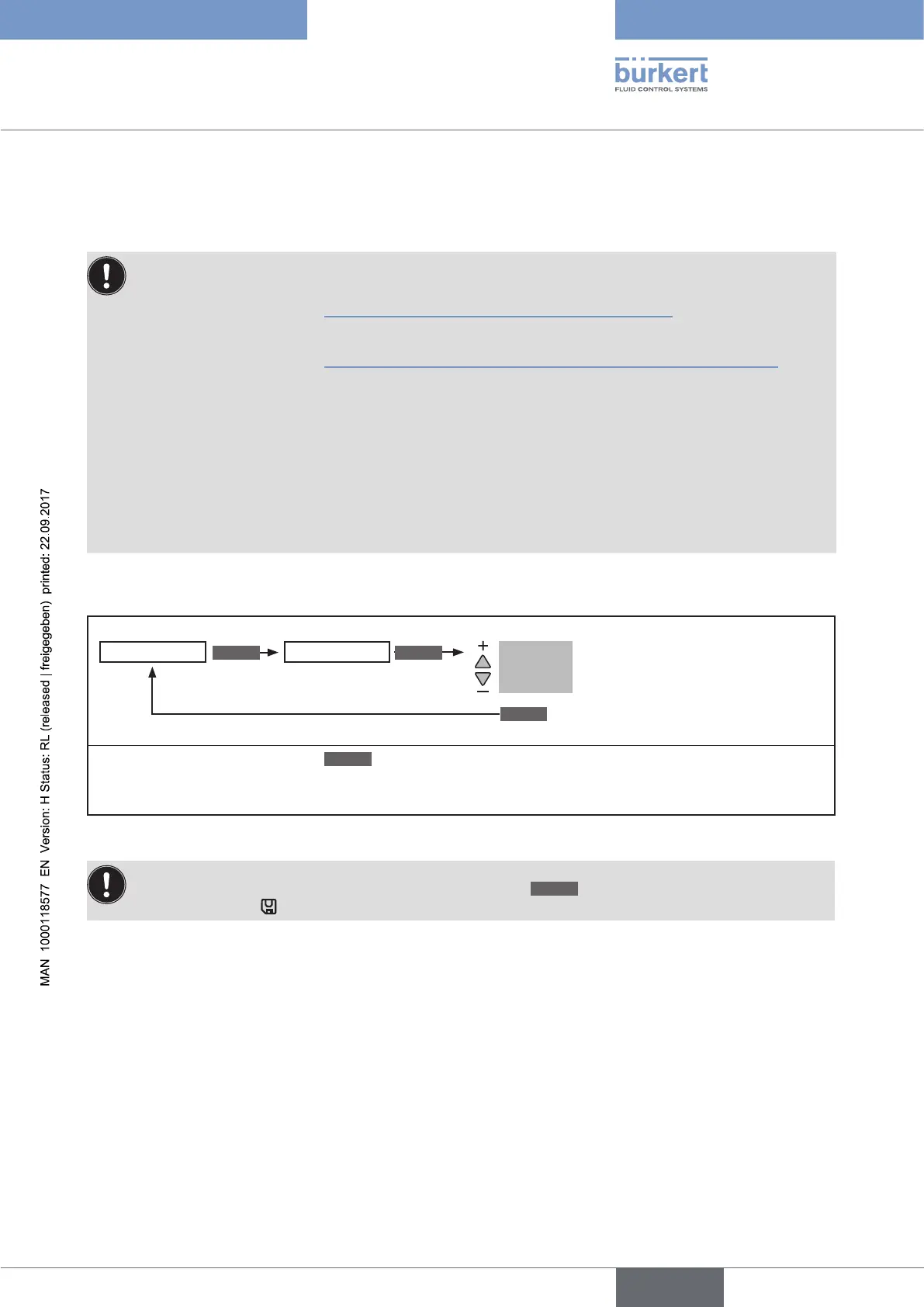
Input the safety position.
Adjustment range: 0 ... 100 %**
INPUT
ENTER
SAFEPOS Safepos 0%
* If the submenu is left by pressing the
ESC
key, the value remains unchanged.
** If the safety position is 0 % or 100 %, the actuator is completely deaerated or aerated as soon as the safety position is
active in the SIG-ERROR or BINARY-IN auxiliary functions
Figure 70: Operating structure SAFEPOS
The changed data is saved in the memory (EEPROM) only when there is a switch to the process level,
by leaving the main menu (MAIN) using the left selection key
EXIT
. During the save process, the save
symbol is indicated
on the display.



 To Next Page