88
Start-Up
25.2.5. P.CO-INIT – Smooth switchover MANUAL-AUTOMATIC
The smooth switchover between the MANUAL and AUTOMATIC states can be activated or deactivated in the
P.CO-INIT menu.
Factory default setting:
bumpless
Smooth switchover activated.
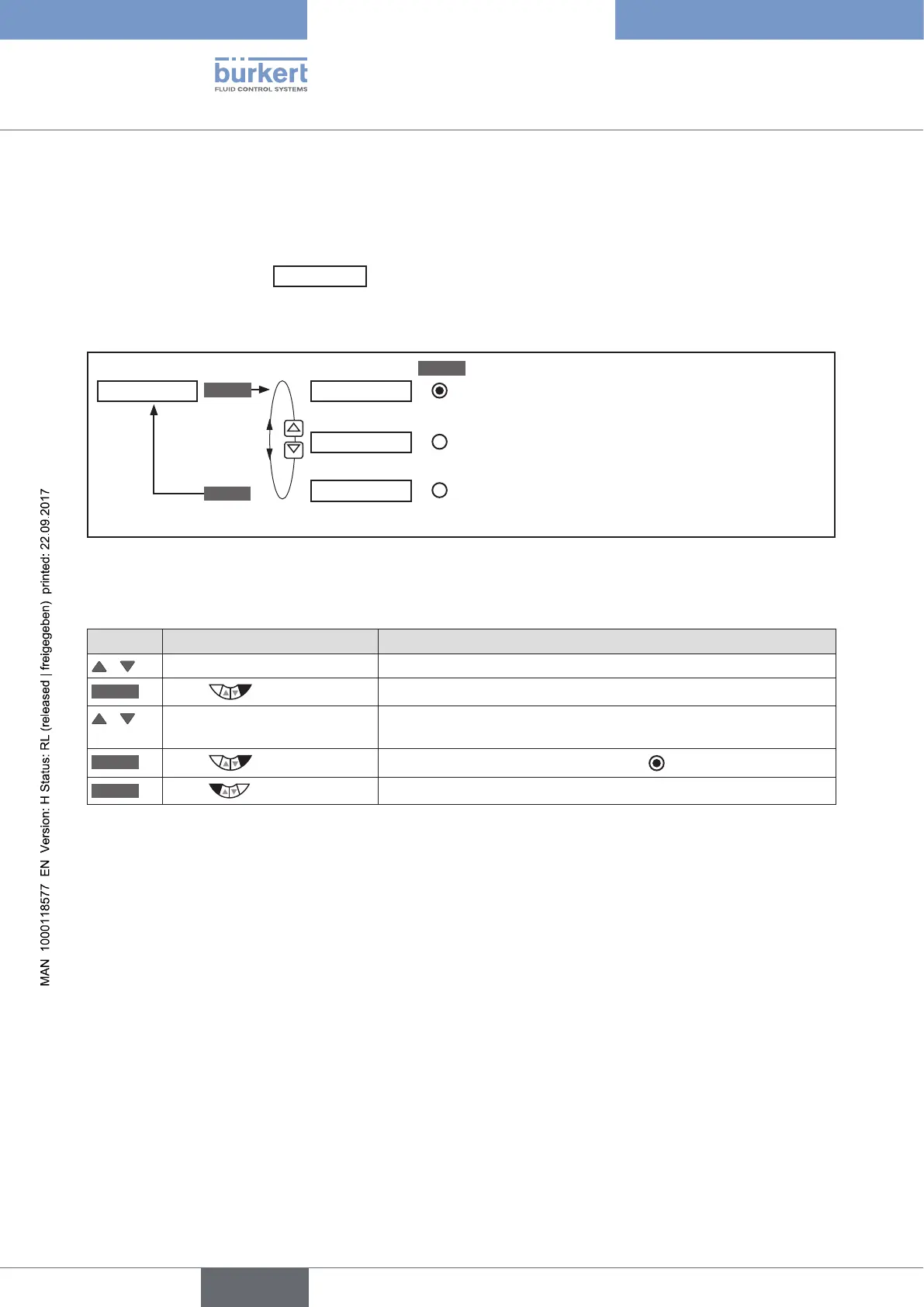
Operating structure:
ENTER
SELEC
EXIT
P.CO-INIT bumpless
standard
zeroinit
Smooth
switchover activated
Smooth
switchover deactivated
Initialization of process values (CMD) with zero.
Figure 41: Operating structure P.CO-INIT
Procedure:
Key Action Description
/ Select P.CO-INIT
ENTER
Press
The selection (bumpless) and (standard) is displayed.
/ Select required function bumpless =
smooth
switchover activated
standard = smooth switchover deactivated
SELEC
Press
The selection is marked by a filled circle .
EXIT
Press
Return to SETUP.
Table 44: P.CO-INIT; smooth switchover MANUAL-AUTOMATIC



 To Next Page