70
Operation
20. MANUALLY OPENING AND CLOSING THE
VALVE
In the MANUAL operating state, the valve can be opened and closed manually using the arrow keys.
The MANUAL operating state (key function
MANU
)
is for the following process value displays:
• POS, actual position of the valve actuator.
• CMD, set-point position of the valve actuator.
When switching to MANUAL operating state, POS is displayed.
• PV, process actual value.
• SP, process set-point value.
When switching to MANUAL operating state, PV is displayed. The switch is possible only for external
set-point value default (menu: P.CONTROL→ P.SETUP → SP-INPUT → external).
• CMD/POS, set-point position of the valve actuator.
When switching to MANUAL operating state, POS is displayed.
• SP/PV, process set-point value.
When switching to MANUAL operating state, PV is displayed. The switch is possible only for external
set-point value default (menu: P.CONTROL→ P.SETUP → SP-INPUT → external).
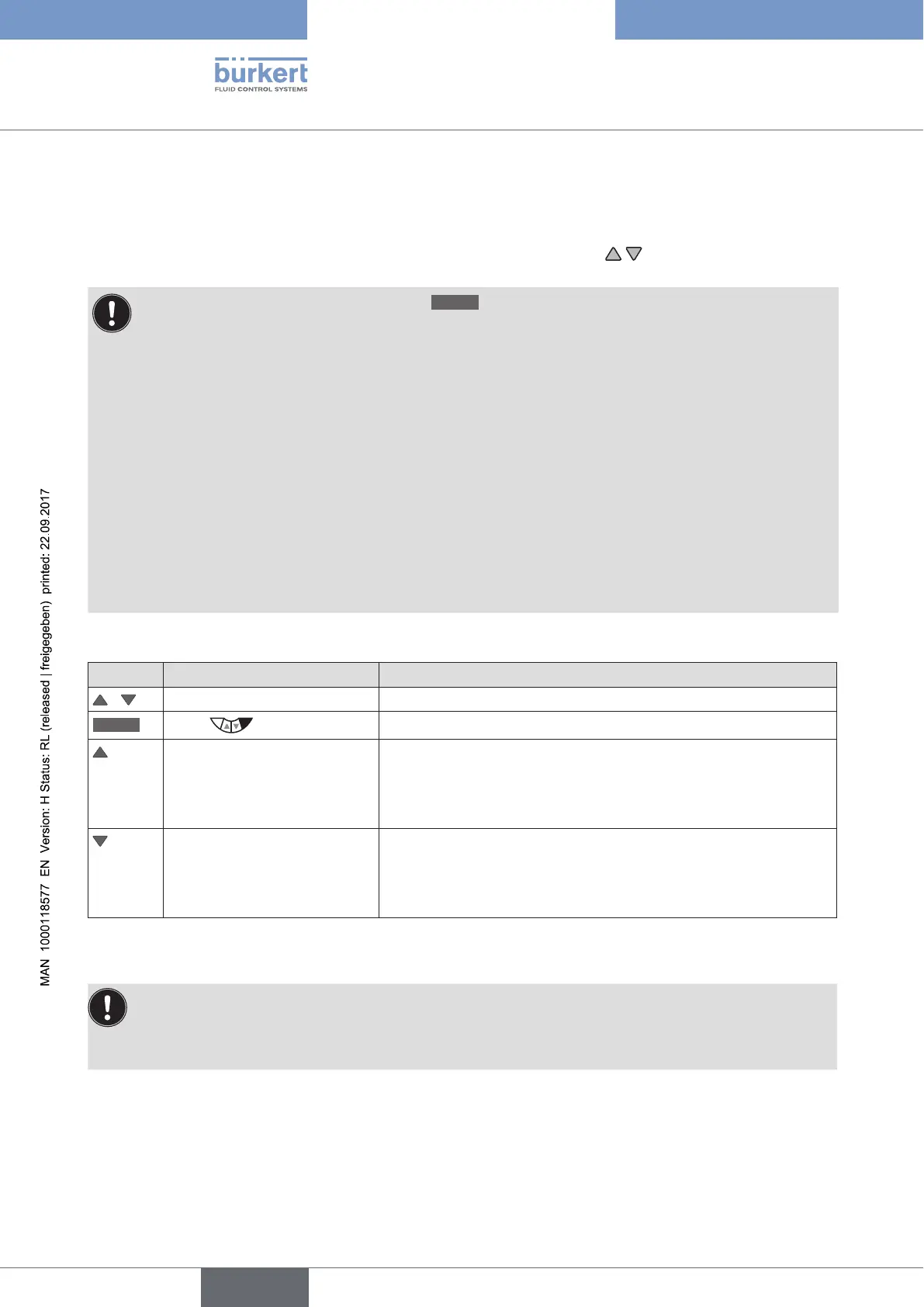
Manually opening and closing valve:
Key Action Description
/
Select POS, CMD, PV or SP
MANU
Press
Change to MANUAL operating state
press Aerate the actuator
Control function A (SFA): Valve opens
Control function B (SFB): Valve closes
Control function I (SFI): Connection 2.1 aerated
press Bleed the actuator
Control function A (SFA): Valve closes
Control function B (SFB): Valve opens
Control function I (SFI): Connection 2.2 aerated
Table 32: Manually opening and closing the valve
SFA: Actuator spring force closing
SFB: Actuator spring force opening
SFI: Actuator double-acting



 To Next Page