109
Auxiliary functions
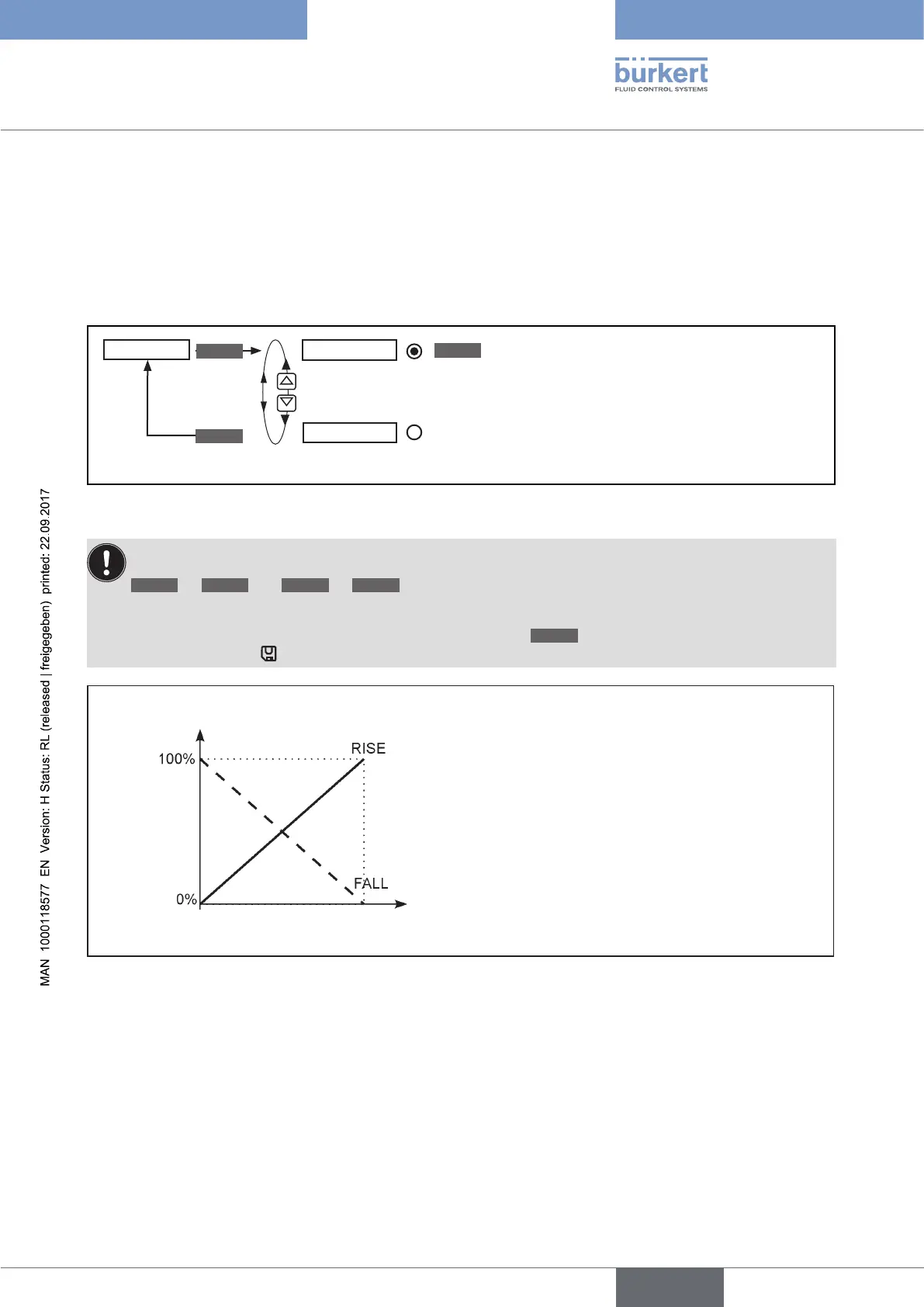
26.2.4. DIR.ACT – Sense of effective direction of the actuator drive
Use this auxiliary function to set the sense of effective direction between the aeration state of the actuator and the
actual position (POS).
Factory setting: Rise
SELEC
EXIT
DIR.ACT
Rise
Fall
ENTER
Direct effective direction
(deaerated → 0 %; aerated 100 %)
Inverse effective direction
(deaerated → 100 %; aerated 0%)
Figure 59: Operating structure DIR.ACT
If the Fall function is selected, the description of the arrow keys (on the display) changes in the MANUAL
operating state
OPN
→
CLS
and
CLS
→
OPN
The changed data is saved in the memory (EEPROM) only when there is a switch to the process level,
by leaving the main menu (MAIN) using the left selection key
EXIT
. During the save process, the save
symbol is indicated
on the display.
Actual position
(POS)
Aeration state
deaerated
aerated
Figure 60: Graph - DIR.ACT



 To Next Page