142
Auxiliary functions
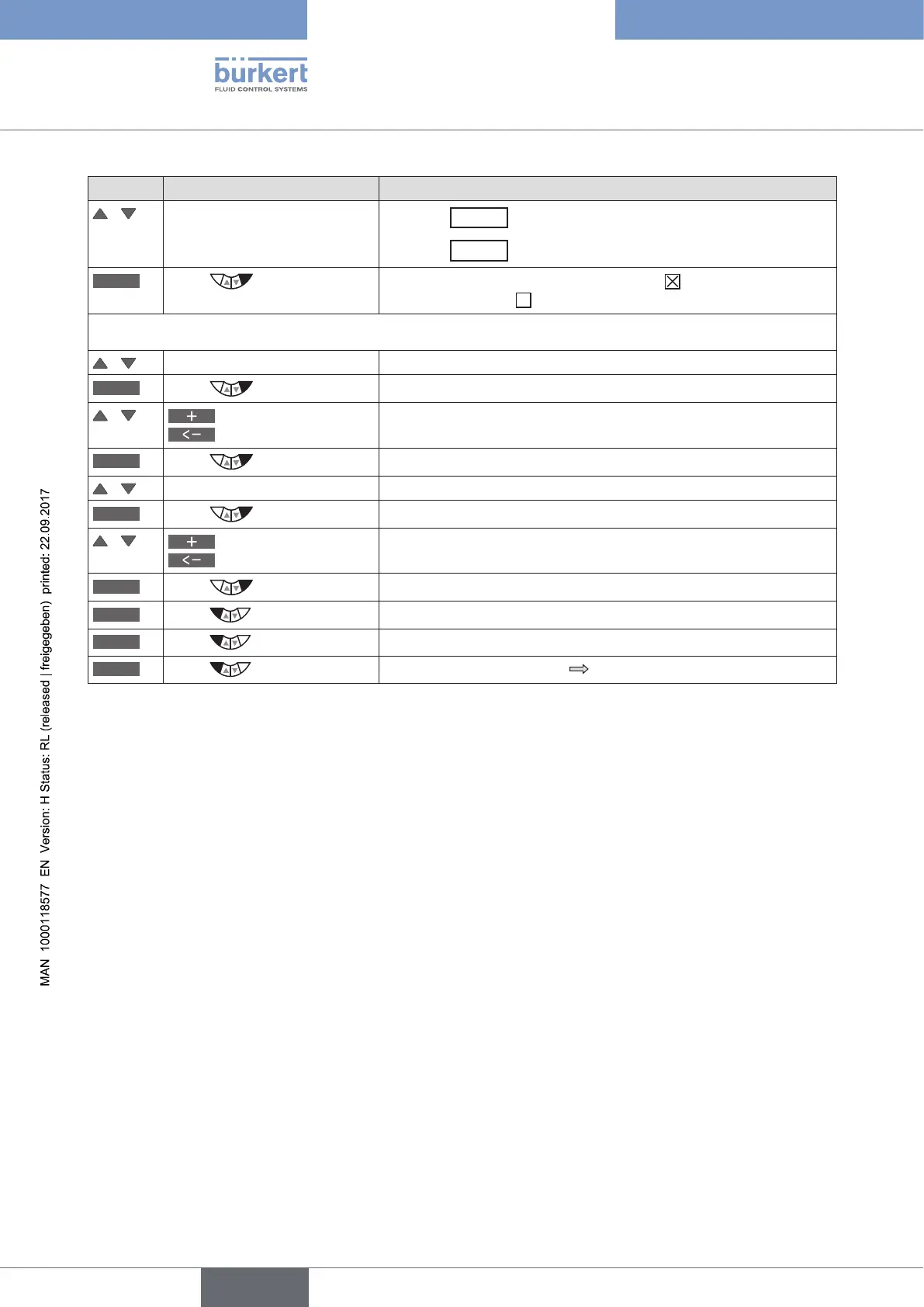
Key Action Description
/ Select required simulation
Selection
x.SIM
= simulation process.
Selection
p.SIM
= simulation process valve.
SELEC
Press
Activate the selection by checking the box or deactivate it by
unchecking the box .
Setting the parameters for simulation of the process and/or the process valve:
/ Select SIM.Gain (Amplification factor).
INPUT
Press
The input screen for specifying the amplification factor is opened.
/
Increase value
Select decimal place
Input value.
OK
Press
Transfer and simultaneous return to the CONTROL.sim menu.
/ Select SIM.Delay (Time constant in seconds).
INPUT
Press
The input screen for specifying the time constant is opened.
/
Increase value
Select decimal place
Input value.
OK
Press
Transfer and simultaneous return to the CONTROL.sim menu.
EXIT
Press
Return to the SIMULATION menu.
EXIT
Press
Return to the main menu (MAIN).
EXIT
Press
Switching from setting level process level.
Table 74: CONTROL.sim; aktivieren und parametrieren der Simulation des Prozesses und/oder Prozessventils.



 To Next Page