131
Auxiliary functions
26.2.15.3. Resetting the settings under CAL.USER to the factory settings
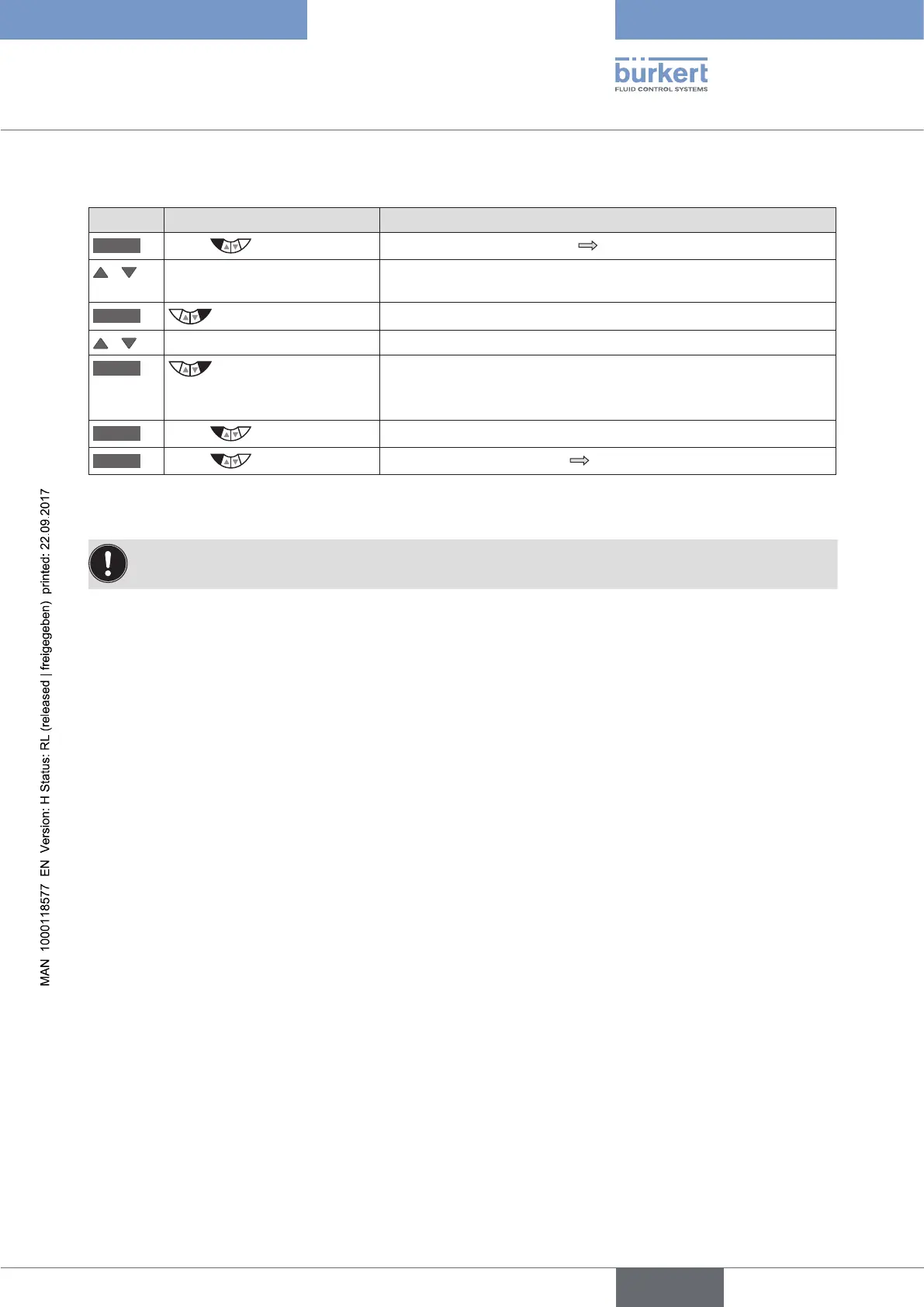
Key Action Description
MENU
Press for approx. 3 s
Switching from process level setting level.
/ Select CAL.USER (To do this, the auxiliary function must be incorporated into the main
menu).
ENTER
The submenu options are displayed.
/ Select copy FACT->USER
RUN
Hold down
as long as countdown (5 ...) is
running
The settings of CAL.USER are reset to the factory settings.
EXIT
Press
Acknowledgment and simultaneous return to the main menu (MAIN).
EXIT
Press
Switching from setting level process level.
Table 67: copy FACT->USER; resetting the settings under CAL.USER to the factory settings
The factory calibration is re-activated by deactivating CAL.USER, by removing the auxiliary function from
the main menu (MAIN).



 To Next Page