◼ Editing the Content of Destinations in Favorites
After registering destinations, you can change the content of registered information. For example, you can change the
fax number or name of a registered destination, change the type from fax number to e-mail, and so on.
1
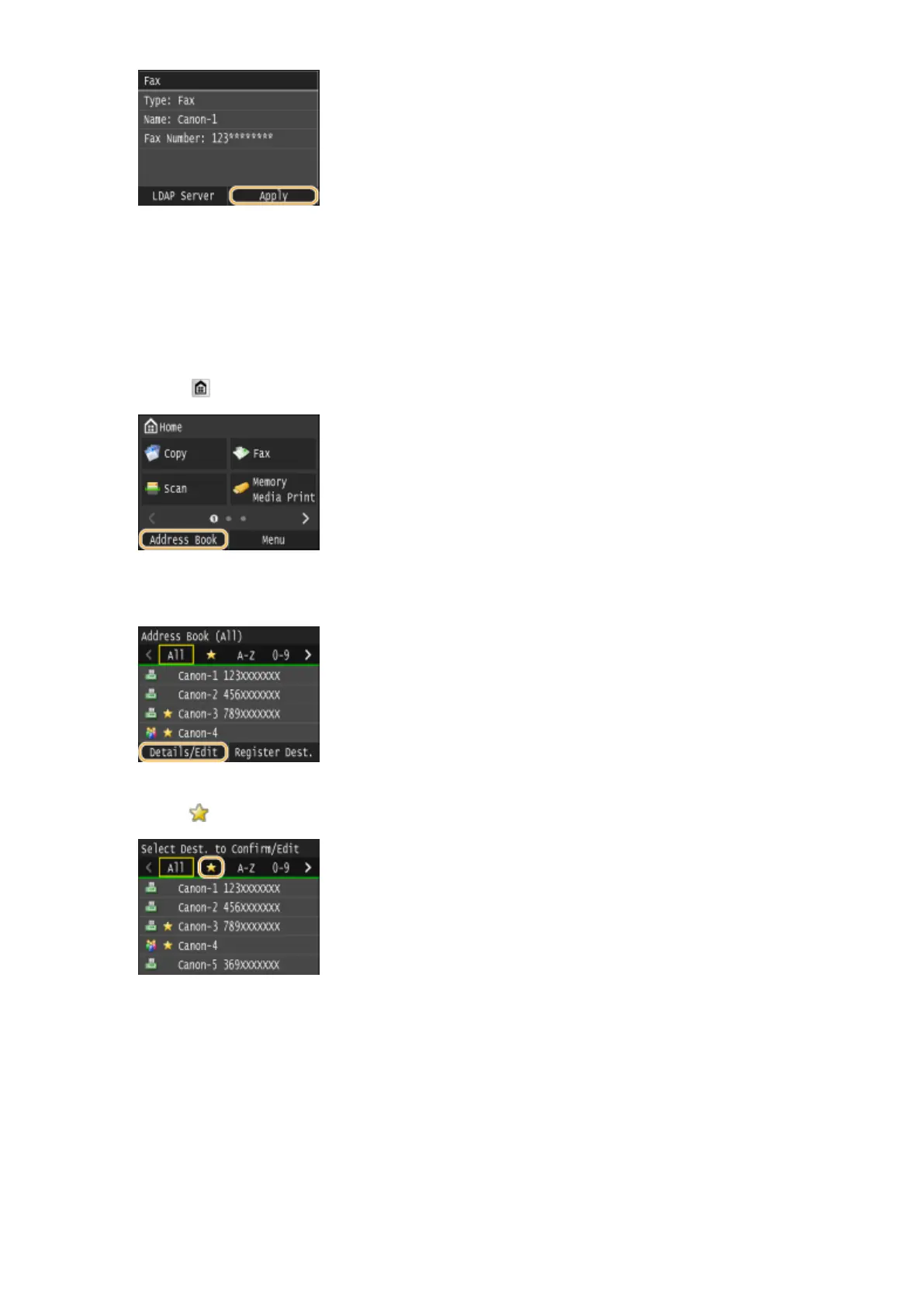
Press and tap <Address Book>.
2
Tap <Details/Edit>.
3
Tap < >.
4
Select the destination you want to edit.
5
Tap <Edit>.
Basic Operations
91











 To Next Page