Changing Default Settings
0UWX-06E
The default settings are the settings that are displayed whenever you turn ON the machine, or when you press . If
you change these default settings to match the operations that you perform frequently, you can eliminate the need to
congure the same settings every time you scan.
◼
USB Memory
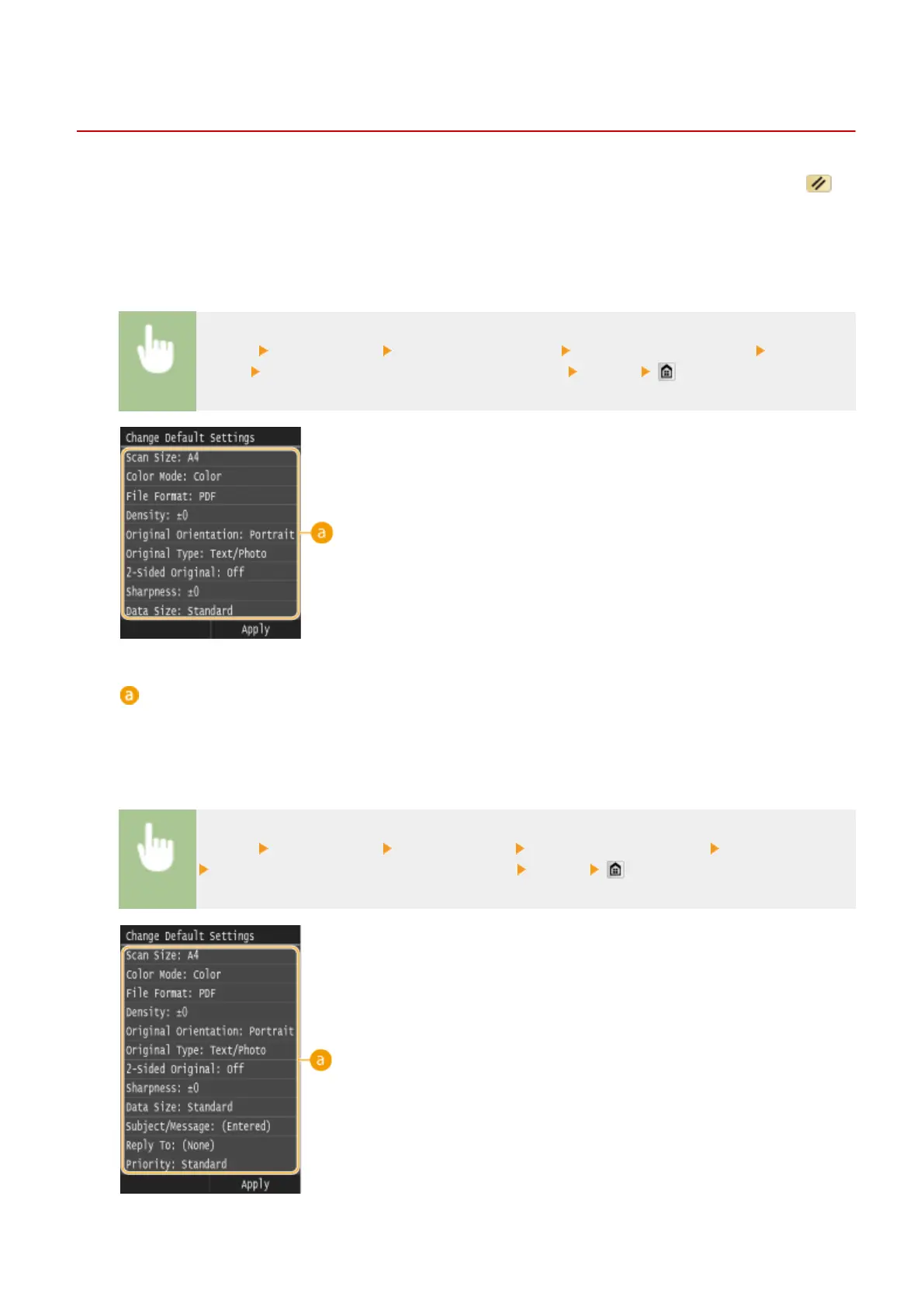
<Menu> <Scan Settings> <USB Memory Settings> <Change Default Settings> Select the
setting
Change the default value of the selected item <Apply>
Settings
Select the item you want to set, and change the default value.
◼
E-Mail
<Menu> <Scan Settings> <E-Mail Settings> <Change Default Settings> Select the setting
Change the default value of the selected item <Apply>
Using the Machine as a Scanner
376











 To Next Page