Adjusting Density
0UWX-05Y
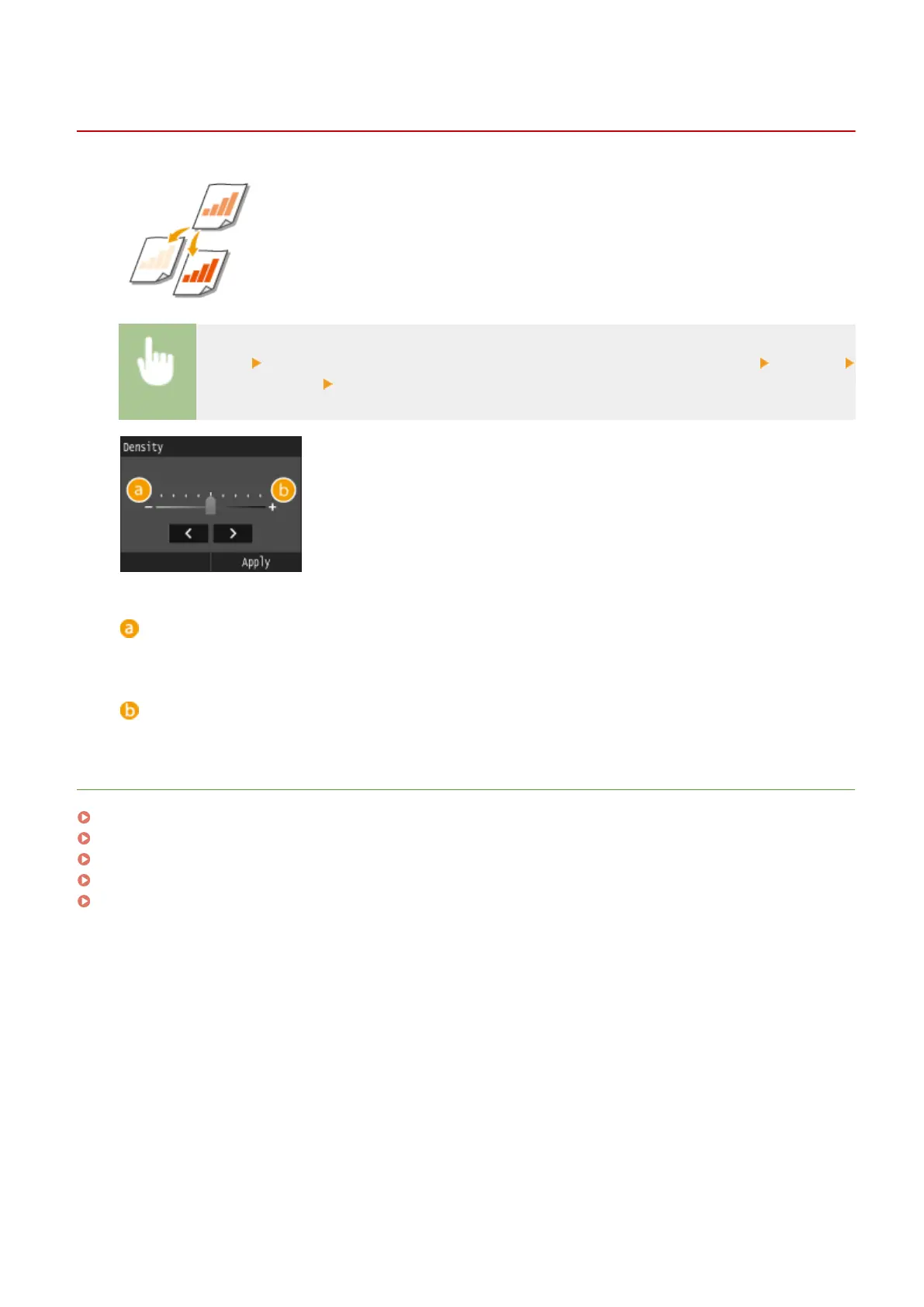
You can adjust the density of the scan if the text or images in a document are too
light or dark.
<Scan> Select <USB Memory> or specify a destination with <E-Mail>/<I-Fax>/<File> <Density>
Adjust the density <Apply>
<->
Decreases the density.
<+>
Increases the density.
LINKS
Scanning Documents Directly to USB Memory(P. 332)
Sending Documents as E-Mails Directly from the Machine(P. 335)
Sending I-Faxes(P. 224)
Saving Documents Directly in Shared Folder/FTP Server(P. 342)
Adjusting Sharpness(P. 357)
Using the Machine as a Scanner
353











 To Next Page