Prohibiting PC Faxing
0UWX-09A
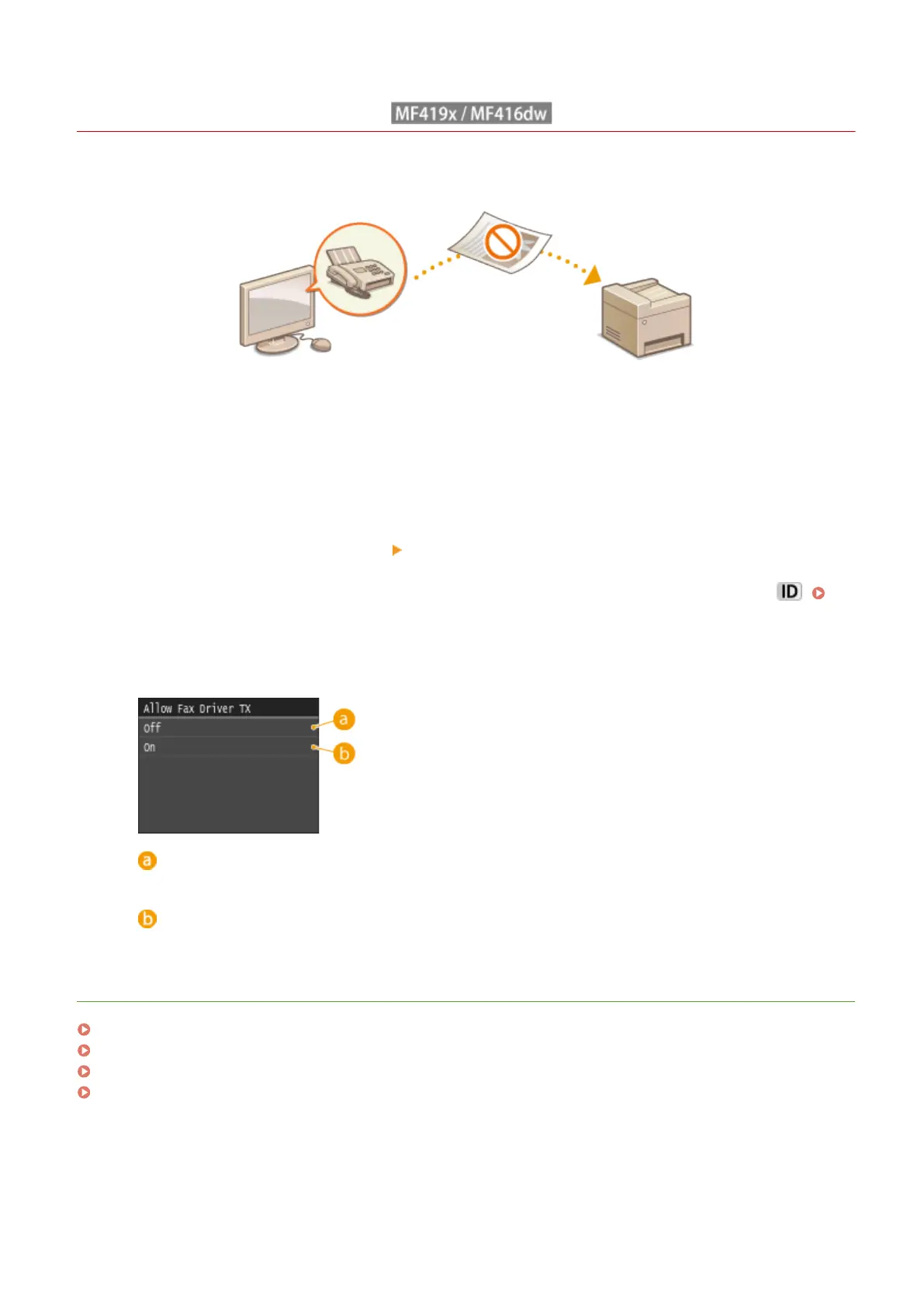
You can prohibit users from PC faxing (faxing from a computer).
1
Tap <Menu> in the Home screen.
2
Tap <Fax Settings>.
3
Select <TX Function Settings> <Allow Fax Driver TX>.
● If the logon screen appears, enter the correct ID and PIN using the numeric keys, and then press .
Logging on to the Machine(P. 44)
4
Tap <Off>.
<Off>
Disables PC faxing.
<On>
Enables PC faxing.
LINKS
Sending Faxes from Your Computer (PC Fax) (MF419x / MF416dw)(P. 203)
Setting the Department ID Management for Printing or Faxing from the Computer(P. 530)
Setting a PIN for Address Book(P. 556)
Limiting Available Destinations(P. 558)
Security
559











 To Next Page