<Report Print>
Enables you to print RX Result reports every time documents are stored into memory. To print reports, tap
<On>. You also need to set <RX Result Report> to <On>. RX Result Report(P. 814)
<Memory Lock Time>
Specify a period of time during the day in which received documents are stored in memory. If you do not set
a period of time, the machine stores every document into memory when Memory Reception is turned on.
Printing Documents in Memory
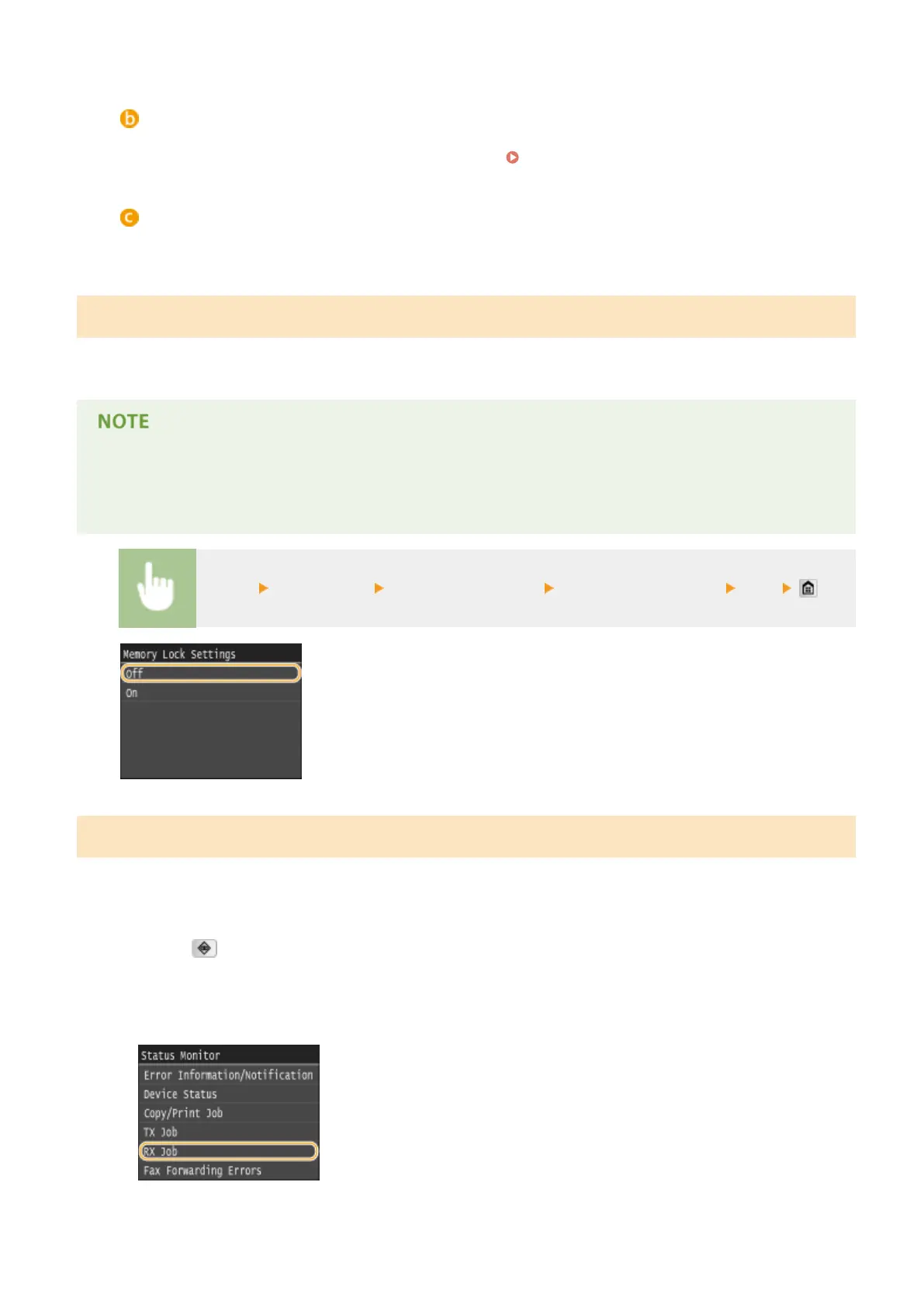
To print received documents in memory, set <Memory Lock Settings> to <Off>. All the documents in memory are
printed.
● You cannot select a specic document for printing.
● If a time for the feature to deactivate has been specied, the documents are automatically printed at the
specied time.
<Menu> <Fax Settings> <RX Function Settings> <Memory Lock Settings> <Off>
Checking/Deleting Documents in Memory
You can check detailed information about the documents stored in memory, including sender fax numbers and
number of pages sent, and then delete unnecessary documents.
1
Press .
2
Tap <RX Job>.
Faxing
189











 To Next Page