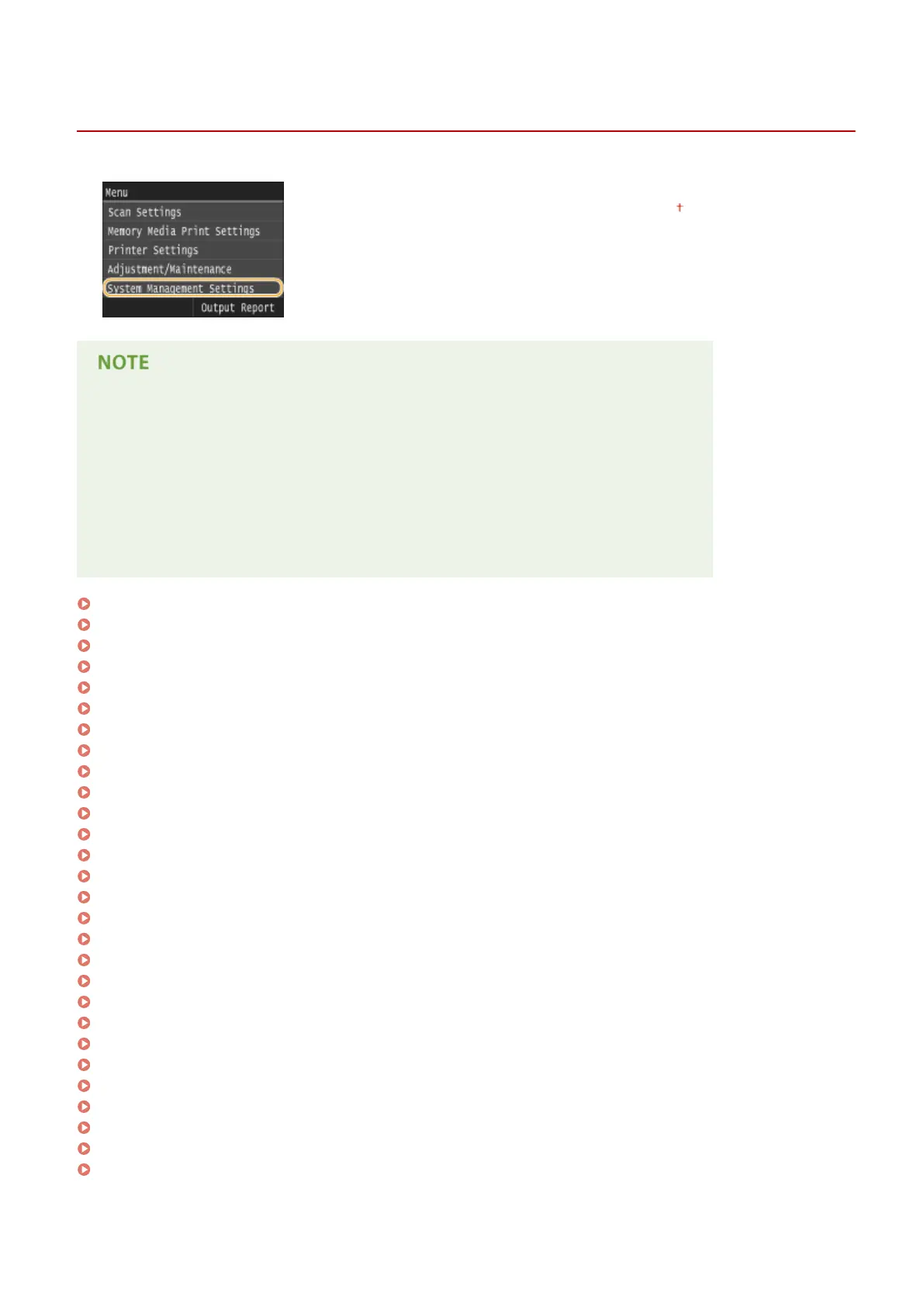
System Management Settings
0UWX-0AX
All the settings about System Management Settings are listed with short
descriptions. Default settings are marked with a dagger ( ).
Asterisks (
*
)
● Settings marked with "
*1
" are only available for the MF416dw.
● Settings marked with "
*2
" cannot be imported or exported.
● Settings marked with "
*3
" have different defaults depending on your country or region.
● Settings marked with "
*4
" are only available for the MF419x / MF416dw.
● Settings marked with "
*5
" are only available for the MF419x / MF418x.
Network Settings(P. 708)
Enable NFC(P. 708)
System Manager Information Settings(P. 708)
Device Information Settings(P. 708)
Department ID Management On/Off(P. 709)
Security Settings(P. 709)
Select Country/Region(P. 711)
Remote UI Settings(P. 711)
Auto Online for Remote Scan(P. 712)
Restrict TX Function(P. 712)
Display Job Log(P. 713)
Use as USB Device(P. 713)
Store to USB Memory(P. 713)
Memory Media Print On/Off(P. 714)
Enable Product Extended Survey Program(P. 714)
Display Consumables Information (RUI/Toner Status)(P. 714)
Enable Canon Mobile Scanning(P. 715)
Google Cloud Print Settings(P. 715)
Notify to Check Paper Settings(P. 715)
Import/Export of Settings(P. 716)
Secure Print Settings(P. 716)
PDL Selection (Plug and Play)(P. 716)
Update Firmware(P. 717)
Register License(P. 717)
Initialize Key and Certicate(P. 718)
Initialize Address Book(P. 718)
Initialize Menu(P. 718)
Initialize All Data/Settings(P. 718)
Setting Menu List
707











 To Next Page