Checking the Copying Status and Log
0UWX-0HU
You can check the current copy statuses and the logs for copied documents.
● When <Display Job Log> is set to <Off>, you cannot check the copy job log. Display Job Log(P. 713)
Useful in the Following Cases
● When some long time has already passed after scanning of your document to be copied but printing of the
document has not started yet, you may want to see the waiting list of the documents waiting to be printed.
● When you cannot nd your printouts that you thought had been copied, you may want to see whether an
error has occurred.
1
Press .
2
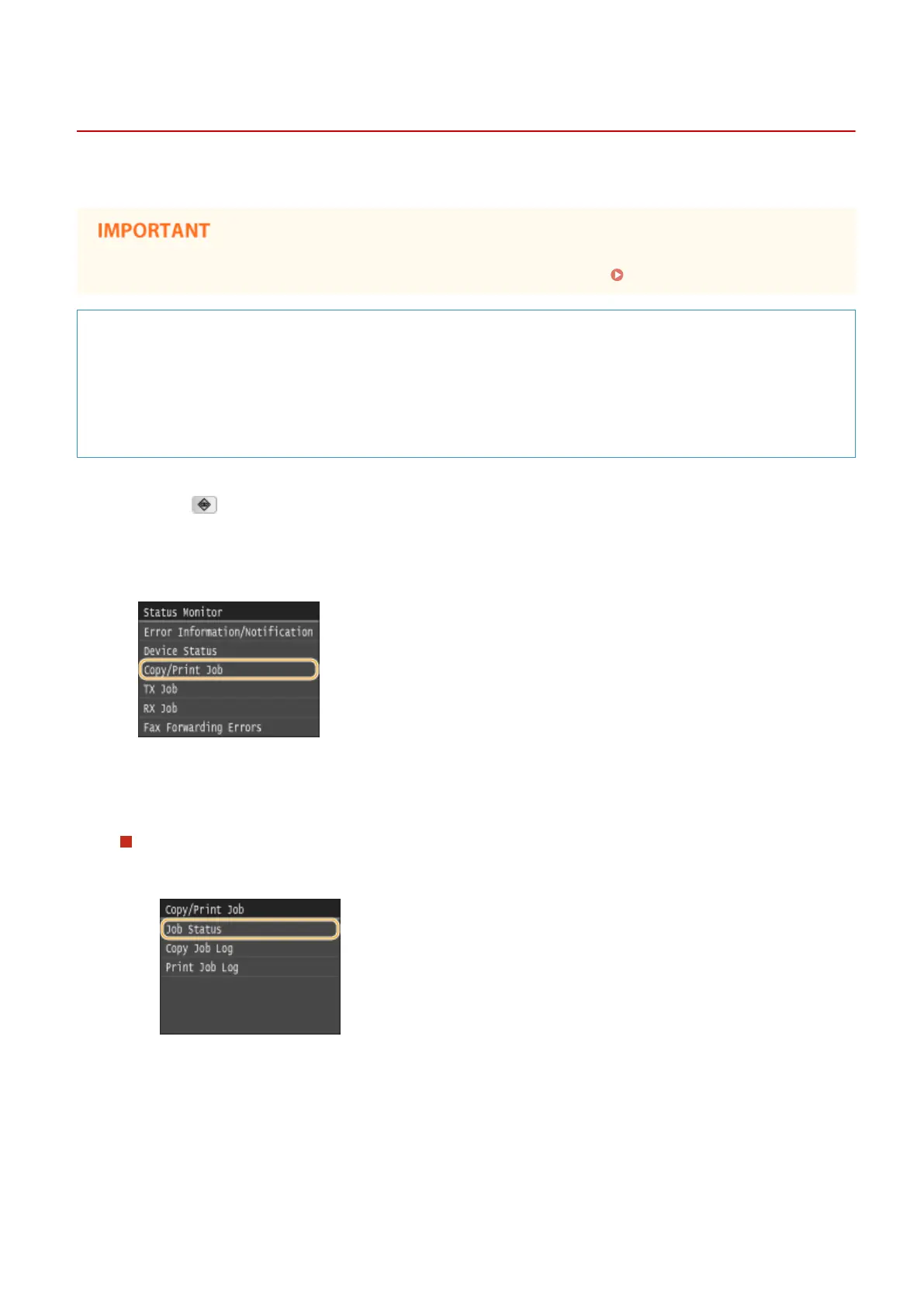
Tap <Copy/Print Job>.
3
Check the copy statuses and logs.
To check the copy statuses
1
Tap <Job Status>.
2
Select the document whose status you want to check.
Copying
113











 To Next Page