Placing Documents
0UWX-00S
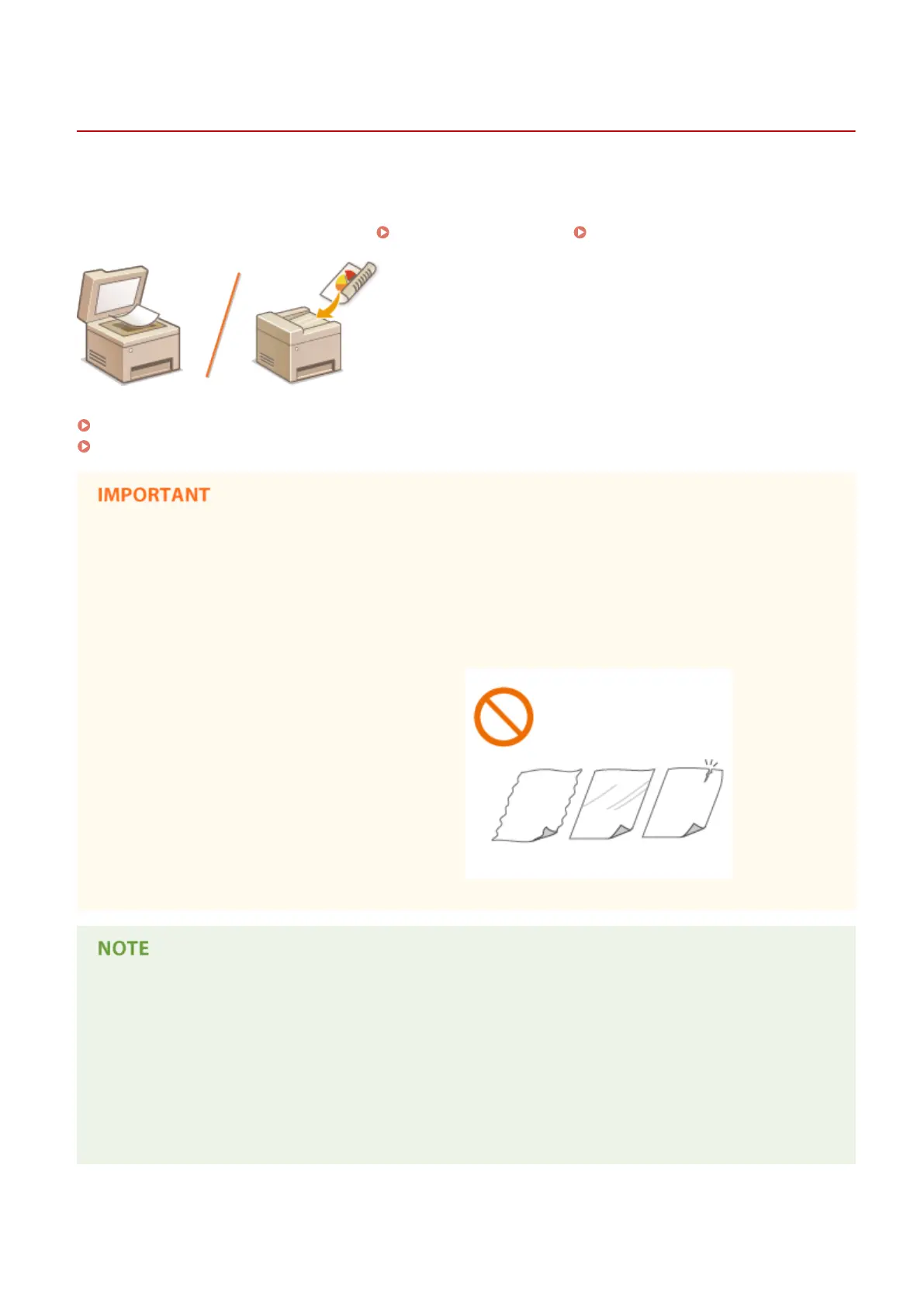
Place documents on the platen glass or in the feeder. Use the platen glass when scanning thick or bound documents
such as books. You can load two or more sheets of documents in the feeder so that they can be scanned continuously.
For information about the types of documents that can be placed on the platen glass or in the feeder, and information
about the scannable area of a document, see
Document Type(P. 856) or Scan Area(P. 857) .
Placing Documents on the Platen Glass(P. 48)
Placing Documents in the Feeder(P. 48)
Use documents that are completely dry
● When placing documents, make sure that any glue, ink, or correction uid on the documents has
completely dried.
To avoid paper jams
Do not place the following types of documents in the feeder as this may cause paper jams:
● Wrinkled or creased paper
● Carbon paper
● Curled or rolled paper
● Coated paper
● Torn paper
● Onion skin or thin paper
● Stapled or clipped documents
● Paper printed by a thermal transfer printer
● Transparencies
To scan documents more accurately
● Documents placed in the feeder are scanned while being fed into the machine. On the other hand,
documents placed on the platen glass remain in a xed position while they are scanned. To ensure more
accurate scanning results, placing documents on the platen glass is recommended.
To scan tracing paper or transparencies
● To scan transparent documents (for example, tracing paper or transparencies), place them on the platen
glass.
Basic Operations
47











 To Next Page