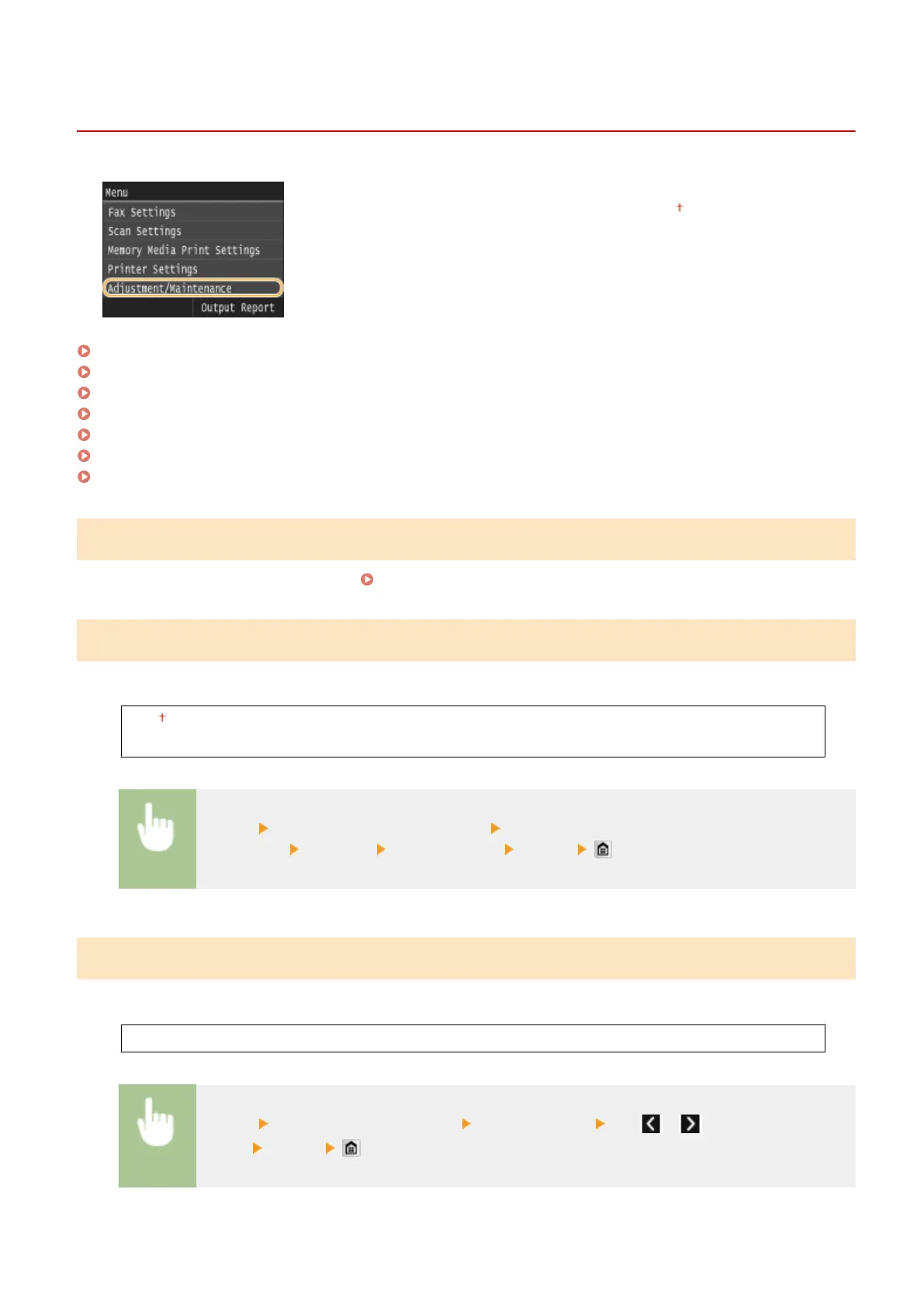
Adjustment/Maintenance
0UWX-0AW
All the settings about adjustment and maintenance are listed with short
descriptions. Default settings are marked with a dagger ( ).
Adjust Copy Image(P. 701)
Display Timing for Cartridge Preparation Notication(P. 701)
Printer Density(P. 701)
Toner Save(P. 702)
Special Processing(P. 702)
Clean Fixing Assembly(P. 706)
Clean Feeder(P. 706)
Adjust Copy Image
Adjust the gradation and density in copies.
Adjusting the Gradation and Density for Copy Jobs(P. 804)
Display Timing for Cartridge Preparation Notication
Set the display timing for the message notifying you that the amount remaining in the toner cartridges is low.
Auto
Custom
<Menu> <System Management Settings> <Display Timing for Cartridge Preparation
Notication> <Custom> Enter toner level <Apply>
Printer Density
Adjust this if the printed text or thin lines are faded.
Nine Levels
<Menu> <Adjustment/Maintenance> <Printer Density> Tap / to adjust the toner
density <Apply>
Setting Menu List
701











 To Next Page