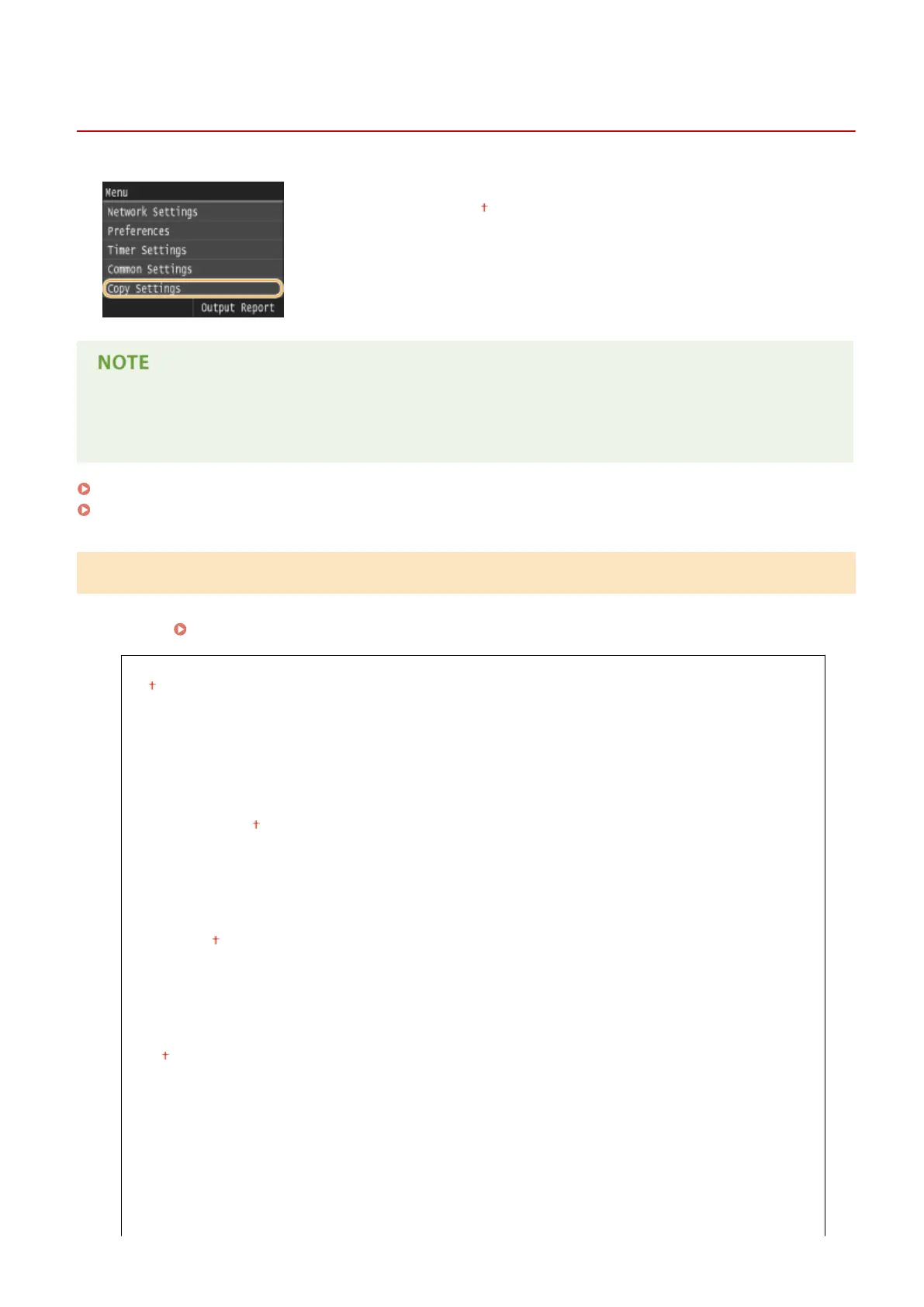
Copy Settings
0UWX-0AK
All the settings about the copy are listed with short descriptions. Default settings
are marked with a dagger ( ).
Asterisks (
*
)
● Settings marked with an asterisk (
*
) are only available when the optional paper feeder (drawer 2) is attached.
Change Default Settings(P. 653)
Initialize Default Settings(P. 654)
Change Default Settings
You can change the factory default settings about copy. The selected settings are used as the default settings of the
copy function.
Changing Default Settings(P. 131)
Number of Copies
1
to 999
Density
Nine Levels
Background
Auto
Adjust (Manual)
Nine Levels
Original Type
Text
Text/Photo
Text/Photo (Quality)
Photo
2-Sided
Off
1-Sided->2-Sided
2-Sided->2-Sided
2-Sided->1-Sided
Original/Finishing Type
Copy Ratio
Custom Ratio
Setting Menu List
653











 To Next Page