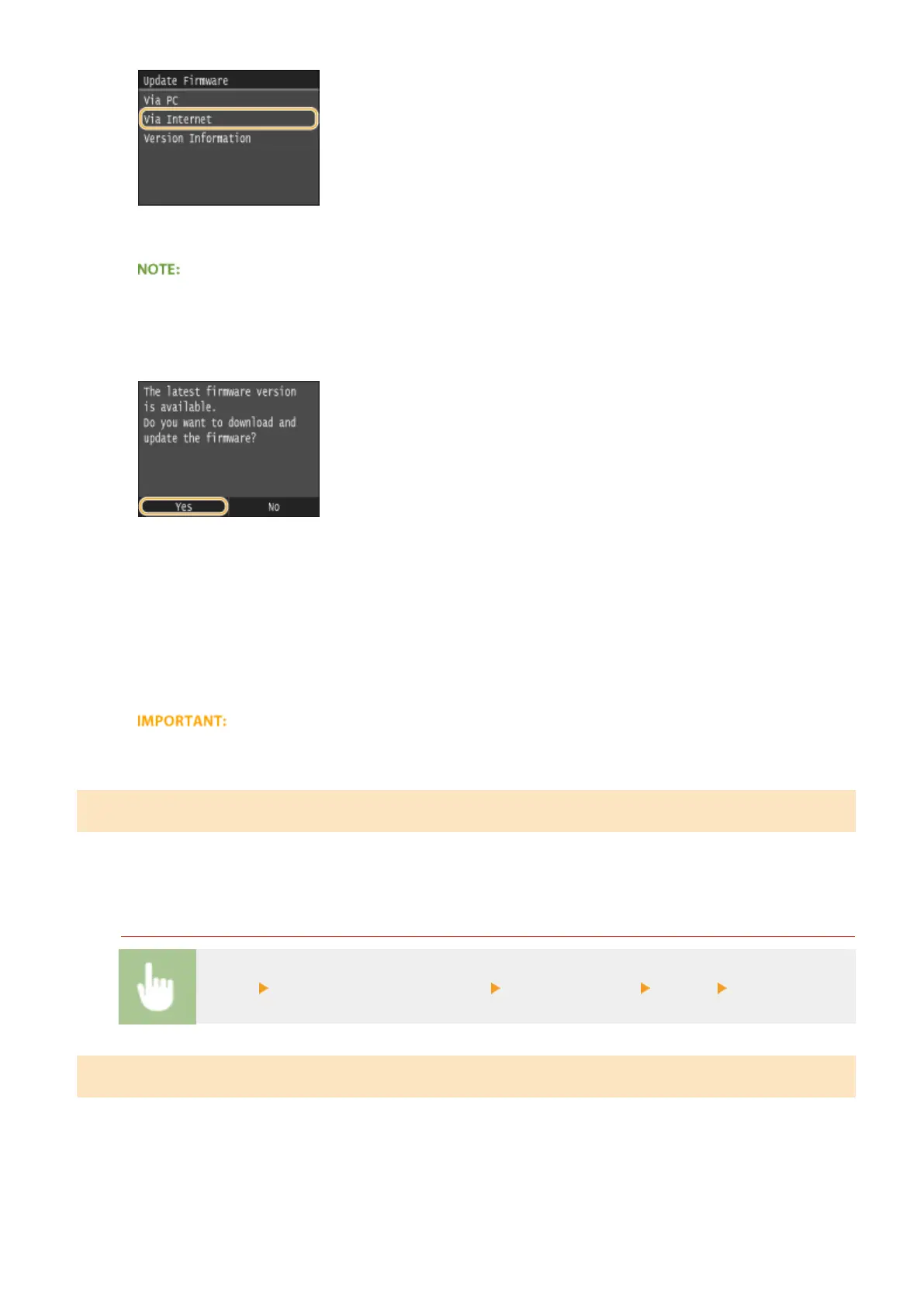
➠ A check for existence of the latest rmware is performed.
● If the <This is the latest rmware version.> message is displayed, there is no need to update the rmware.
5
Check the message and tap <Yes>.
6
When a license screen appears, tap <Accept>.
7
Tap <OK>.
➠
When the rmware update is complete, the machine restarts automatically.
● Do not turn OFF the machine while the restart is in progress.
Updating from a Computer
When you have downloaded the latest rmware version from the Canon website, use "User Support Tool" utility
software to update the rmware from a computer. For how to perform rmware update from a computer, see the
"User Support Tool Operation Guide" included with the rmware.
To Put the Machine into a Firmware Update Waiting State
<Menu> <System Management Settings> <Update Firmware> <Via PC> <Yes>
Checking the Firmware Version
1
Tap <Menu> in the Home screen.
2
Tap <System Management Settings>.
Maintenance
835











 To Next Page