Using the Machine as a Printer
0UWX-042
There are many ways to use the machine as a printer. You can print documents on your computer by using the printer
driver or print image les from a USB memory device. Make full use of the print functions to suit your needs.
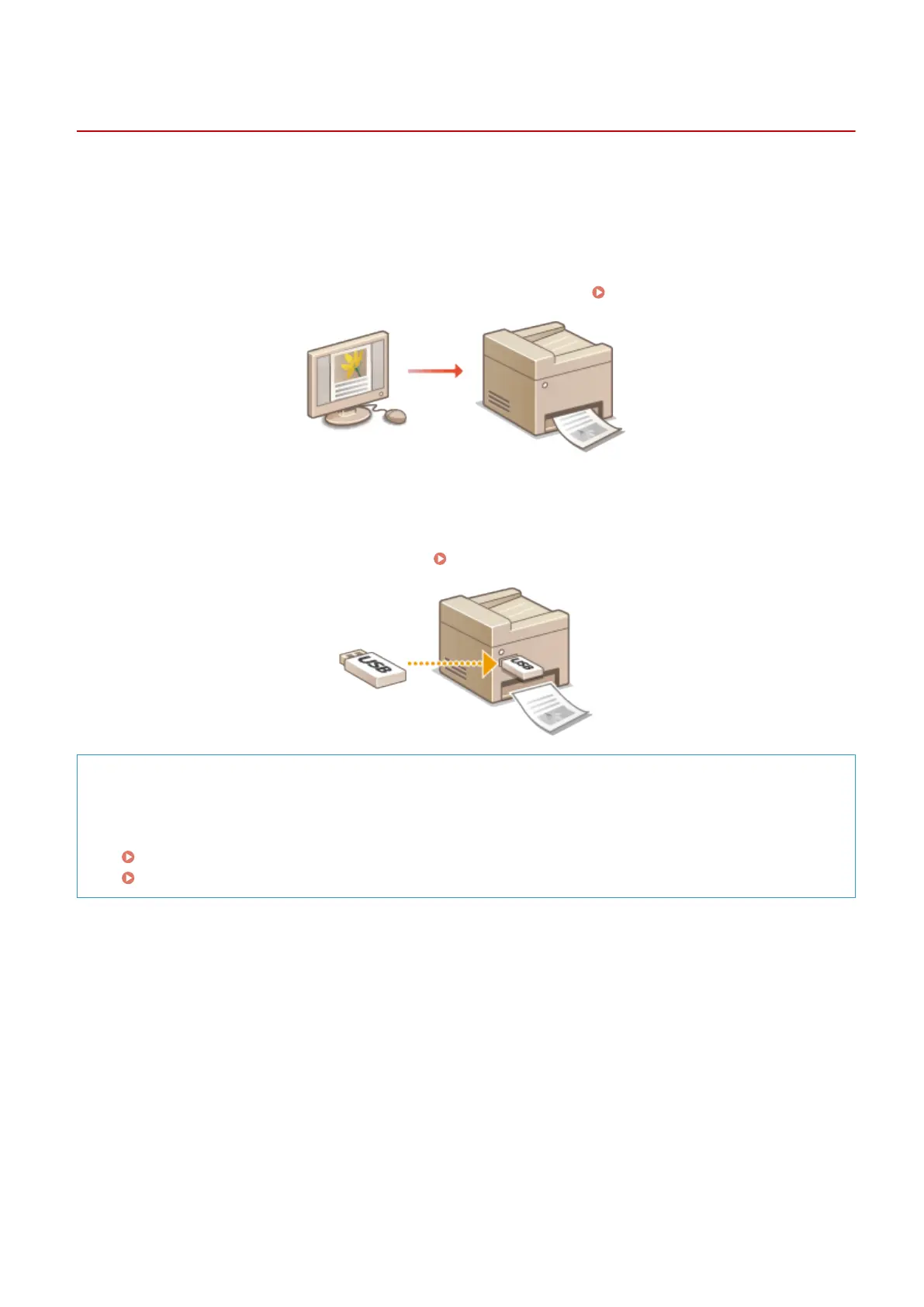
◼ Printing from a Computer
You can print a document made on your computer by using the printer driver. Printing from a Computer(P. 235)
◼
Printing from USB Memory (Memory Media Print)
You can print JPEG, TIFF and PDF les stored in a USB memory device by connecting it directly to the machine. Using
this function, you can print without using a computer.
Printing from USB Memory (Memory Media Print)(P. 289)
Printing from Mobile Devices
● Linking mobile devices such as smartphones or tablets to this machine provides a quick and easy way to
print photos and web pages. The machine also supports Google Cloud Print™.
Can Be Used Conveniently with a Mobile Device(P. 386)
Using Google Cloud Print(P. 406)
Using the Machine as a Printer
234











 To Next Page