4
Congure printing protocols.
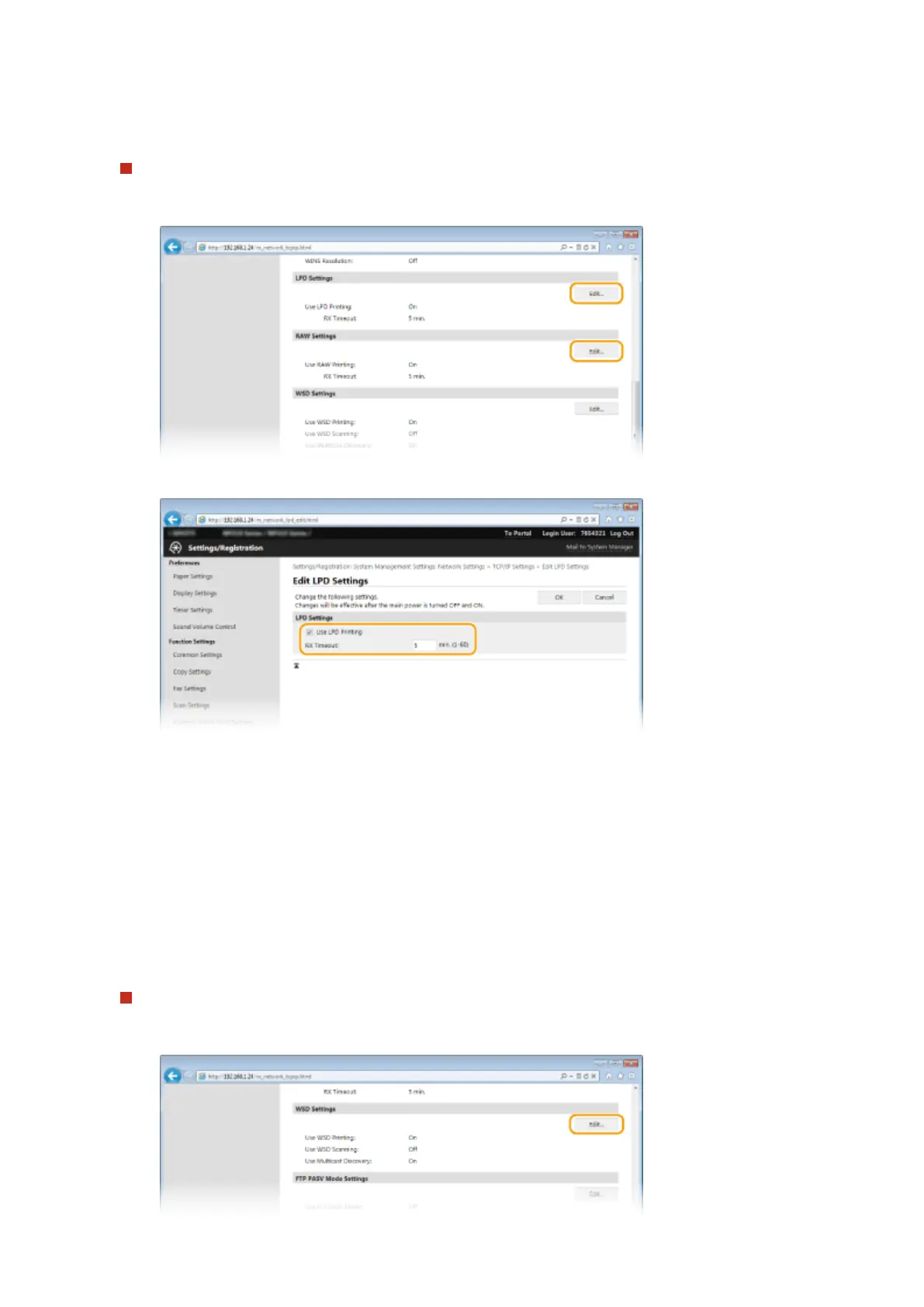
Conguring LPD or RAW
1
Click [Edit] in [LPD Settings] or [RAW Settings].
2
Congure the settings as necessary.
[Use LPD Printing]
Select the check box to print via LPD. When not using LPD printing, clear the check box.
[Use RAW Printing]
Select the check box to print via RAW. When not using RAW printing, clear the check box.
[RX Timeout]
Set a value between 1 and 60 (minutes) as the restart wait time for data reception. If data reception does
not resume within the set time, printing is canceled.
3
Click [OK].
Conguring WSD
1
Click [Edit] in [WSD Settings].
Network
450











 To Next Page