Checking Destinations before Sending Documents
0UWX-09E
By entering the fax number twice, you can reduce the risk of faxing to the wrong number due to input mistakes. Use
features described in this section if you send condential documents.
Displaying the Screen for Conrming the Fax Number (MF419x / MF416dw)(P. 561)
Displaying Destinations in Address Book(P. 561)
Displaying the Screen for Conrming the Fax Number (MF419x / MF416dw)
You can set the machine to ask users to enter the fax number twice when it is entered by using the numeric keys. This
way, you can reduce the risk of faxing to the wrong number due to input mistakes.
1
Tap <Menu> in the Home screen.
2
Tap <Fax Settings>.
3
Select <TX Function Settings> <Conrm Entered Fax Number>.
● If the logon screen appears, enter the correct ID and PIN using the numeric keys, and then press .
Logging on to the Machine(P. 44)
4
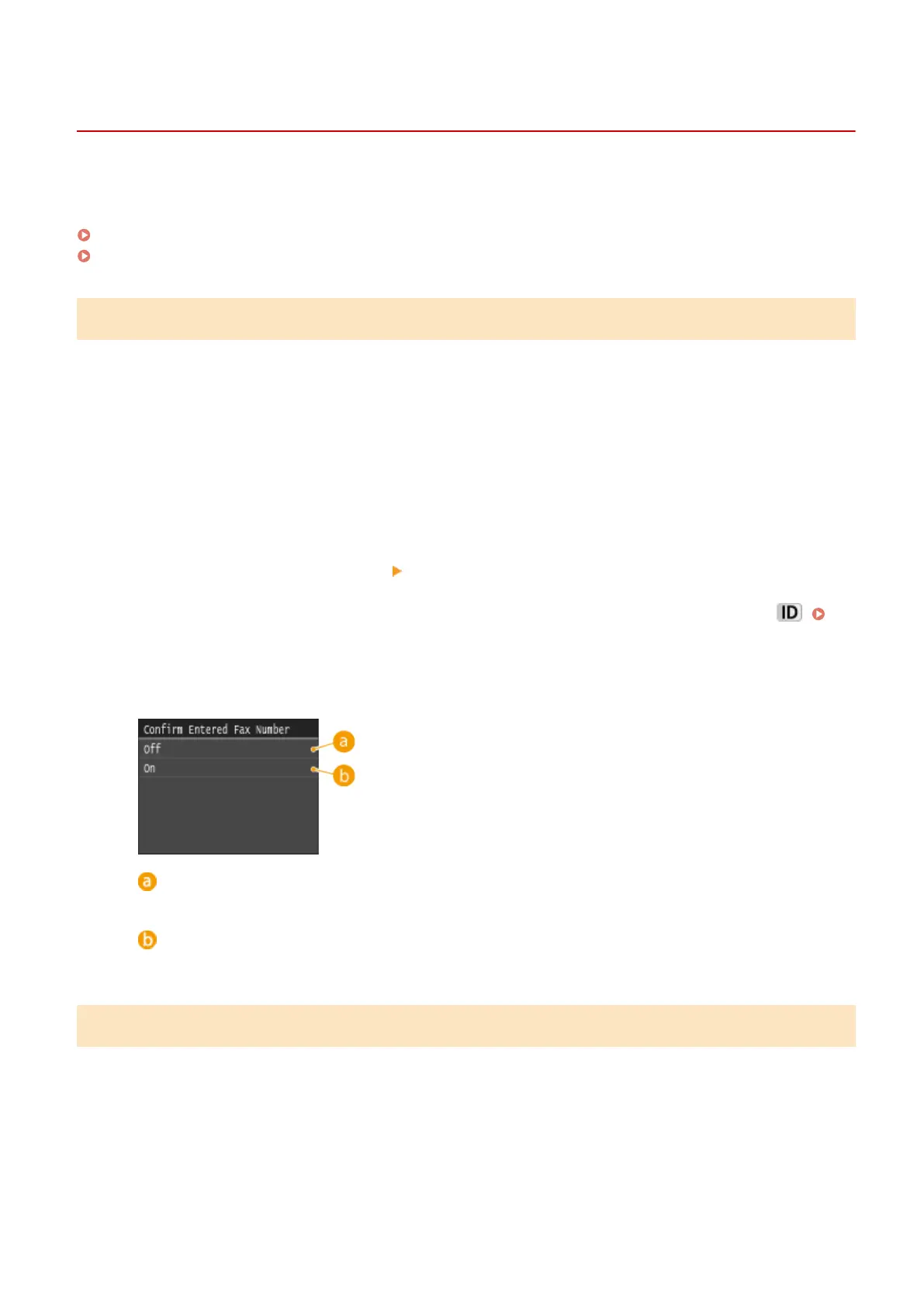
Tap <On>.
<Off>
Does not display the screen for conrming the fax number.
<On>
Displays the screen for conrming the fax number.
Displaying Destinations in Address Book
When using coded dial numbers to specify destinations, you need to remember whose destination (or what group) is
registered in what coded dial number. If you do not remember all these numbers perfectly, you may send your
documents to unintended destinations. You can avoid sending data to unintended recipients by conguring the
machine to display the details of the coded dial number you selected/entered as a sending destination before you
send documents to that destination.
1
Tap <Menu> in the Home screen.
Security
561











 To Next Page