Saving Settings Data to a USB Memory Device
0UWX-0EK
You can export Address Book and machine settings data, and save them to a USB memory device. It is recommended
that you regularly back up important settings.
1
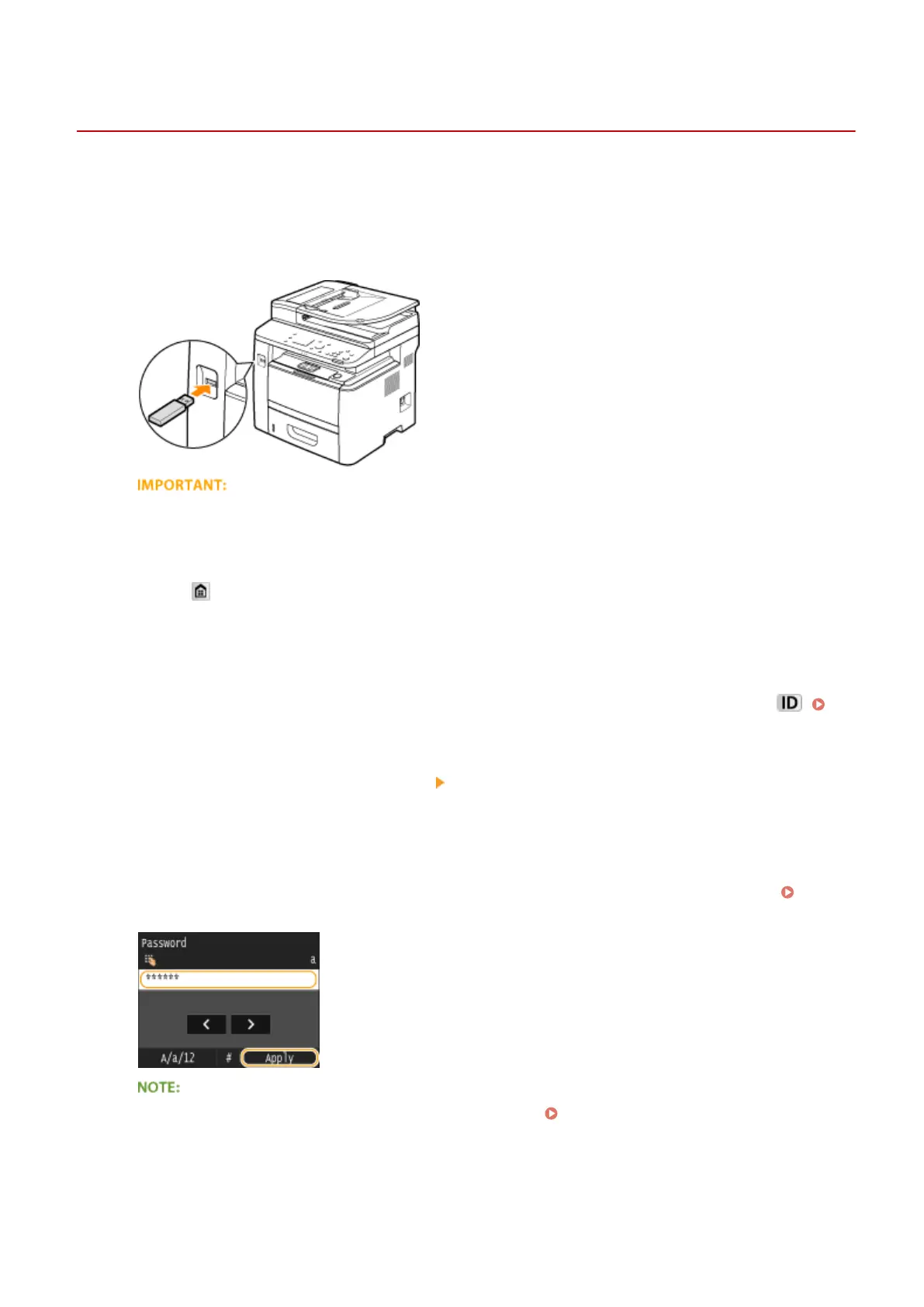
Connect a USB memory device to the USB port on the front of the machine.
● Do not remove the USB memory device or shock or shake the device or the machine when data is being
read or written. Also, do not turn OFF the machine while the processing is in progress.
2
Press and tap <Menu>.
3
Tap <System Management Settings>.
● If the logon screen appears, enter the correct ID and PIN using the numeric keys, and then press .
Logging on to the Machine(P. 44)
4
Select <Import/Export of Settings> <Export>.
5
Enter the password using the numeric keys, and tap <Apply>.
● Enter a password for the export data up to 32 alphanumeric characters. On how to enter text, see Entering
Text(P. 41) .
● The password is required when exported data is imported. Loading Settings Data from a USB Memory
Device(P. 827)
6
Enter the password again for conrmation, and tap <Apply>.
Maintenance
825











 To Next Page