}
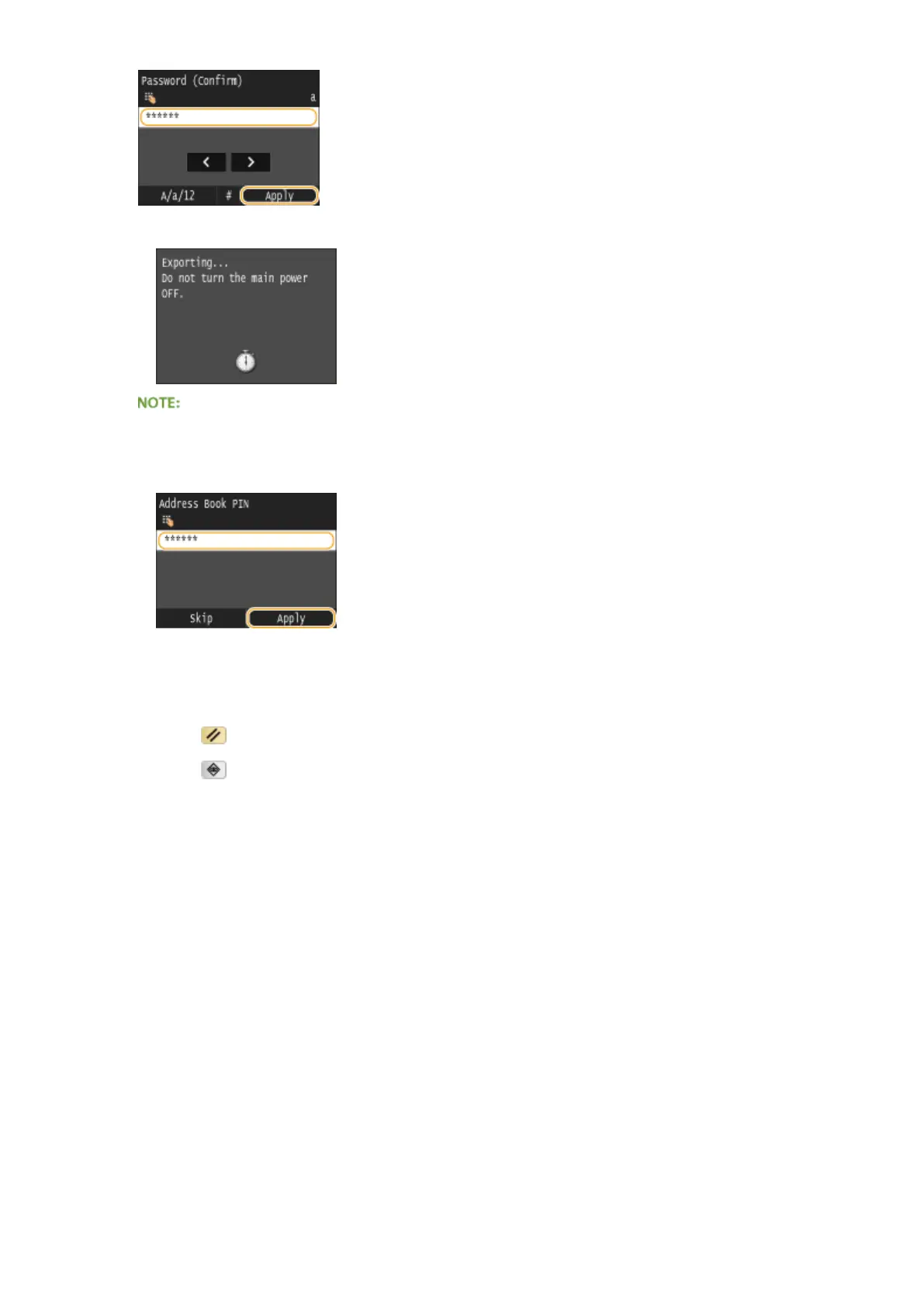
➠ Exporting starts.
If the <Address Book PIN> screen appears
● If a PIN has been set for the Address Book, the <Address Book PIN> screen appears during exporting.
Enter the Address Book PIN and tap <Apply>. Tap <Skip> to cancel Address Book data exporting.
7
Disconnect the USB memory device from the USB port.
1
Press .
2
Press .
3
Tap <Device Status>.
4
Tap <Remove Memory Media>.
➠ Wait until the message <The memory media can be safely removed.> is displayed.
5
Disconnect the USB memory device.
Maintenance
826











 To Next Page