On
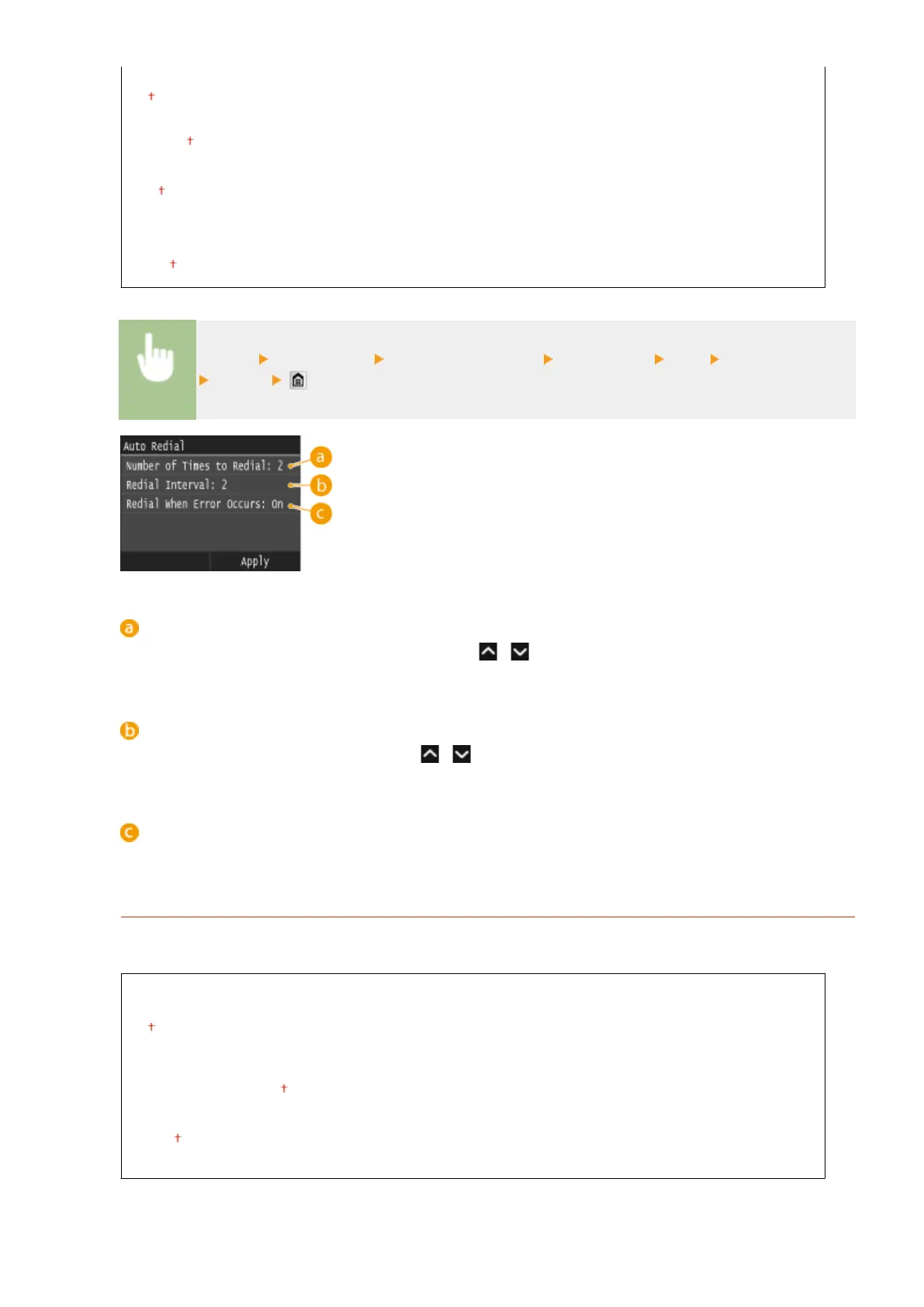
Number of Times to Redial
1 to 2
to 10 (times)
Redial Interval
2 to 99 (min.)
Redial When Error Occurs
Off
On
<Menu> <Fax Settings> <TX Function Settings> <Auto Redial> <On> Specify the settings
<Apply>
<Number of Times to Redial>
Species how many times the machine redials. Tap
/ or the numeric keys to enter a number, and tap
<Apply>.
<Redial Interval>
Species the interval between redials. Tap
/ or the numeric keys to enter a number for the interval,
and tap <Apply>.
<Redial When Error Occurs>
When set to <On>, species to redial when a transmission error occurs.
TX Terminal ID
Specify settings for adding the sender information, including the fax number and the name of the machine, to
the fax header. The recipient can check who sent the fax by looking at the added information.
Off
On
Print Position
Inside Image Area
Outside Image Area
Mark Number as
FAX
TEL
Setting Menu List
659











 To Next Page