Using the Display
0UWX-00K
The display is a touch panel, allowing you to operate directly on the screen.
Avoid the following actions.
The display may misfunction or be damaged.
● Pressing forcefully
● Pressing with pointed objects (ngernails, ballpoint pen, pencil, etc.)
● Operating with wet/soiled hands
● Operating the display while an object is placed on it
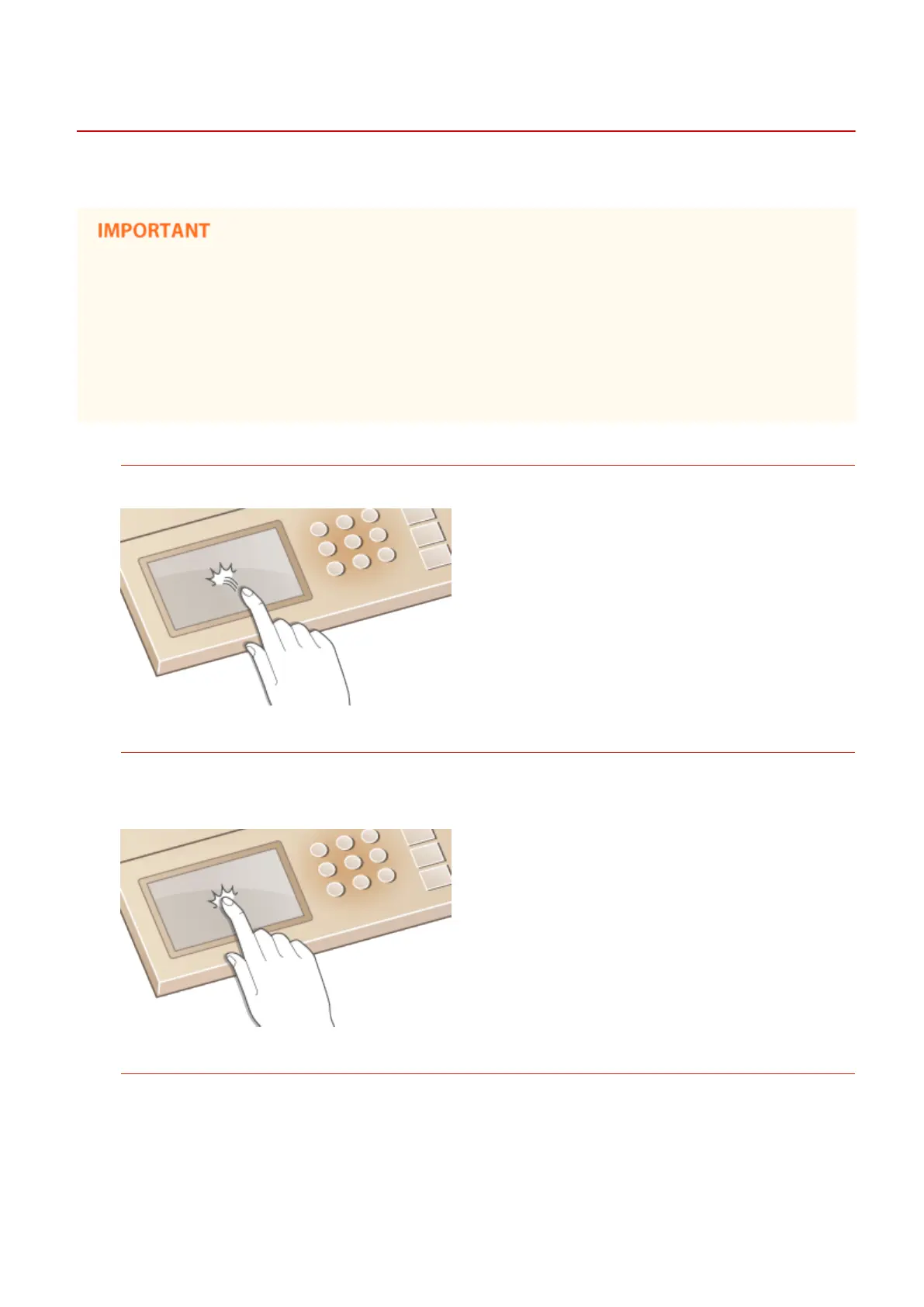
Tap
Touch the screen lightly and quickly. Use for selecting or nalizing items.
Long Touch
Keep nger held on the screen. When text cannot be completely displayed on one line ("..." appears), touch and
hold the line to scroll all of the text. You can also use a long touch to continuously increase or decrease
numbers, such as the copy magnication.
Flick
Flick with the nger on the display. The effect of icking varies depending on the screen. For instance, icking in
the Home screen moves you one page in the direction of the ick, while icking in the Copy screen scrolls the
screen in accordance with the icking motion.
Basic Operations
38











 To Next Page