● If the logon screen appears, enter the correct ID and PIN using the numeric keys, and then press .
Logging on to the Machine(P. 44)
2
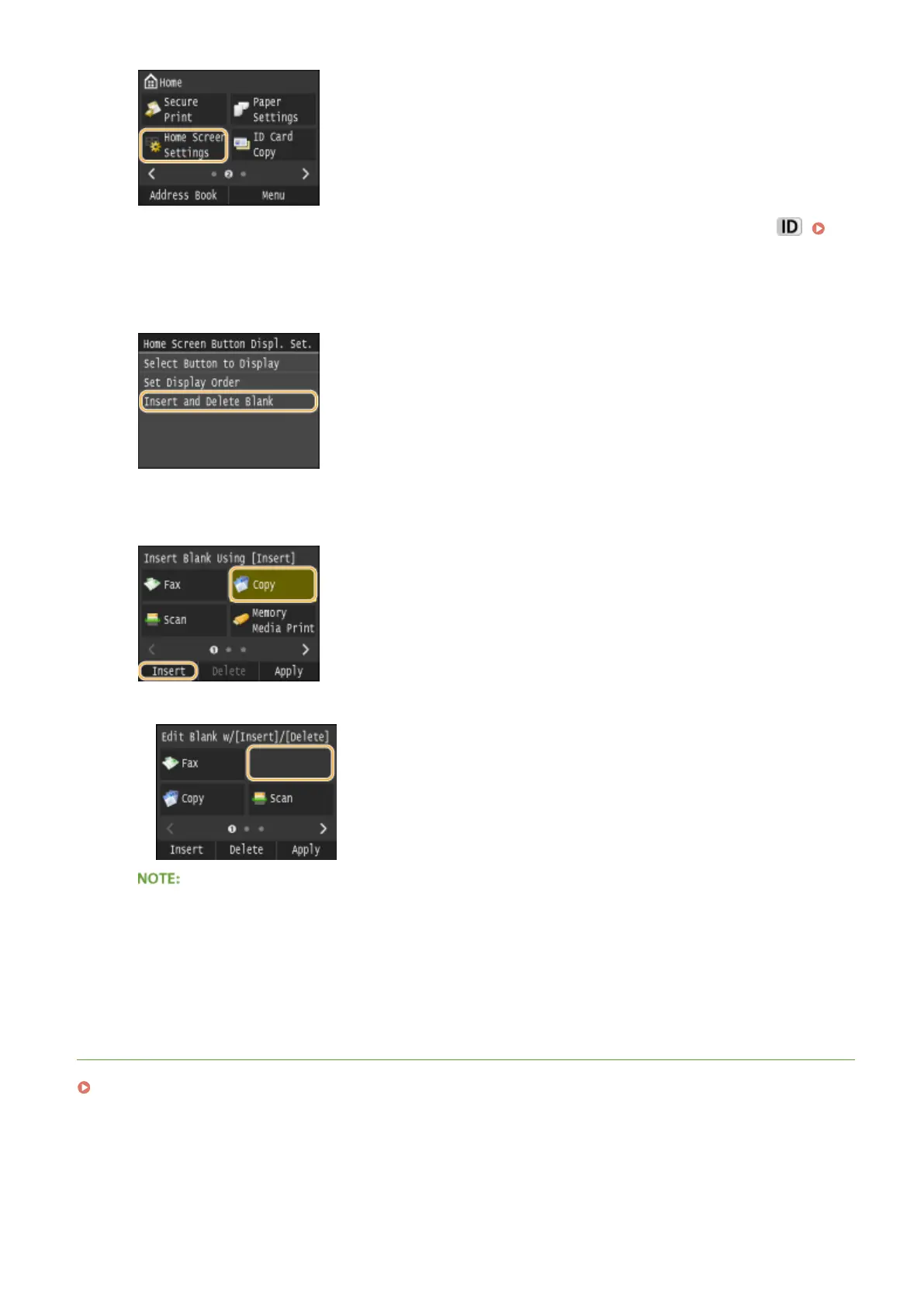
Tap <Insert and Delete Blank>.
3
Select the button where you want to insert a blank, and tap <Insert>.
➠
A space is inserted before the selected button.
Deleting Spaces
● To delete a space, select the space to be deleted and tap <Delete>.
4
Tap <Apply>.
LINKS
Display(P. 29)
Basic Operations
37











 To Next Page