Checking Status and Log for Sent and Received
Documents
0UWX-03J
The statuses and communication logs for sent and received fax and I-Fax documents can be checked separately for
sending and receiving.
● When <Display Job Log> is set to <Off>, you cannot check the communication logs. Display Job Log(P. 713)
1
Press .
2
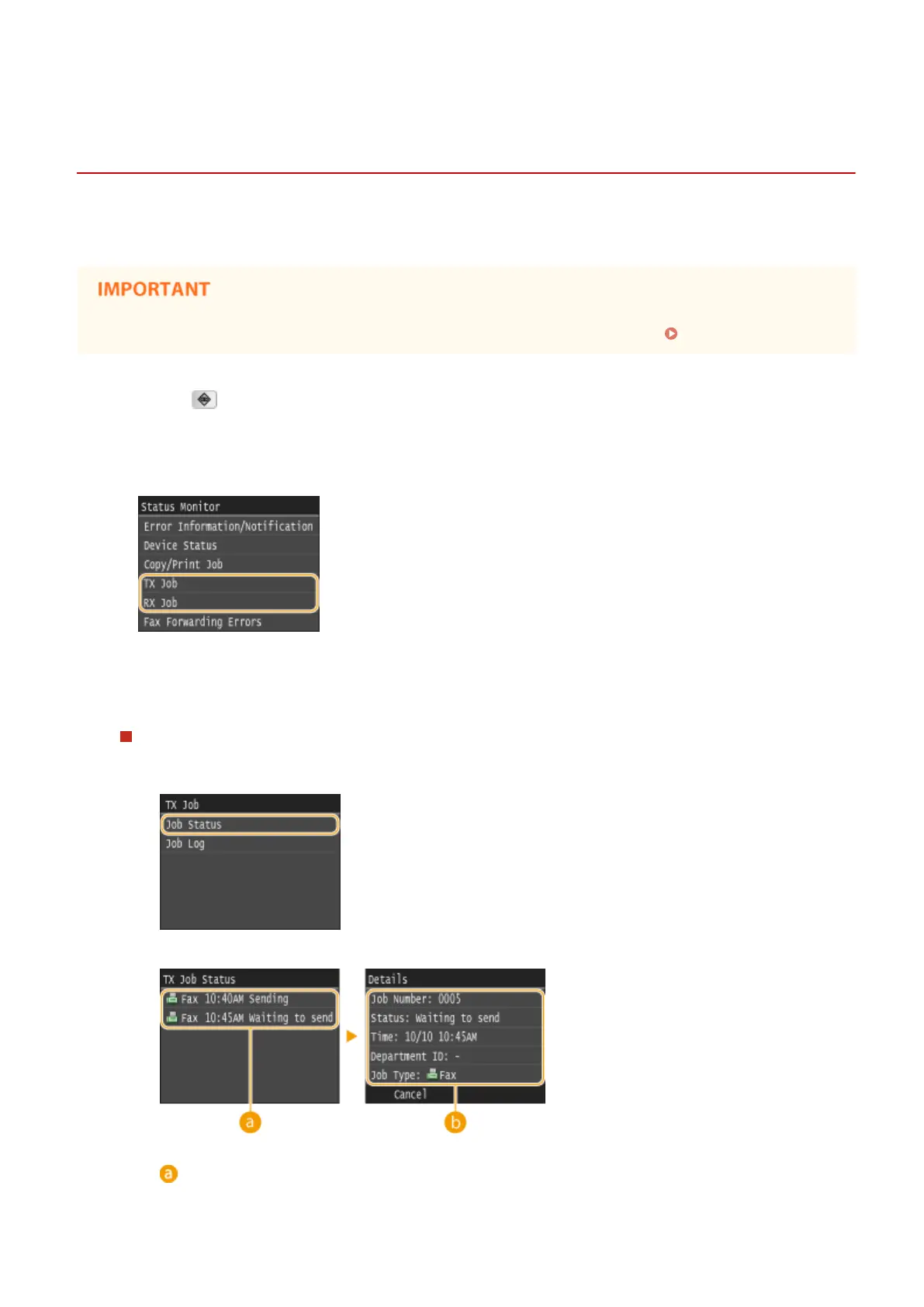
Tap <TX Job> or <RX Job>.
3
Check the statuses and communication logs for sent and received documents.
To check the statuses for sent and received documents
1
Tap <Job Status>.
2
Select the document whose status you want to check.
<TX Job Status>/<RX Job Status>
Displays a list of the documents that are being sent and received or are waiting to be processed.
Faxing
201











 To Next Page