For Mac OS Users
0UWX-0H2
Your machine may have not come with a driver for Mac OS depending on when you purchased the machine.
The drivers are uploaded to the Canon website when they become needed. Check the operating system of
your computer and download the appropriate driver from the Canon website. For the driver installation
procedure and how to operate the driver, see the "Canon MF Printer Driver Guide."
In the e-Manual and MF Driver Installation Guide, methods to operate in the Windows environment are explained as
examples. To view how to use the driver and utility for Mac OS, see the following guide or help.
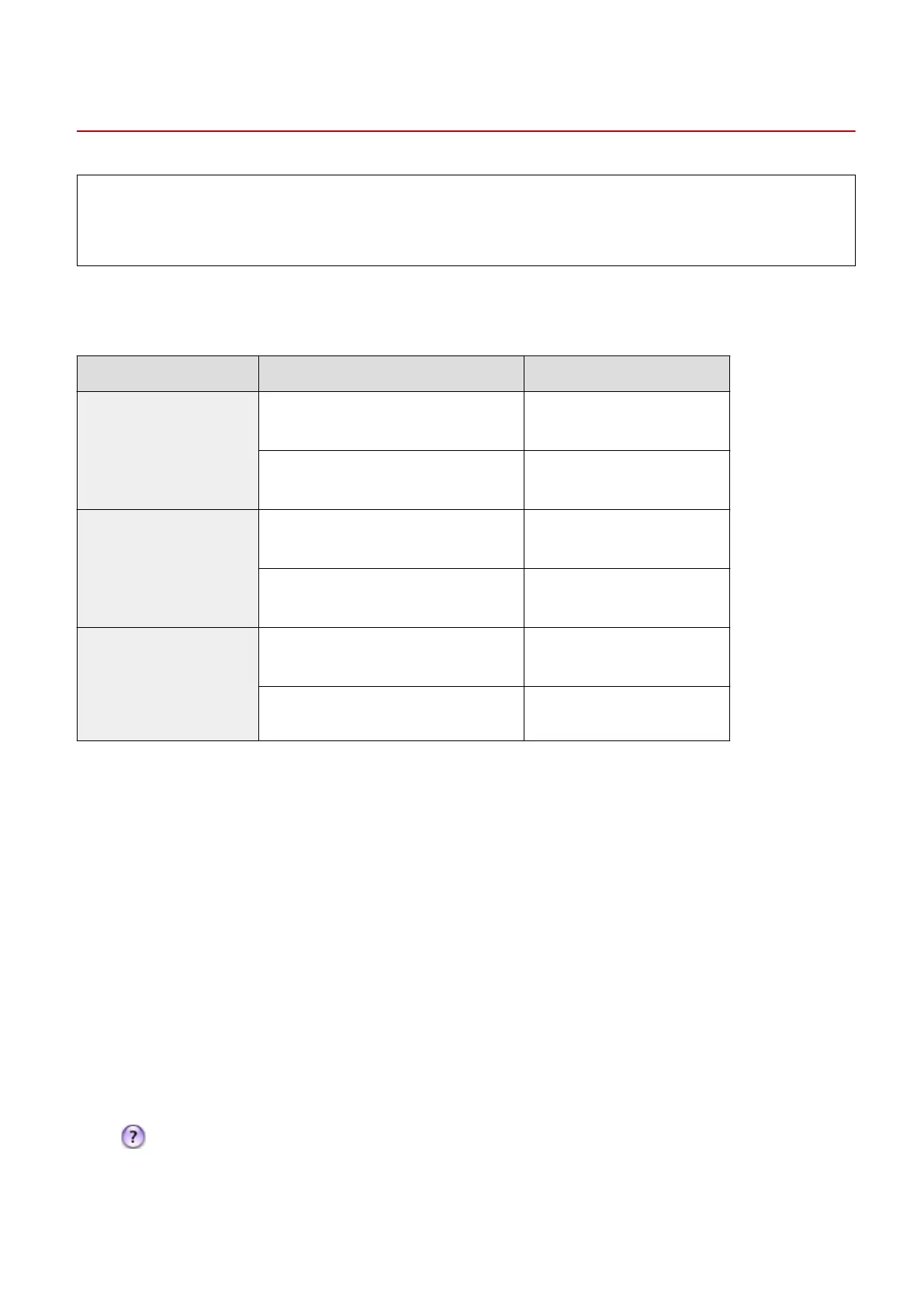
Function
Object Reference
Print function Installing the Driver ● Getting Started
● Canon MF Printer Driver Guide
Using each feature ● Driver's Help
● Canon MF Printer Driver Guide
Fax function Installing the Driver ● Getting Started
● Canon Fax Driver Guide
Using each feature ● Driver's Help
● Canon Fax Driver Guide
Scan function Installing the Driver ● Getting Started
● Canon Scanner Driver Guide
Scanning
(Setting the MF Scan Utility or ScanGear MF)
● Canon Scanner Driver Guide
◼
Displaying the Driver Guide
Double-click the following HTML le included in the provided DVD-ROM.
Canon MF Printer Driver Guide
[MF] - [Documents] - [XXXXXX]
*
- [Guide] - [index.html]
Canon Fax Driver Guide
[FAX] - [Documents] - [XXXXXX]
*
- [Guide] - [index.html]
Canon Scanner Driver Guide
[ScanGear_MF] - [Documents] - [XXXXXX]
*
- [Guide] - [index.html]
*
For [XXXXXX], select your desired language.
◼ Displaying the Driver Help
Click [ ] on the driver.
Appendix
900











 To Next Page