Printing from a Computer
0UWX-043
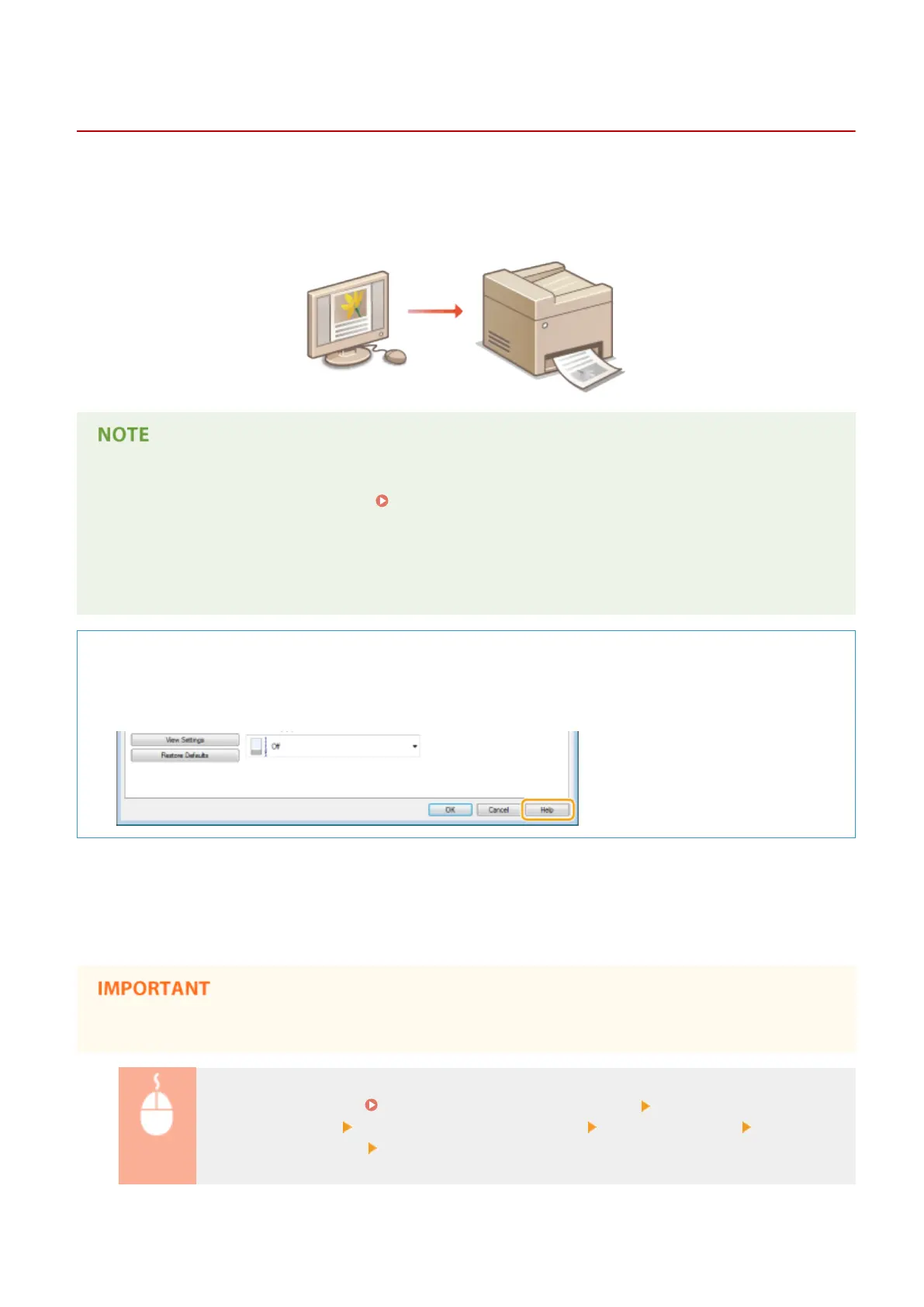
You can print a document made with an application on your computer by using the printer driver. There are useful
settings on the printer driver, such as enlarging/reducing and 2-sided printing, that enable you to print your
documents in various ways. Before you can use this function, you need to complete some procedures, such as
installing the printer driver on your computer. For more information, see "MF Driver Installation Guide."
● If you are a Mac OS user, see "Canon MF Printer Driver Guide" for installing the printer drivers and Printer
Driver's Help for using print functions. For Mac OS Users(P. 900)
● Depending on the operating system and the type or version of the printer driver you are using, the printer
driver screens in this manual may differ from your screens.
● You can use the PCL6 printer driver as well as the UFR II printer driver. The available print settings vary
depending on the printer driver. For more information, click [Help] on each printer driver screen.
About the Printer Driver Help
● Clicking [Help] on the printer driver screen displays the Help screen. On this screen, you can see the detailed
descriptions that are not in the e-Manual.
◼ To Use the Optional Items
If the optional paper feeder (drawer 2) is attached to the machine, perform the following operation on the printer
driver.
● To perform the following procedure, log on to your computer with an administrator account.
Open the printer folder ( Displaying the Printer Folder(P. 892) ) Right-click the printer driver
icon for this machine [Printer Properties] or [Properties] [Device Settings] tab Select the [500
Sheet Drawer] check box [OK]
Using the Machine as a Printer
235











 To Next Page