Scanning from the Machine
0UWX-059
The sequence of "scanning a document and saving it to a computer" can only be
done when scanning from the machine. Scan while specifying what computer
documents will be saved to; whether to scan documents in color or black and white;
whether to save documents as PDFs or JPEGs; and other settings.
1
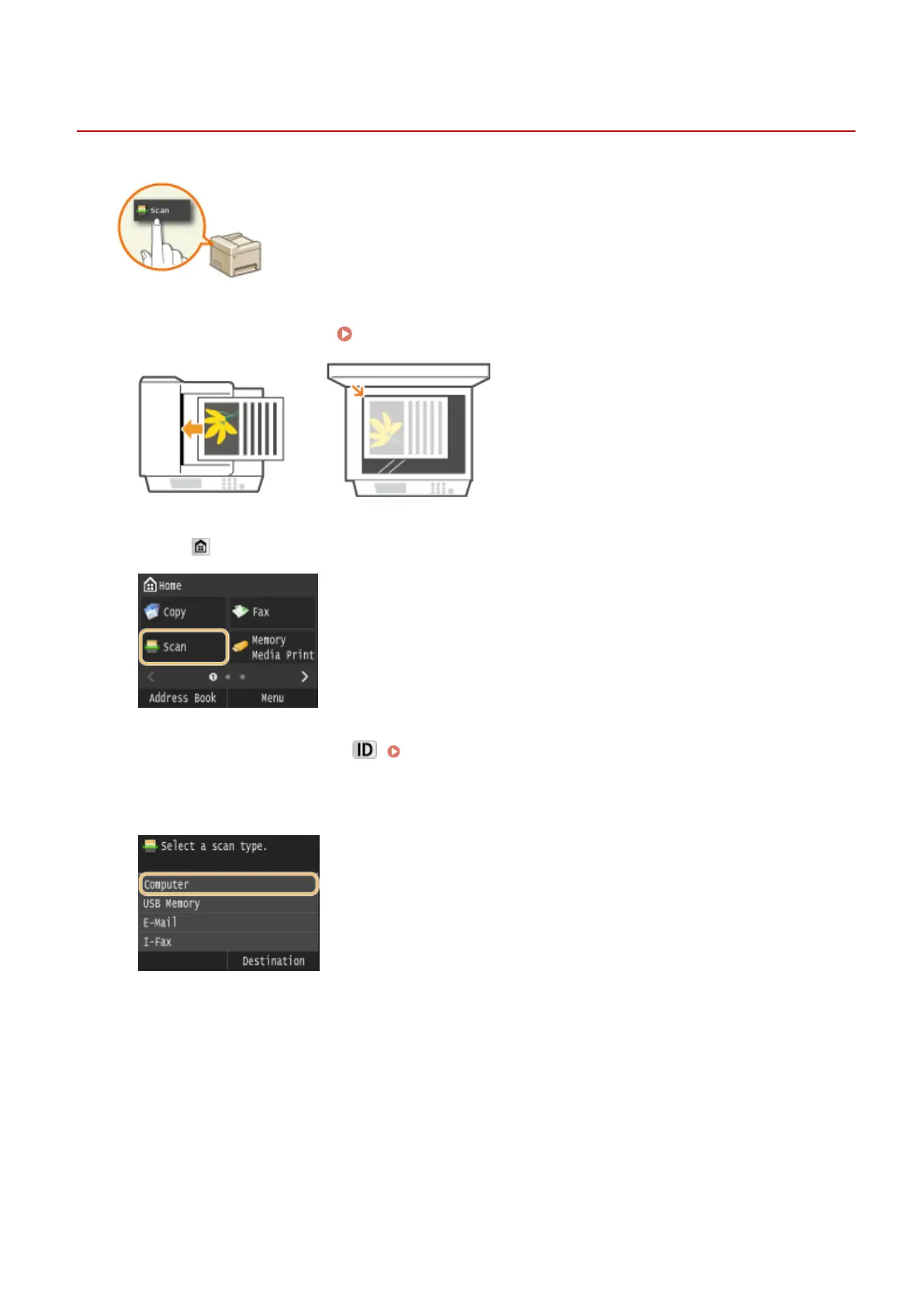
Place the document(s). Placing Documents(P. 47)
2
Press and tap <Scan>.
● When the logon screen appears, use the numeric keys to enter the user name and password. Then select the
authentication server and press . Logging on to Authorized Send(P. 45)
3
Tap <Computer>.
4
Select the destination computer.
● This screen is not displayed if only a computer is connected to the machine via USB.
● Up to 10 network-connected computers can be displayed.
Using the Machine as a Scanner
306











 To Next Page