5
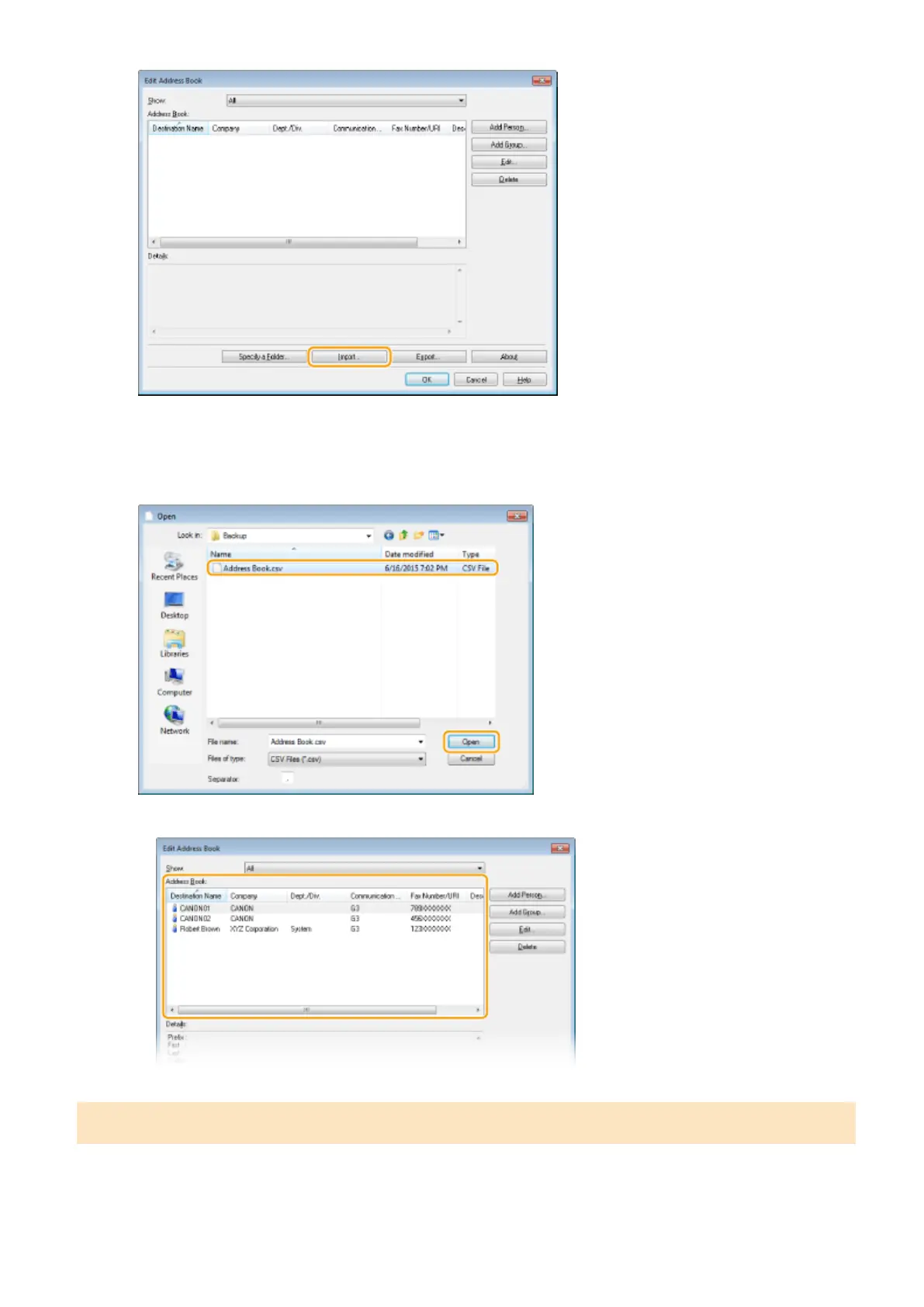
Select the le to import and click [Open].
● For a CSV le, specify the separators used in the le.
➠
The destinations imported from the le are displayed in [Address Book].
Exporting Address Book Data
The le formats that can be written out from the fax driver are the following two: CSV le (*.csv) and Canon Address
Book le (*.abk).
Faxing
220











 To Next Page