Receiving Fax Information Services
0UWX-03H
Through fax information services, you can easily get a variety of helpful lifestyle and
work information from companies and organizations. This section describes a typical
procedure for receiving these services.
● Depending on the service, actual procedures may differ from the ones described below. Follow the
procedures for the service you are using.
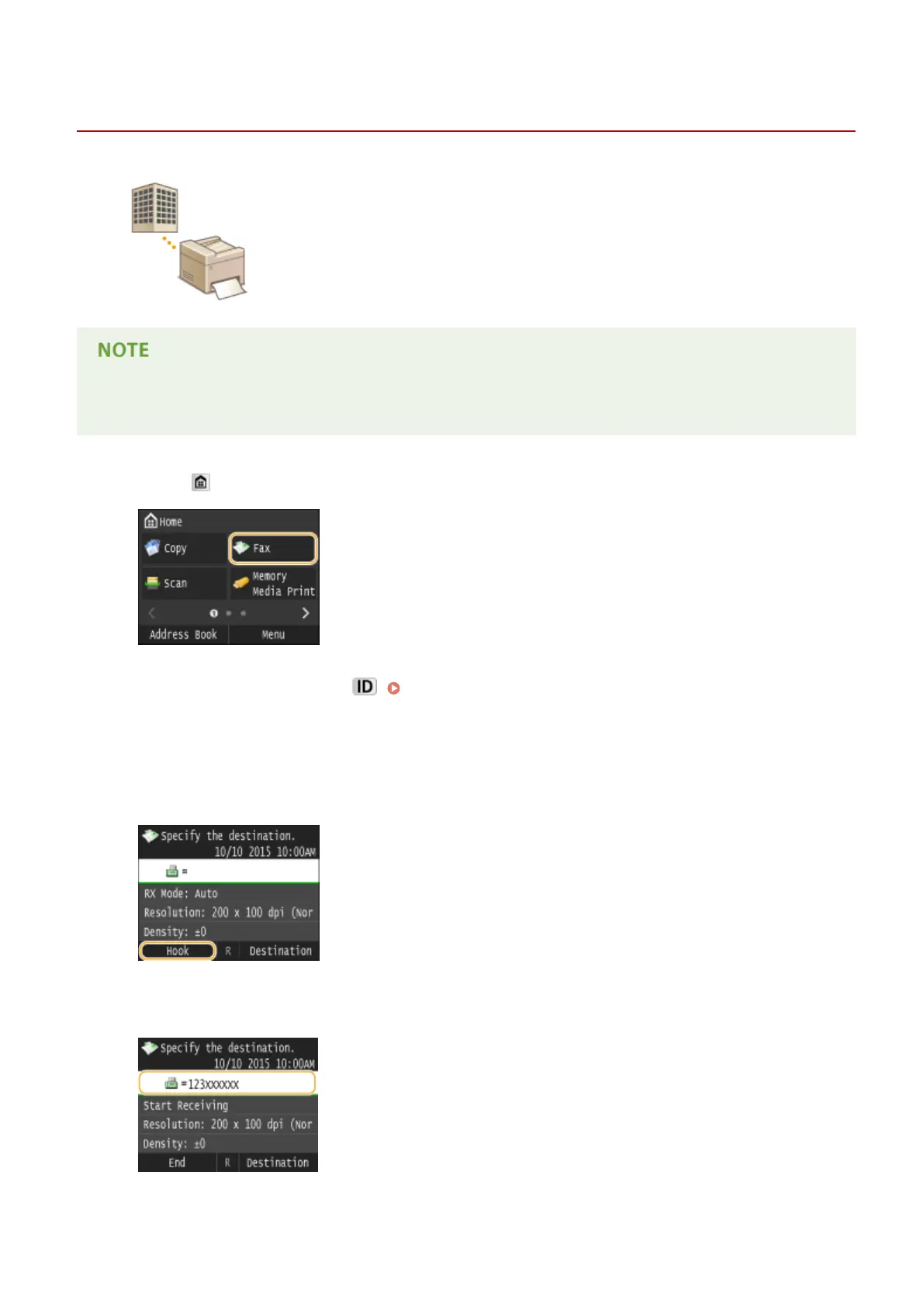
1
Press and tap <Fax>.
● When the logon screen appears, use the numeric keys to enter the user name and password. Then select the
authentication server and press . Logging on to Authorized Send(P. 45)
2
Tap <Hook>.
● If an external telephone or the optional handset is connected to the machine, you can pick up the handset
instead of tapping <Hook>.
3
When you hear a dial tone, dial the information service.
Faxing
199











 To Next Page