Conguring E-Mail/I-Fax Communication Settings
0UWX-081
Use the Remote UI to congure the detailed send and receive settings, such as the settings for using the machine to
send and receive I-Faxes and the settings for POP authentication and encryption of communication before you send e-
mail or I-Faxes. Contact your provider or network administrator for the required settings.
1
Start the Remote UI and log on in System Manager Mode. Starting Remote
UI(P. 606)
2
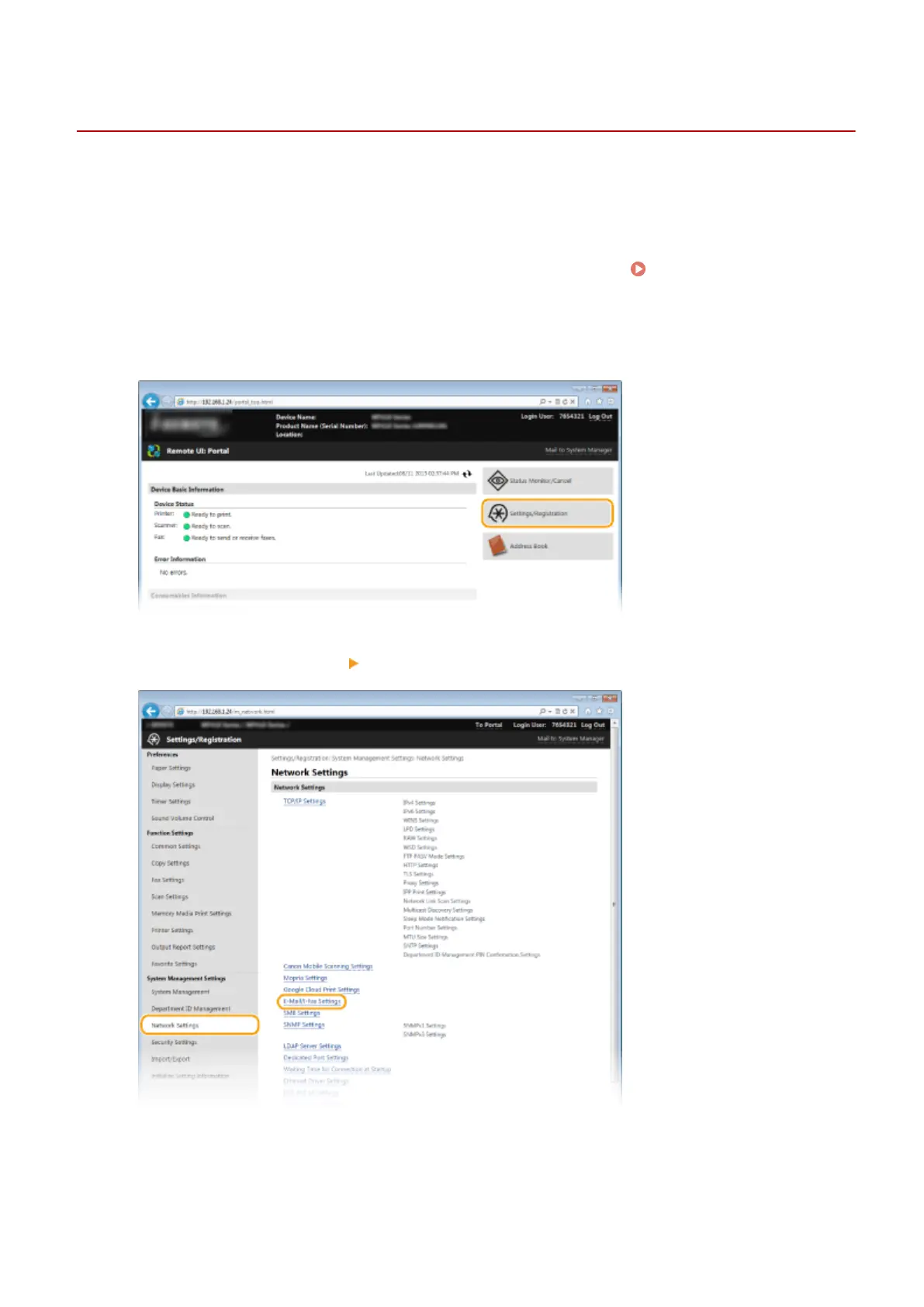
Click [Settings/Registration].
3
Click [Network Settings] [E-Mail/I-Fax Settings].
4
Click [Edit].
Network
469











 To Next Page