Sending Faxes
0UWX-02H
● You need to complete some procedures before using fax functions. Conguring Initial Settings for Fax
Functions (MF419x / MF416dw)(P. 140)
1
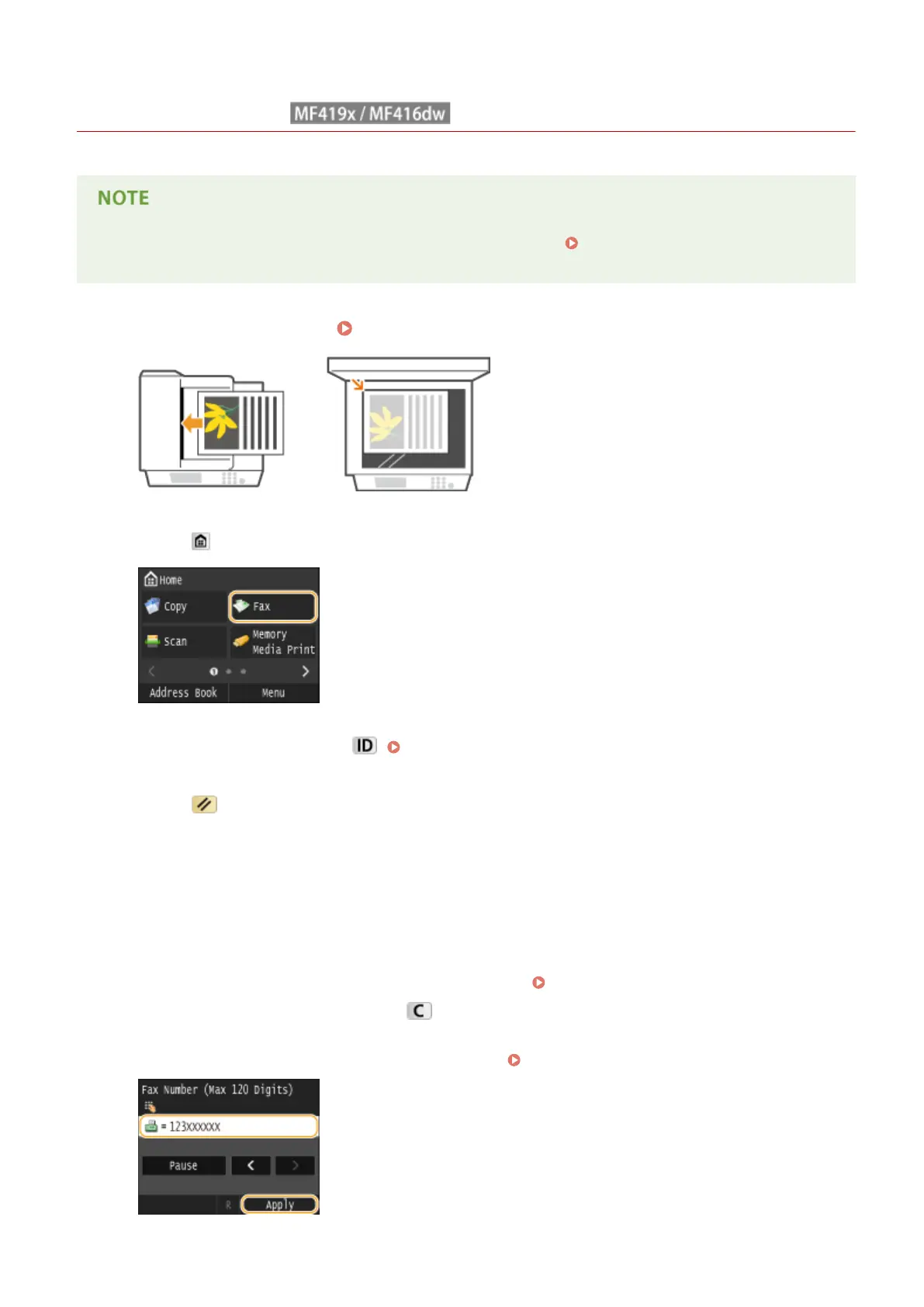
Place the document(s). Placing Documents(P. 47)
2
Press and tap <Fax>.
● When the logon screen appears, use the numeric keys to enter the user name and password. Then select the
authentication server and press . Logging on to Authorized Send(P. 45)
3
Press .
● If the destinations set by the previous user are still selected, this can cause transmission errors. Always reset
the settings before sending.
4
Enter the destination using the numeric keys, and tap <Apply>.
● If your machine is connected to a PBX (Private Branch Exchange), tap <R> before entering the destination. If
<R> is not available, you need to register the R-key settings. R-Key Setting(P. 656)
● If you enter the wrong characters, press . (Press to delete each character one by one; press and hold to
delete all the input characters at once.)
● To use the Address Book to quickly specify destinations: Specifying Registered Destinations(P. 153)
Faxing
149











 To Next Page