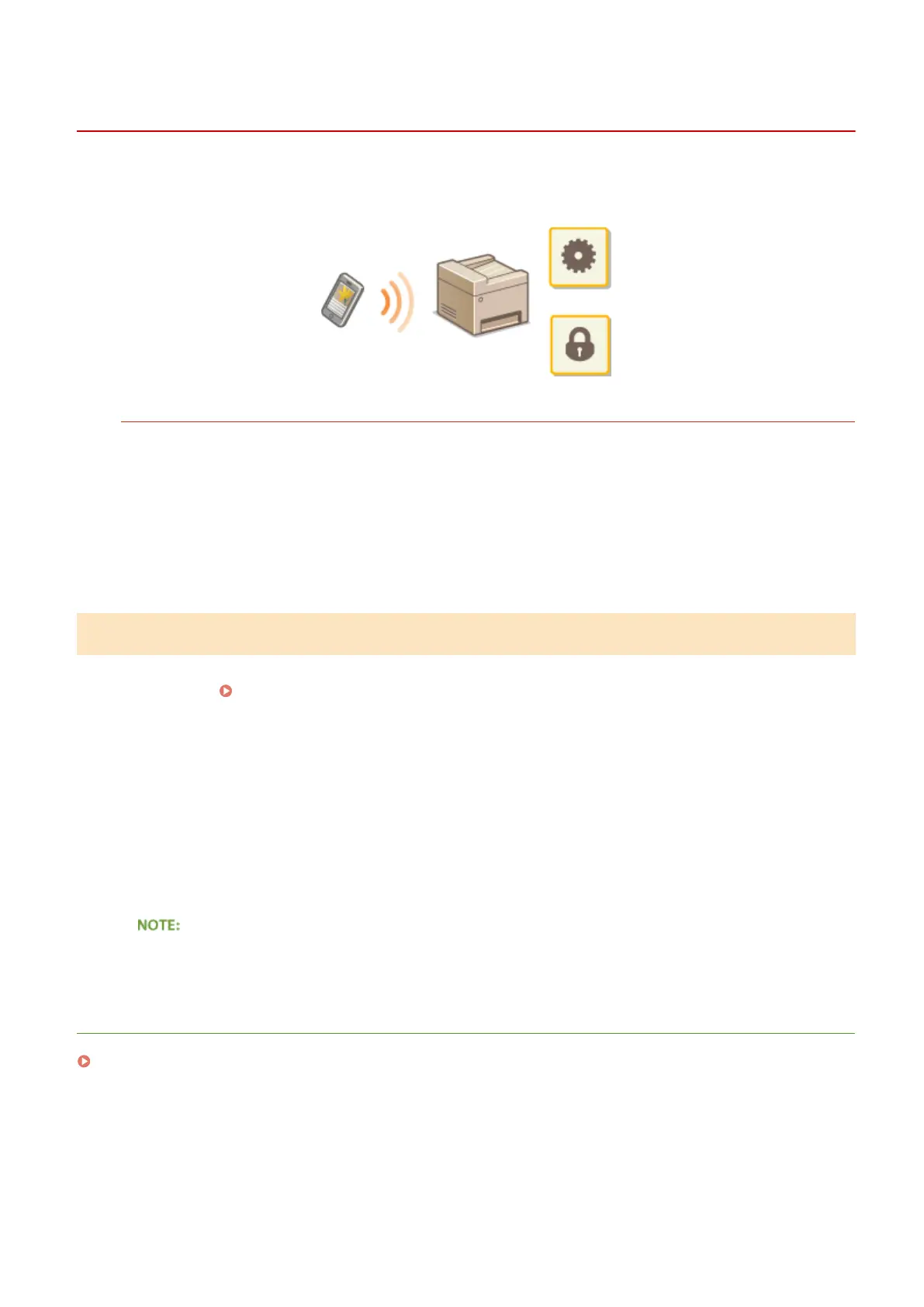
Managing the Machine Remotely
0UWX-0HA
You can use the Remote UI from a Web browser installed on your mobile device. This allows you to check the
machine's status and specify machine's settings from your mobile device.
Supported Browsers
The browsers compatible with the Remote UI for mobile devices are the following.
For Android OS
● Chrome
For iOS
● Safari
Starting Remote UI with a Mobile Device
Enter the IP address of the machine into the Web browser and start the Remote UI. Check the IP address set to the
machine in advance ( Viewing Network Settings(P. 445) ). If you have any questions, ask your Network
Administrator.
1
Start the Web browser on your mobile device.
2
Enter "http://<the IP address of the machine>/" in the address eld.
● If you want to use an IPv6 address, enclose the IPv6 address with brackets (example: http://
[fe80::2e9e:fcff:fe4e:dbce]/).
● Some items of the Remote UI are not displayed in its "Smartphone Version." If you want to check all items,
see the "PC Version."
LINKS
Using Remote UI(P. 605)
Can Be Used Conveniently with a Mobile Device
410











 To Next Page