Setting Up Connection Using WPS Push Button Mode
0UWX-078
If your wireless router supports WPS push button mode, you can easily set up a connection with a WPS button.
● How to operate the wireless router may vary on each device. See the instruction manuals for your
networking device for help.
1
Tap <Menu> in the Home screen.
2
Tap <Network Settings>.
● If the logon screen appears, enter the correct ID and PIN using the numeric keys, and then press .
Logging on to the Machine(P. 44)
3
Tap <Wireless LAN Settings>.
● If the <Do you want to enable the wireless LAN?> message is displayed, tap <Yes>.
4
Read the message that is displayed, and tap <OK>.
5
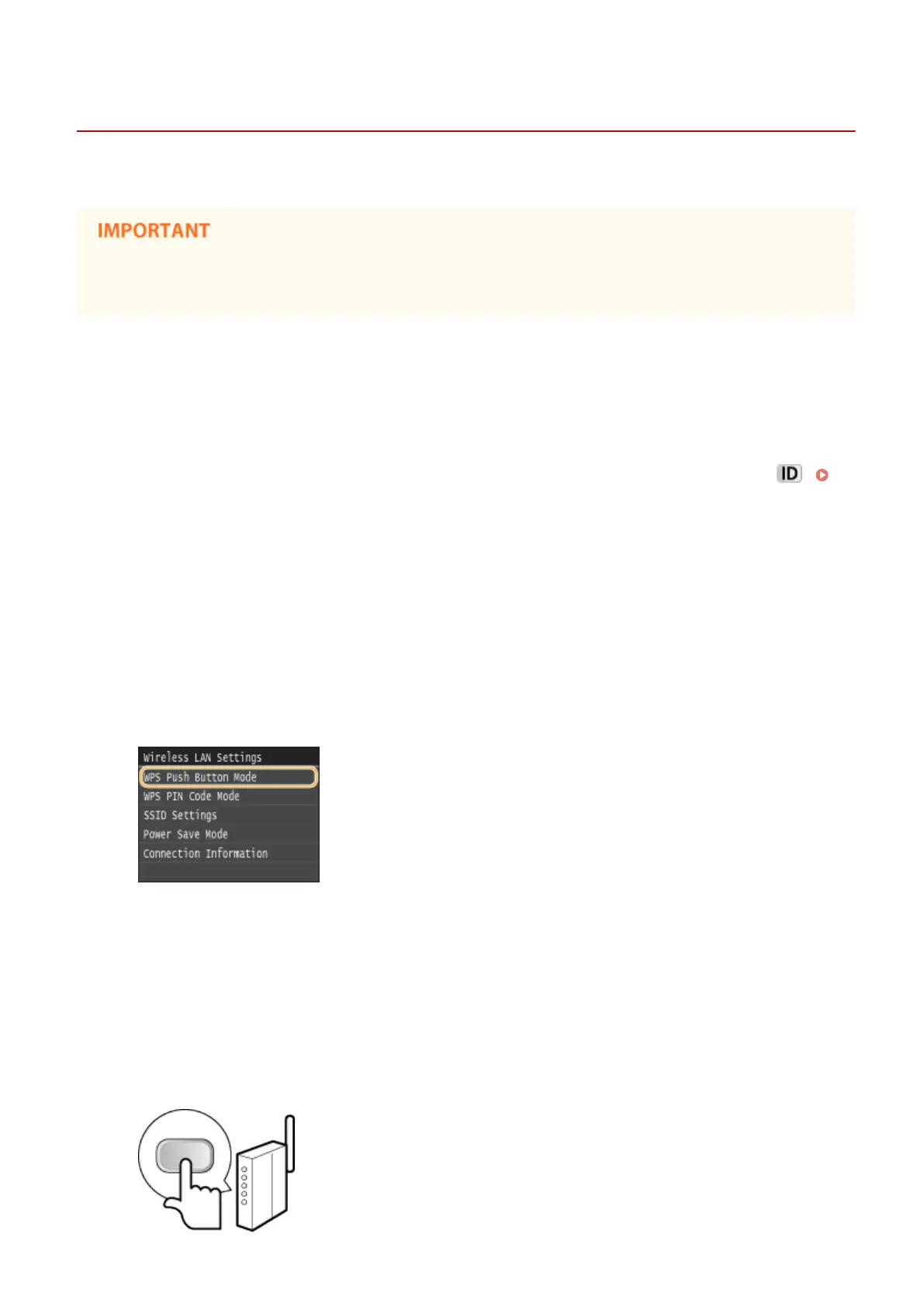
Tap <WPS Push Button Mode>.
6
Tap <Yes>.
7
Press and hold the WPS button on the wireless router.
● The button must be pressed within 2 minutes after tapping <Yes> in step 6.
● Depending on the networking device, you may need to press and hold the button for 2 seconds or longer.
See the instruction manuals for your networking device for help.
Network
421











 To Next Page