Registering Frequently Used Settings
It is troublesome to congure the color mode, image quality, or other settings each time you scan. If you register
frequently used settings as Favorite Settings, you can scan simply call the registered settings when scanning.
The following settings cannot be registered in [Favorite Settings].
● Widths and heights in [Input Settings] and [Output Settings]
● On/Off of the (to lock the ratio of width to height) in [Input Settings]
● The magnication percentage (%) in [Output Settings]
1
Place the document(s), and click [Preview].
2
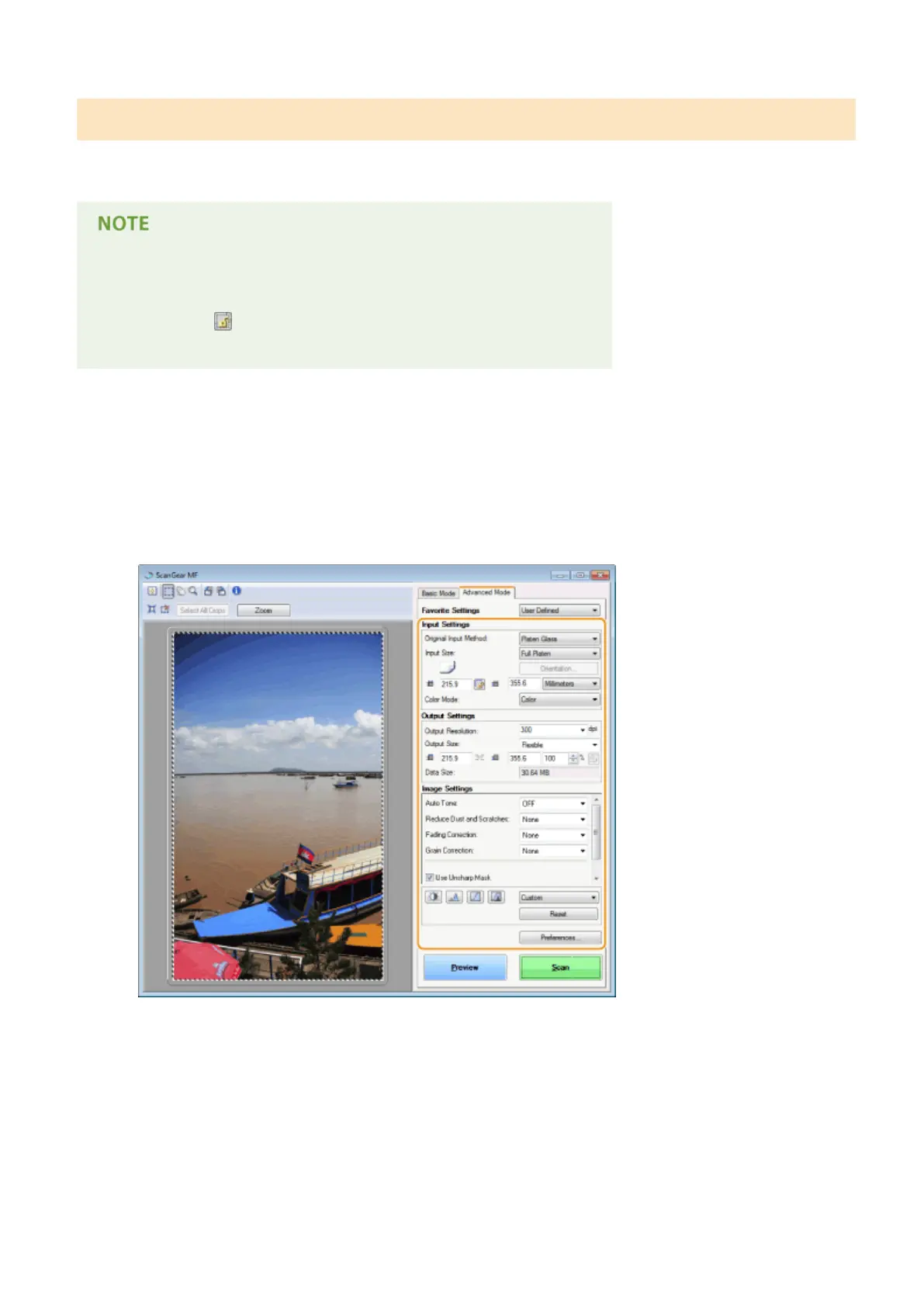
Change the scan settings.
● Select settings to register as necessary.
3
Select [Add/Delete] in [Favorite Settings].
● [Add/Delete] is available when the preview image is displayed.
Using the Machine as a Scanner
328











 To Next Page