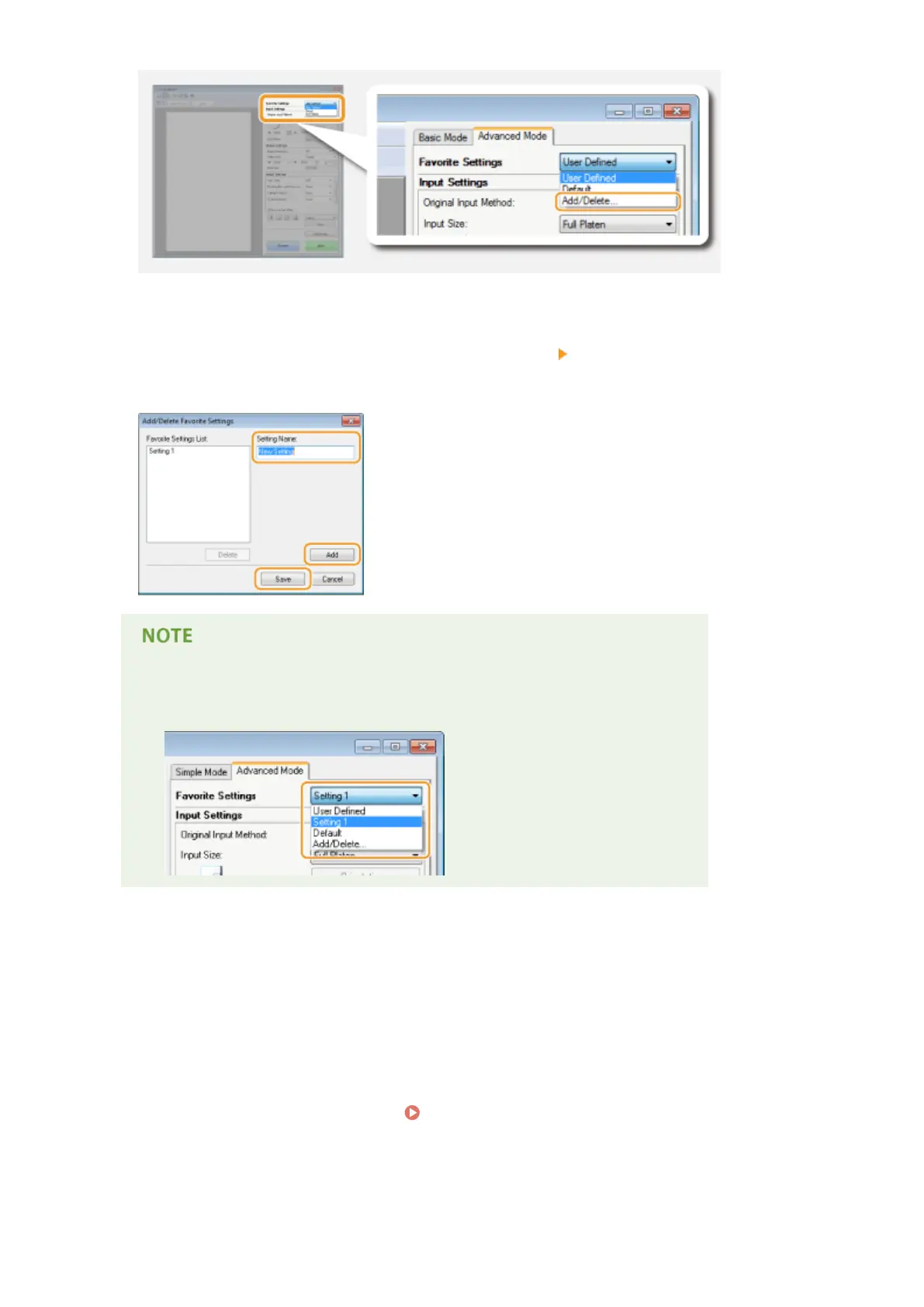
➠ The [Add/Delete Favorite Settings] screen is displayed.
4
Enter a name into [Setting Name], and click [Add] [Save].
● Enter a name for the settings to register. Use a name that is easy to nd in the drop-down list.
Calling registered Favorite Settings
● Display a preview image, and select the registered setting in the drop-down list.
◼ Registering the Brightness or Color Setting
To register only the brightness, contrast, histogram, tone curve, or threshold setting, follow the procedure
below.
1
Place the document(s), and click [Preview].
2
Adjust the brightness or color. Adjusting Brightness and Color(P. 322)
● Select settings to register as necessary.
3
Select [Add/Delete] in the drop-down list.
Using the Machine as a Scanner
329











 To Next Page