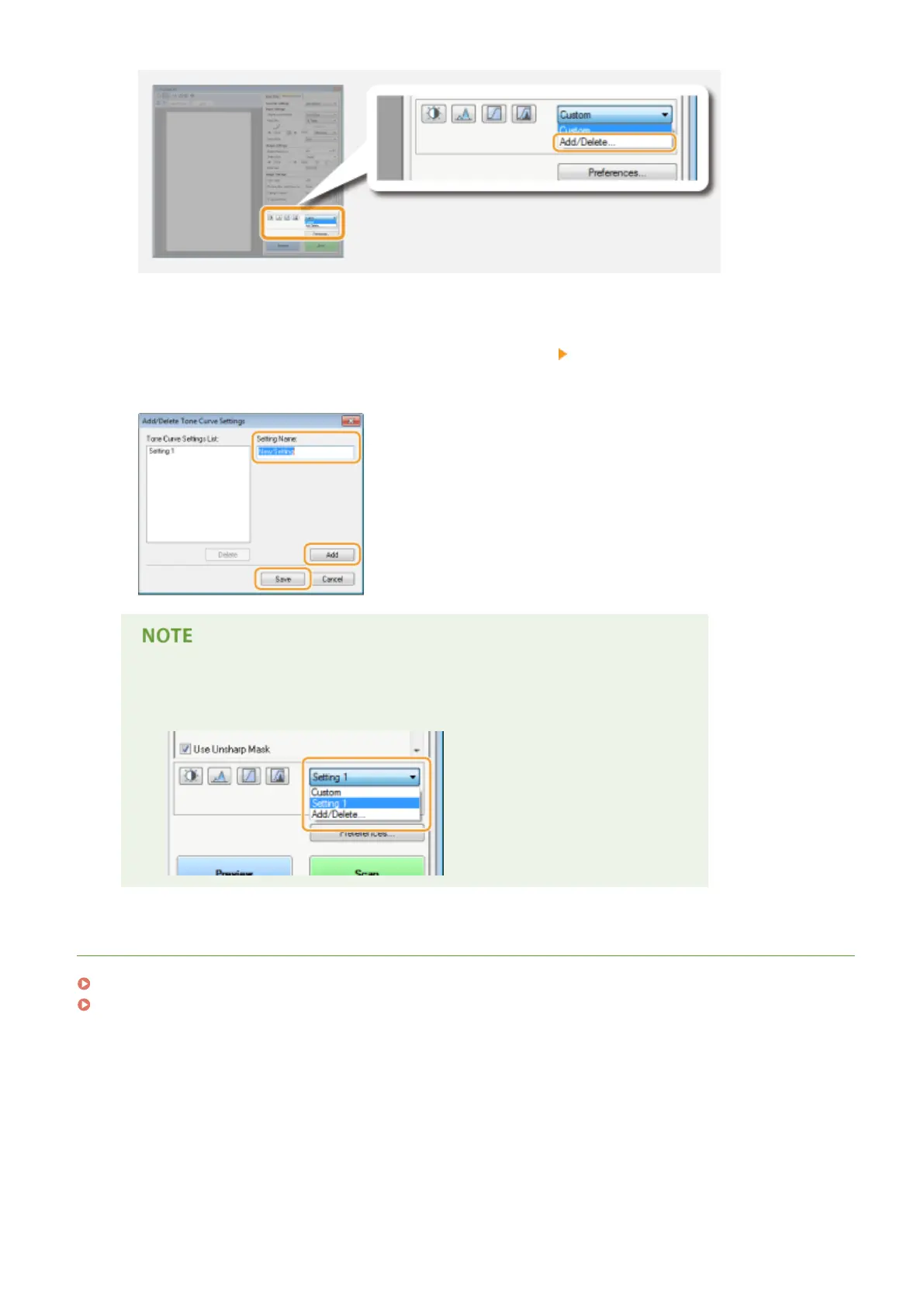
➠ The [Add/Delete Tone Curve Settings] or [Add/Delete Threshold Settings] screen is displayed.
4
Enter a name into [Setting Name], and click [Add] [Save].
● Enter a name for the settings to register. Use a name that is easy to nd in the drop-down list.
Calling the registered setting
● Display a preview image, and select the registered setting in the drop-down list.
LINKS
Conguring Scan Settings in Simple Mode(P. 314)
Scanning Using an Application(P. 311)
Using the Machine as a Scanner
330











 To Next Page