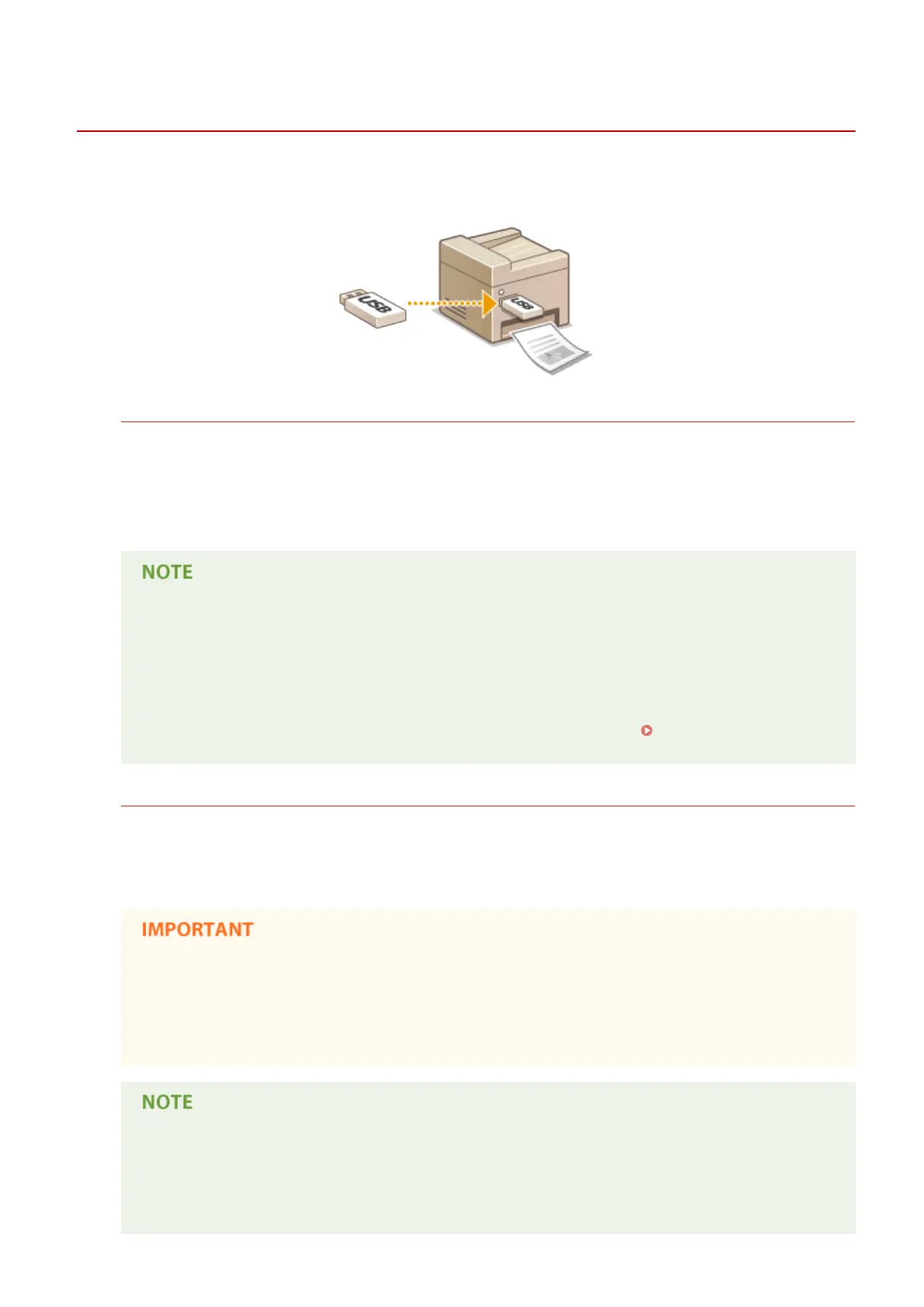
Printing from USB Memory (Memory Media Print)
0UWX-055
You can print image les and PDF les stored in a USB memory device by connecting it directly to the machine. Using
this function, you can print without using a computer.
Available File Formats
You can print the following types of image les.
● JPEG (DCF/Exif 2.21 or earlier/JFIF)
● TIFF (JPEG/MH/MR/MMR compression)
● PDF
● For JPEG and TIFF les, maximum printable data size per le
*1
is 20 MB
*2
.
● For PDF les, maximum printable data size per le is 2 GB.
● Note that even some les smaller than the size described above may not be printed correctly.
*1
For multi-page TIFF les, maximum data size is per page.
*2
Setting <Secure Print Settings> to <Off> allows data of up to 50 MB to be printed (
Secure Print
Settings(P. 716) ).
Available USB Memory Devices
You can use USB memory devices with the following format styles.
● FAT16 (memory capacity: up to 2 GB)
● FAT32 (memory capacity: up to 32 GB)
● Do not use non-standard USB memory devices. You may not be able to print the images properly in
some USB memory devices.
● USB memory devices cannot be connected via a USB hub or an extension cable.
● Do not use USB memory devices with special functions such as built-in security functions.
● The USB port on the front of the machine supports USB 2.0.
● If a folder in a USB memory device has many les, scanning image les to print will take more time.
Use your computer to delete unnecessary les on your USB memory device or move them to a
different folder.
Using the Machine as a Printer
289











 To Next Page