1
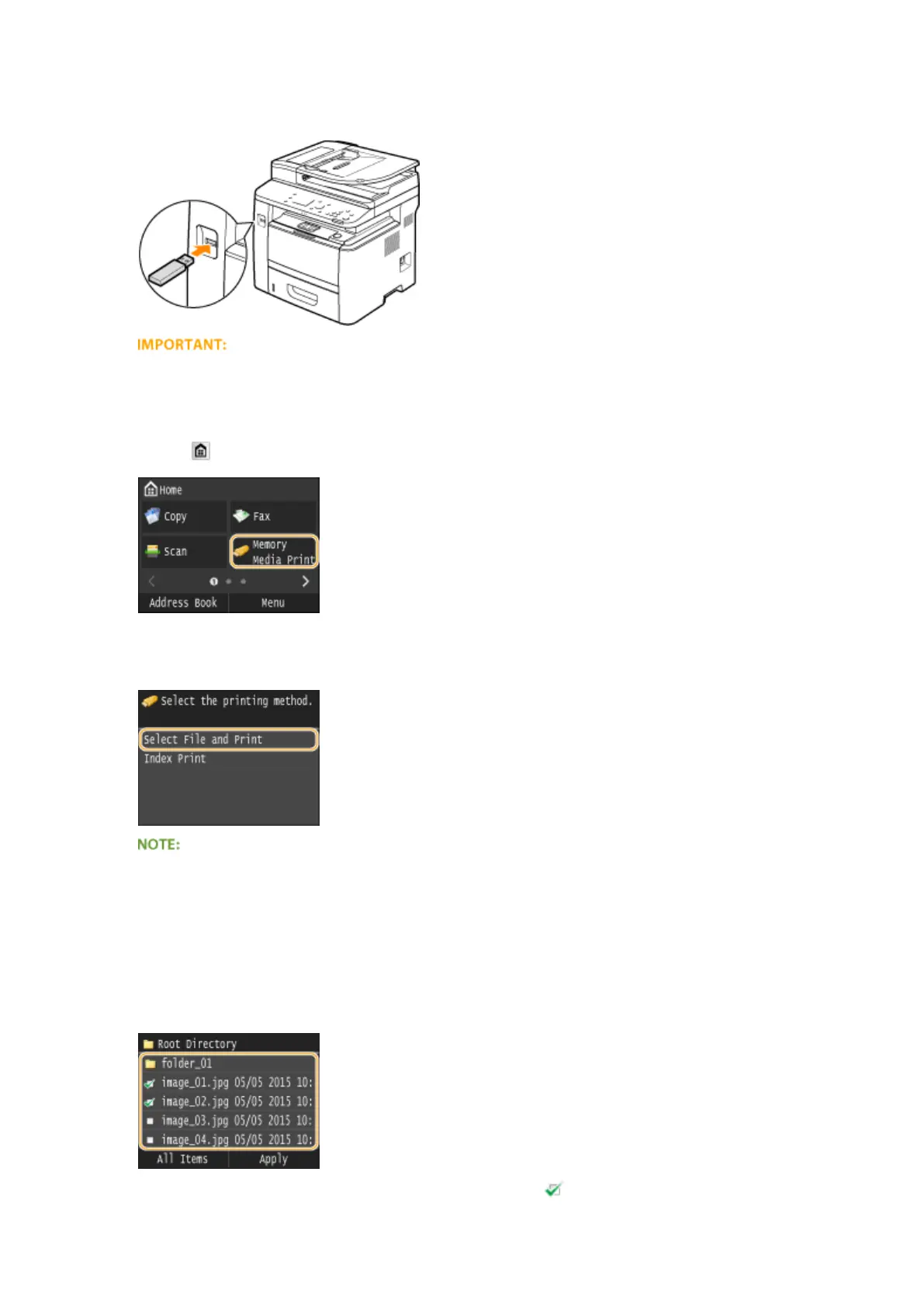
Connect a USB memory device to the USB port on the front of the machine.
● Do not remove the USB memory device or shock or shake the device or the machine when data is being
read or written. Also, do not turn OFF the machine while the processing is in progress.
2
Press and tap <Memory Media Print>.
3
Tap <Select File and Print>.
Index Print
● You can print thumbnails of the JPEG les stored in a USB memory device. To print the images in
thumbnails, select <Index Print> on the screen, and proceed to the next step.
4
Select the check box for the le you want to print.
● You can select multiple les.
● To clear a selection, tap the le you have selected (marked as ).
Using the Machine as a Printer
290











 To Next Page