Setting Gamma Values
0UWX-065
The scanned documents are converted into the specied le formats. At that time,
you can specify the gamma values to apply to the documents. You can specify the
same gamma value as that of the monitor which is to be used for viewing the
converted les so the les are displayed with brightness true to the original
documents.
● For the gamma value of a monitor display, see the instruction manual included with the display.
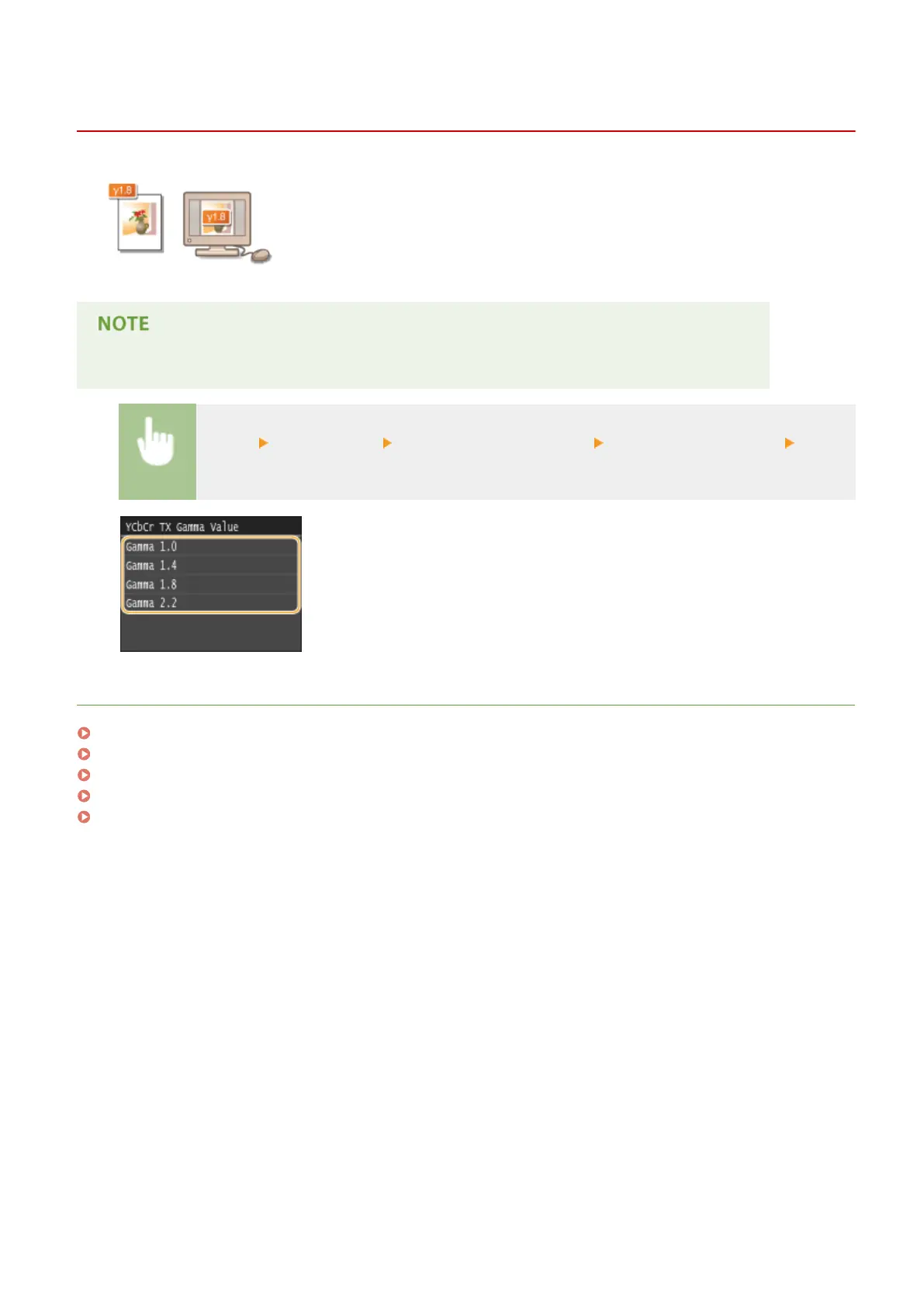
<Menu> <Scan Settings> <Output File Image Settings> <YCbCr TX Gamma Value> Select
the gamma value
LINKS
Scanning Documents Directly to USB Memory(P. 332)
Sending Documents as E-Mails Directly from the Machine(P. 335)
Sending I-Faxes(P. 224)
Saving Documents Directly in Shared Folder/FTP Server(P. 342)
Selecting a File Format(P. 351)
Using the Machine as a Scanner
360











 To Next Page