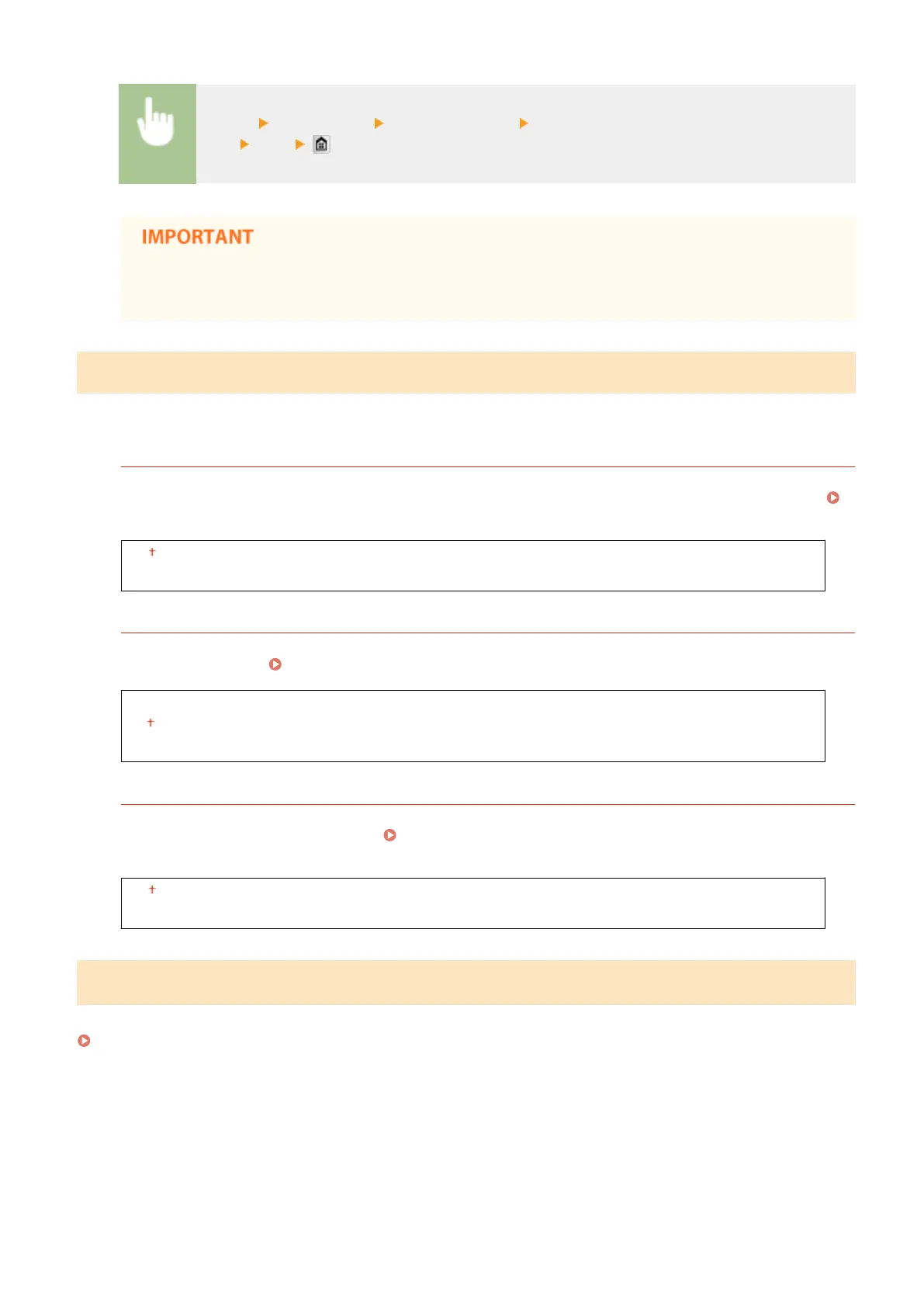
<Menu> <Fax Settings> <RX Print Settings> <Continue Printing When Amount in Cartridge Is
Low> <On>
● When this function is enabled, faxes may fade or blur. Because received documents are not stored,
you need to ask the sender to resend the document.
Forwarding Settings
Specify settings for forwarding faxes.
Enable Forwarding Settings
*2
Select whether to forward all the received fax documents to a specied destination. In addition to a fax number,
you can also specify an e-mail address or a shared folder in a computer, etc. as the forwarding destination.
Forwarding All the Received Documents Automatically(P. 194)
Off
On
Print Images
Select whether to print forwarded fax documents. You can set the machine to print forwarded documents only
when an error occurs.
Printing Documents to be Forwarded(P. 194)
Off
On
Only When Error Occurs
Store Images in Memory
Select whether to store fax documents in memory when they are not successfully forwarded. You can resend or
print the documents later as necessary. Printing/Resending/Deleting Documents that Failed to be
Forwarded(P. 195)
Off
Only When Error Occurs
Fax Setup Guide
*2
Select to display on-screen instructions for specifying settings, including the fax number and the telephone line type.
Conguring Initial Settings for Fax Functions (MF419x / MF416dw)(P. 140)
Setting Menu List
665











 To Next Page