Connecting to a Mobile Device
0UWX-0H6
When connecting the machine to a mobile device, you can select whether to connect by wireless LAN, Direct
Connection, or a touch on the machine (NFC)
*
. Select the connection method that best suits your environment and
devices.
*
MF416dw Only
◼
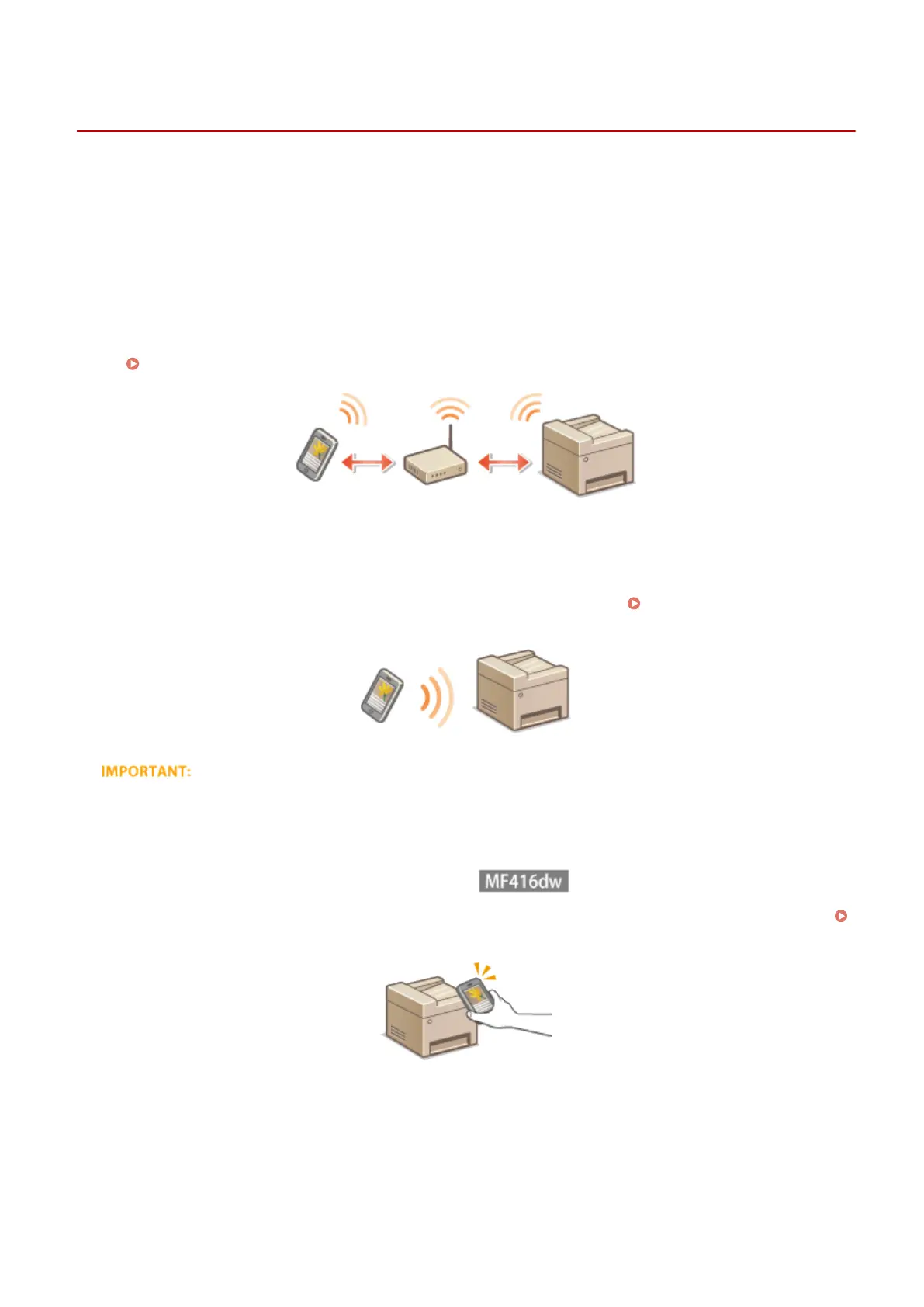
Connecting to a Wireless LAN
Like when connecting a computer and the machine, connect a mobile device and the machine via a wireless LAN
router.
Connecting to a Wireless LAN (P. 419)
◼
Making Direct Connection
Connect the mobile device and the machine directly without using a wireless LAN router. Even where no wireless LAN
environment is available, you can quickly connect the machine and a mobile device.
Make Direct Connection
(Access Point Mode)(P. 388)
●
When Direct Connection has been established, you can use neither a wired LAN nor a wireless LAN via router.
◼
Connecting by a Touch on the Machine (NFC)
If your mobile device has NFC capability, you can make a connection by simply touching the device on the machine.
Scanning from the Machine(P. 306)
Can Be Used Conveniently with a Mobile Device
387











 To Next Page